Defining a Model Context
You can define default member selections for dimensions that will use the same member for all the rules in the model. Defining default member selections saves you from having to select the members for a dimension each time the dimension is used in a rule.
To define default members for the model context:
-
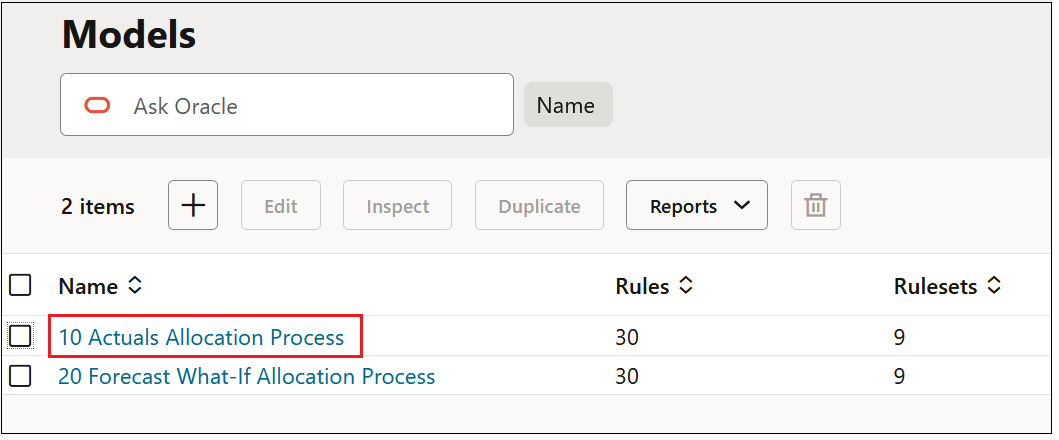
On the Models page, click the hyperlink for a model.
For example, in the BksML50 sample application, you could click the link for the 10 Actuals Allocation Process model.
-
Define the members to be used in the model context.
To define default member selections for a dimension, click in a row next to the dimension in the Model Context column, and then click Edit.
For example, to define member selections for the Activity dimension, click in the Model Context column next to Activity, and then click Edit..
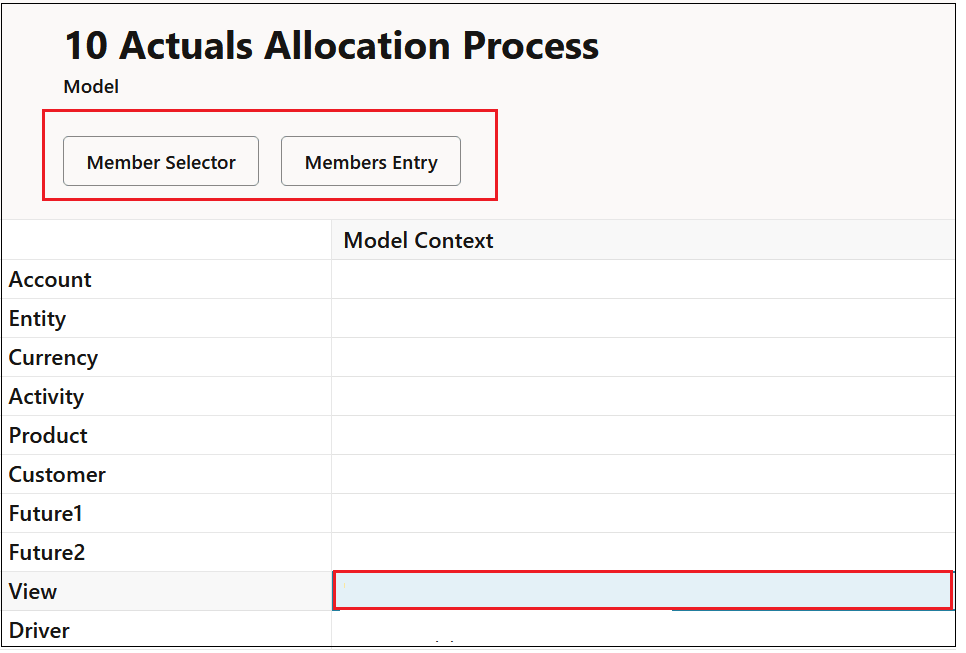
You can also define members selections for several dimensions by clicking the rows next to the desired dimensions in the Model Context column, and then clicking Edit.
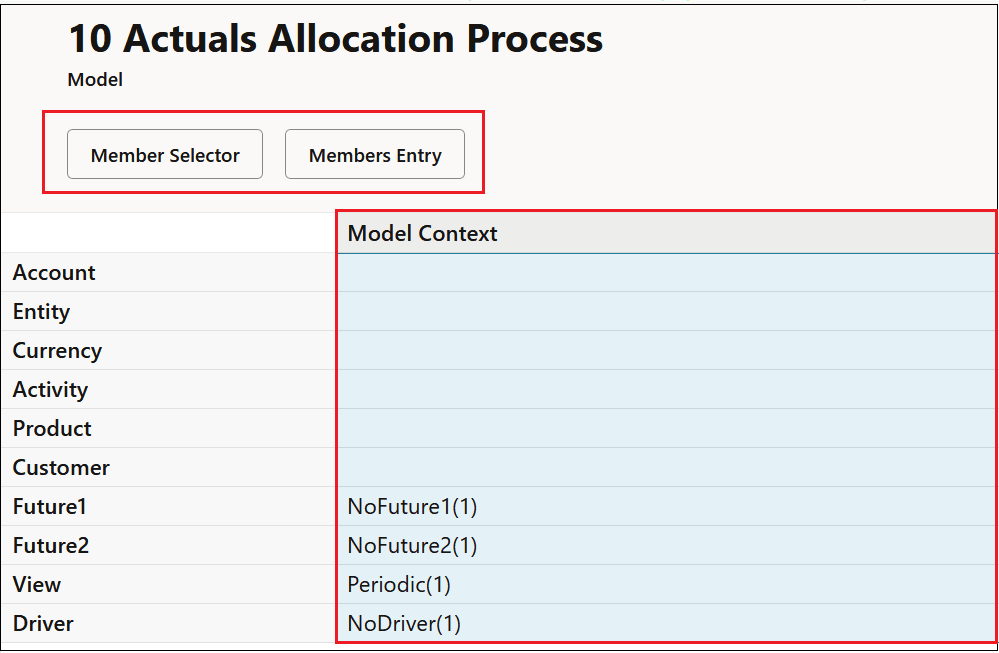
To defne default member selection for all the dimensions in the model, click Model Context to select all the rows.
-
In the Edit Model Context Component panel, select the members for the model context by doing one of the following:
-
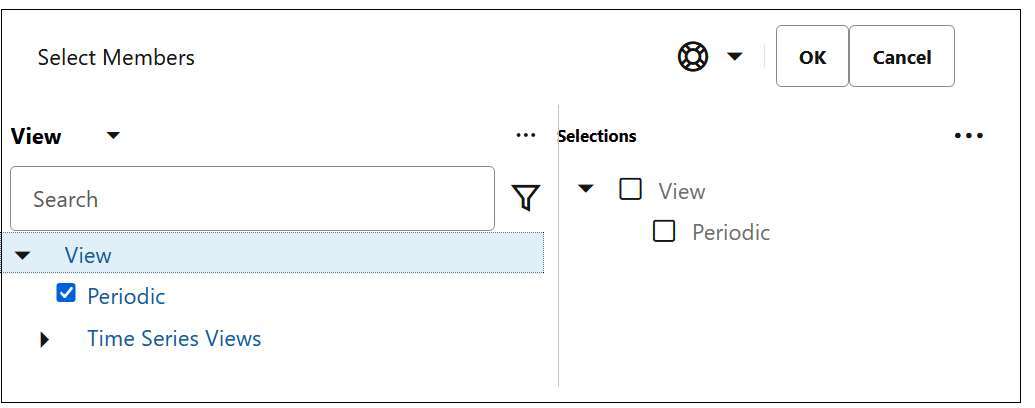
Click Member Selector to open the Select Members dialog box, where you can browse the dimension hierarchy and select the members to add to the dimension. See Using the Member Selector.
In this example, the Periodic member has been added to the View dimension.
Tip:
When making default member selections, you can select only level 0 members. See Using the Member Selector
-
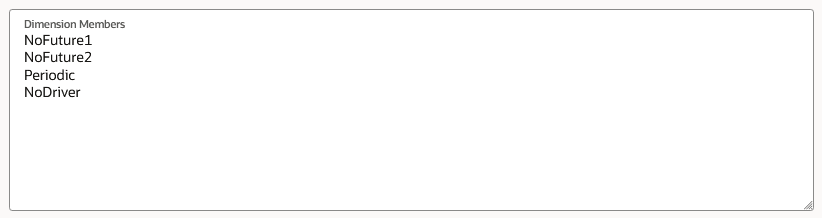
Enter member names, one per line, in the Dimension Members area.
Tip:
If you have a list of members in an Excel spreadsheet, you can copy these members from Excel, and then paste them into the Dimension Members area. The members will be added to the dimensions in the source to which they were assigned when the dimensions were created. See Adding Members to a Dimension.
-
-
Click Submit to save the information you have added for the model context.
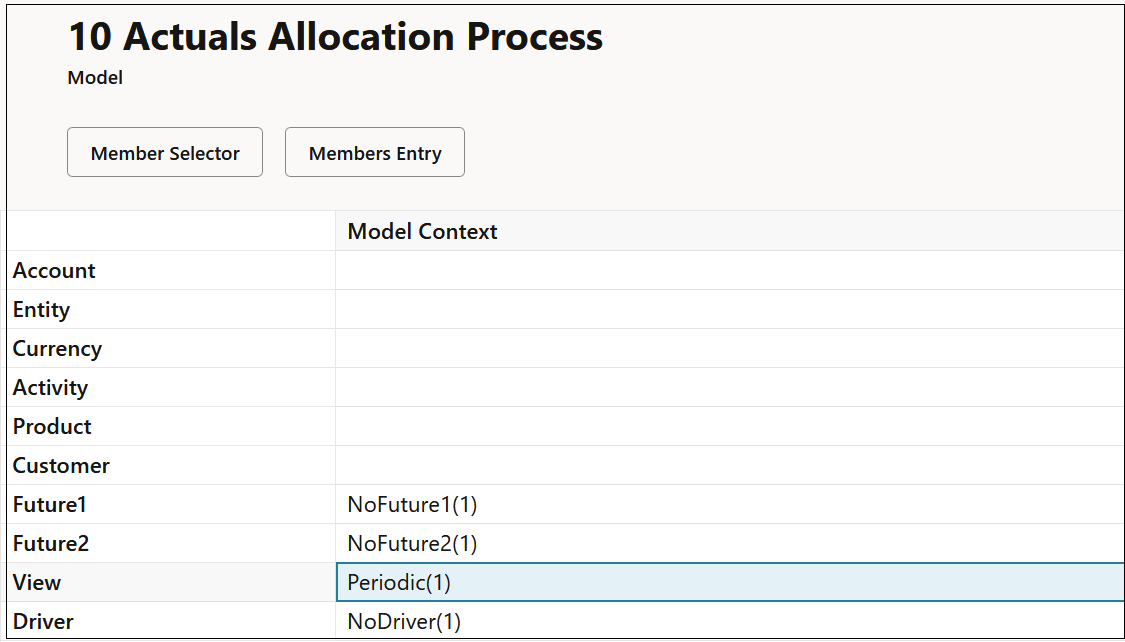
In the BksML50 sample application provided with Enterprise Profitability and Cost Management, a model context has been defined for the 10 Actuals Allocation Process model as follows:
Figure 7-2 Sample Model Context for the 10 Actuals Allocation Model
Tip:
See Understanding Model and Rule Set Context for a detailed example of defining a model context.