Filtering Which Calculation Records are Displayed
Use filter and sort options to specify which calculation records are displayed and the order in which they are displayed. These options allow you manipulate the display so that you can isolate the calculation records that you want to focus on.
Searching for Specific Calculation Records
To search for specific calculation records, you can either:
-
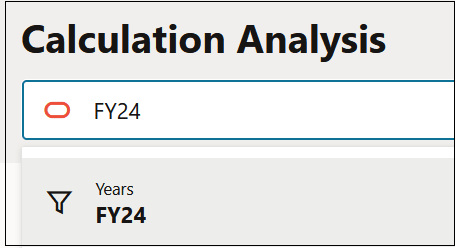
Enter a value in the Search field.
For example, you could enter in FY24 in Search, and then click FY24 under the Years dimension.
-
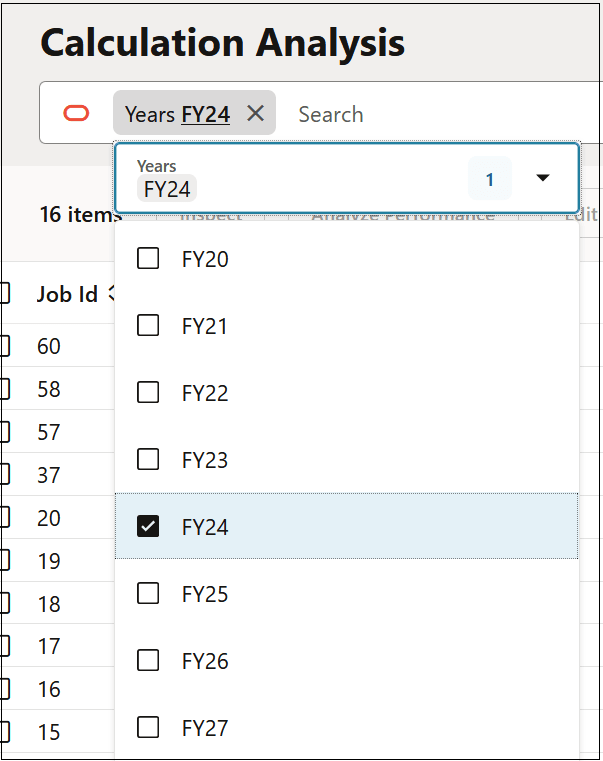
Click a tile, or drag and drop a tile into Search.
For example, you could move the Years tile into Search, and then select FY24 from the resulting drop-down.
In this example, the Calculation Analysis page limits the calculation records displayed to FY24.
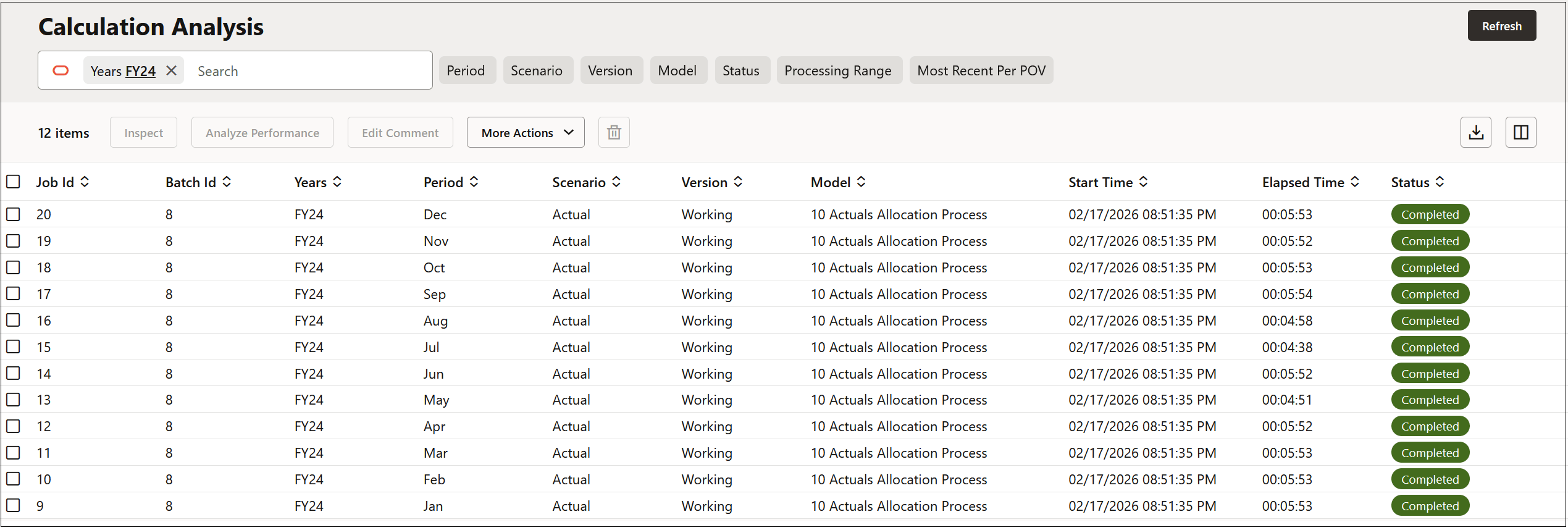
To remove a filter, click the X on the tile to once again display all the calculation records on the page.
You can filter by more than one dimension by moving the tiles corresponding to the dimension into Search. For example, you could display all the calculation records in December of FY24.

Note:
When you select an upper level member, all level-0 descendants of that member are included in the filter.
Defining the Calculation Record Sort Order
To sort the order in which the calculation records are displayed, click the up arrow/down arrow to the right of the calculation record to sort in ascending or descending order.

To refresh the calculation records displayed on the page to their original sort order, click Refresh.