Exporting Period Mappings to Excel
Export period mappings to an Excel spreadsheet.
To export period mappings to Excel:
-
On the Period Mapping page, from the
Actions menu, select Export To
Excel.
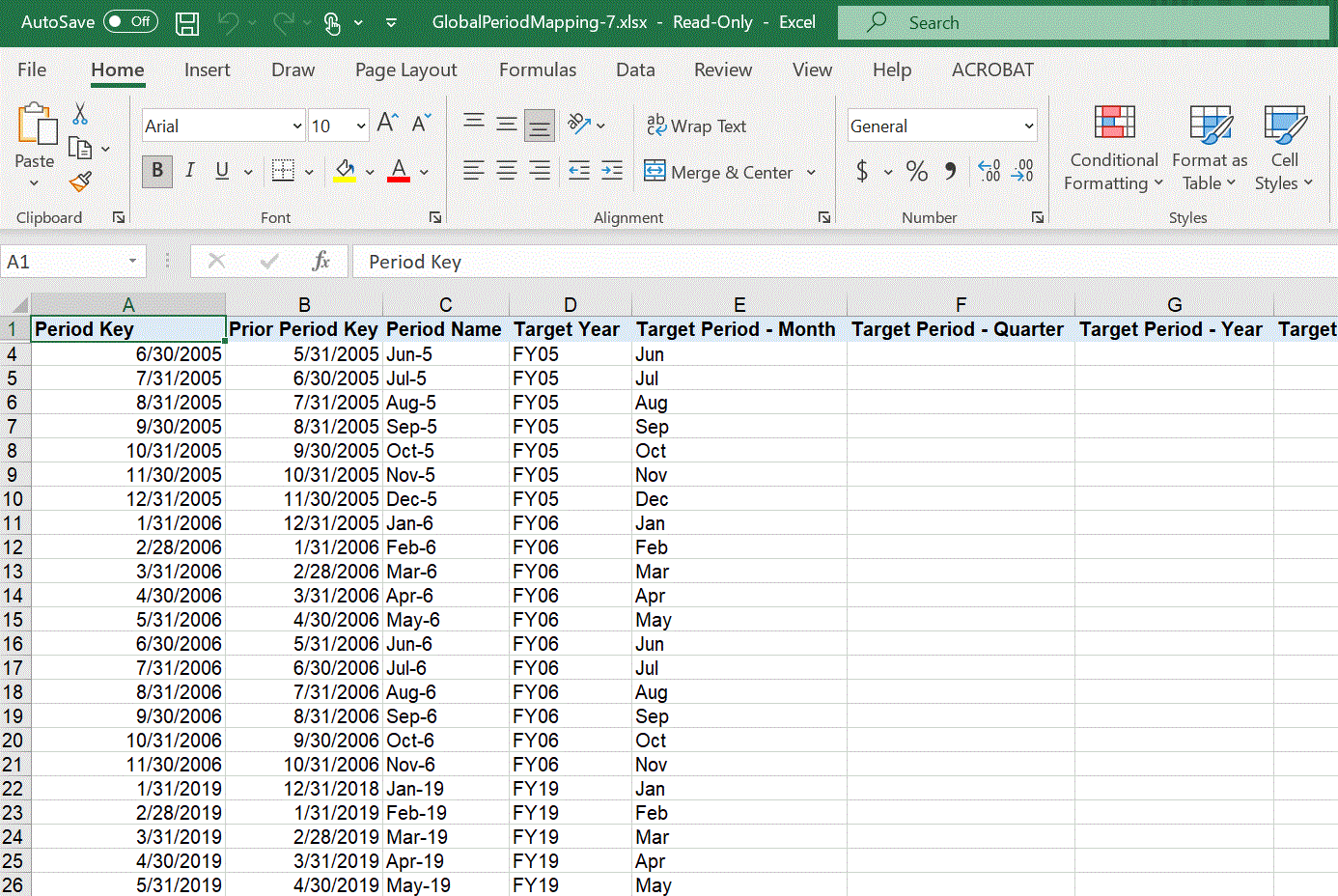
The period mapping is exported to an Excel file and downloaded to your system.The following shows exported period mappings in an Excel spreadsheet.