Location Permissions Notifications
The installed app needs location permissions to access the location of the field resource, provide accurate location-based alerts and duration estimations, and support image features that require location information such as Multi-Image Watermark.
If Multi-Image Watermark is enabled, location access is required before images can be captured with location-based watermark information. The application prompts users to provide the required permissions when necessary.
If the Disable route activation when geolocation is not enabled on device check box is deselected or, if the location services (GPS) is turned ON, and the field resource did not provide the location permissions, the application prompts the user to provide appropriate permissions. A message displays the steps to provide the location permissions. To go to settings, open location access -> app info -> choose Permissions and change the location permissions.
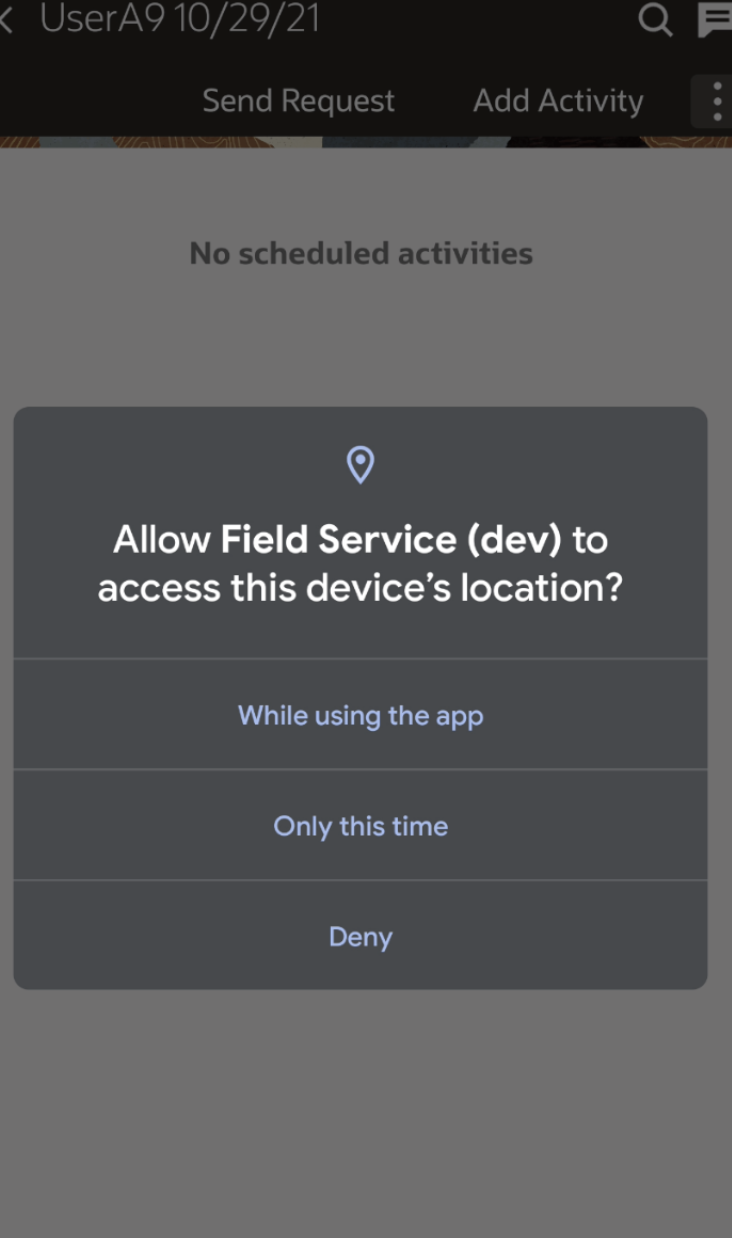
If you change the permissions from While using the app to Deny on an Android device, the 'Field Service is running' notification is still displayed.
If your administrator has selected Disable route activation when geolocation is not enabled on device, the app identifies that the location services (GPS) are not turned ON and location permissions are not provided. The message displays notifies that you have to provide location permissions and turn ON the location services. In such cases, you cannot Activate the route unless you provide the location permissions and turn ON the location services.
If your administrator has not selected Disable route activation when geolocation is not enabled on device, you are not prevented from activating the route.
- You can navigate to Japan-based activities with better context because streets and intersections appear clearly on the map.
- You can view your own movement or coordinate gathering results with greater accuracy relative to the visible roads.
- You can interpret activity locations and route context more easily while on the move.