Intelligent Advisor Project Templates
Intelligent Advisor project templates can be used to help you write web rules for an end-to-end integration. When you create a new project, you choose the template for that project which determines the initial content of the project. These templates are either:
-
Standard - These out-of-the-box templates facilitate the uptake of specific Oracle use cases such as encouraging use of Intelligent Advisor with Oracle Integration and IoT Cloud for asset-based service. The standard templates provided are:
-
Blank - This template does not contain any content
-
IoT Issue Handler - This template can be used for calculating how to action an issue originating through IoT Cloud
-
Warranty - This template can be used to check if an asset is eligible for warranty repair or replacement, including coverage of the technician's call-out fee
Standard templates cannot be edited and are listed on the Templates tab of the Projects Page in a separate sidebar to distinguish them from custom templates.
-
-
Custom - These user-defined templates are supplied by Hub managers to kick-start authors creating rules for their specific organization's requirements. Custom templates are editable (by users with the appropriate permissions) and are listed on the Templates tab of the Projects Page
Template projects are almost identical to decision service projects. The differences are that:
-
Templates cannot be deployed
-
Templates cannot be referenced from Policy Modeling, decision service or flow projects
Create a new template project
Custom templates can be created to use as the starting point for new decision service and decision service template projects. To create a custom template, follow the steps in Create a New Project and select Decision service template as the project type.
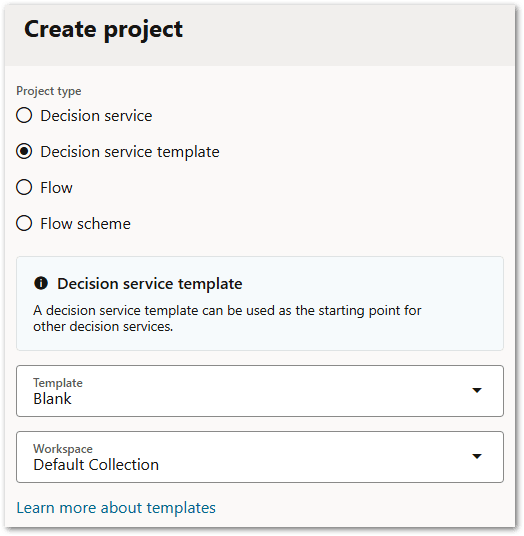
In the template project, define the inputs and outputs for the decision service, as well as the decision logic.
Once created, a template project will be listed on the Templates tab of the Projects Page.
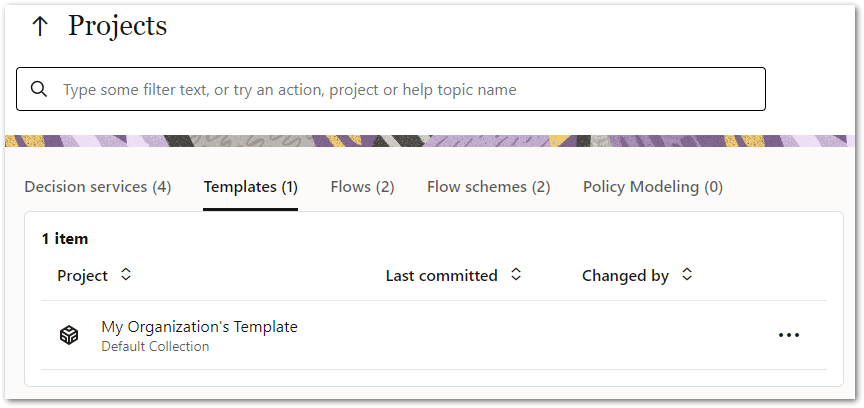
Once committed, a template project will be available for selection in the Template drop-down list when creating new decision service and decision service template projects.
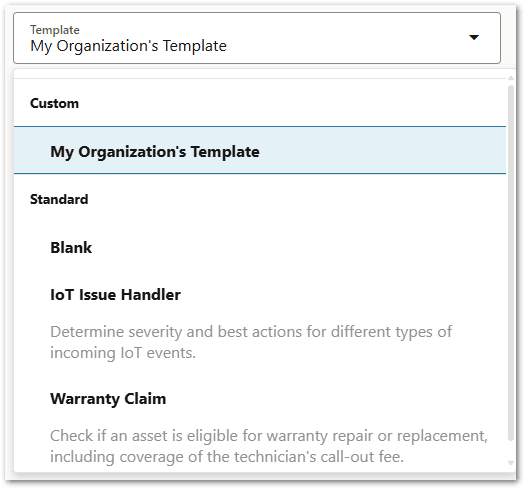
This template is a simple copy of the content from the most recent (non-draft) version of the template project. No ongoing attachment to the original template is retained after the project is created.
Use a project template to create a new decision service project or new decision service template project
To use an existing project template (either standard or custom) to create a new decision project, follow the steps in Create a New Project. The Template drop-down lists the Standard and Custom project templates for you to choose from.
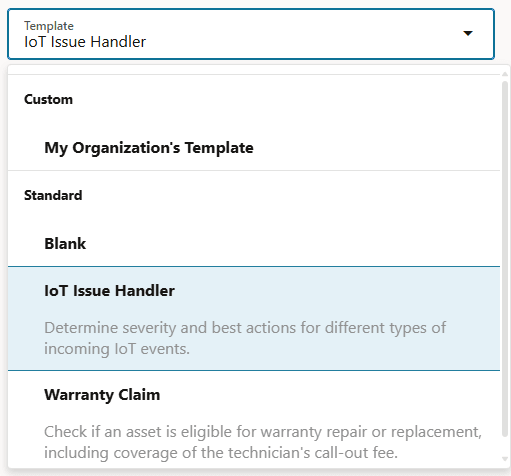
Using a standard template will produce default content in the selected rule language for the project (that is, French, Spanish or English). For more information on changing rule language, see Change the Rule Language for a Decision Service Project.