Revert a Project to an Earlier Version
A Policy Modeling project in a repository can be reverted by an Author to an earlier version. This allows you to undo changes that you no longer want.
To do this:
- In Intelligent Advisor Hub, navigate to the Projects Page.
- Select the Policy Modeling tab.
- Click the Policy Modeling project name. The project opens.
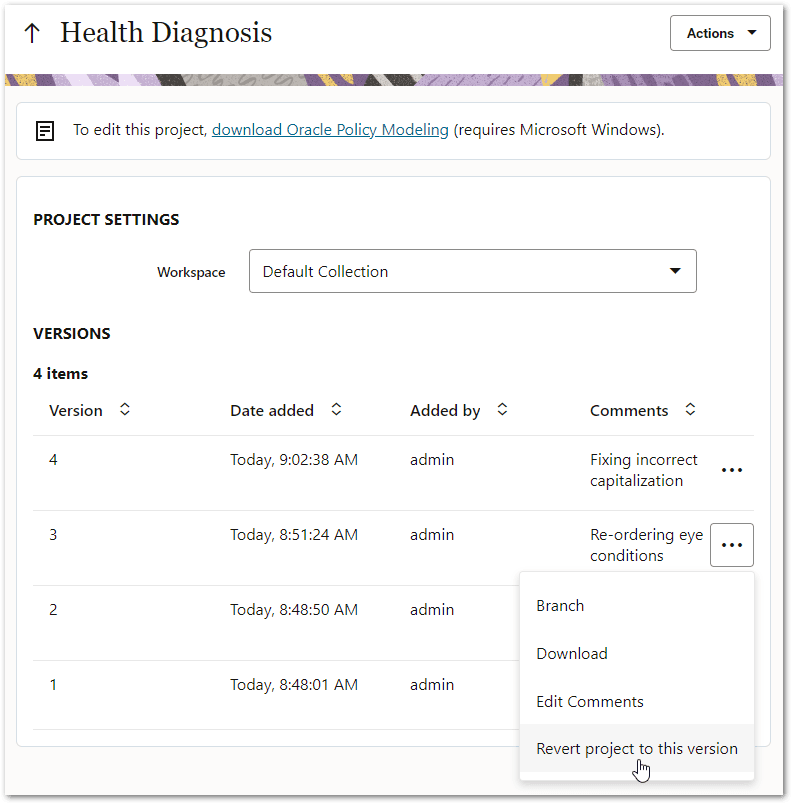
- Click the menu next to the version that you want to revert to and select Revert project to this version.
- In the Revert project dialog, enter comments describing the reversion. Note that if any other users are working on project items (that is, some project items are locked), those items will be shown in a table in the dialog and you will be advised that reverting the project will steal ownership of those items.
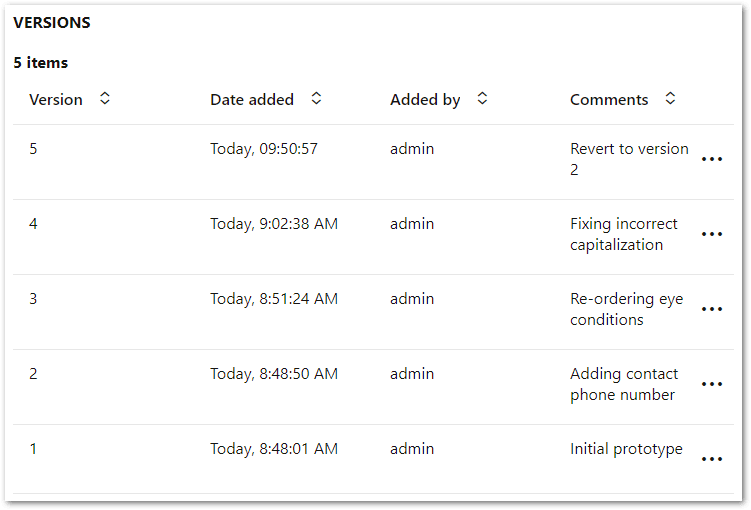
- Click Revert. The dialog will close and the Versions table will be updated to show a new project version that has been created to revert the project's state back to the same as that of the project version selected above.