SKU Exclusion
Points per Currency commerce configuration may require frequent update to exclude certain products from earning points. Users with valid commerce configuration permissions can add or update the SKUs to be excluded in the control center.
Add SKUs
To add a new SKU:
-
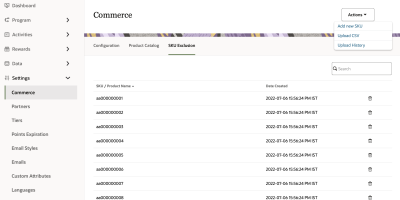
In Control Center, navigate to Settings > Commerce> SKU Exclusion.
-
Click Actions and select Add New SKU.
-
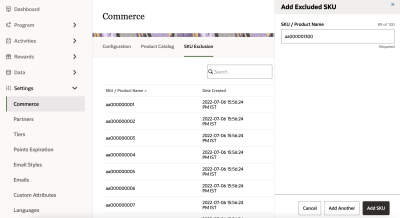
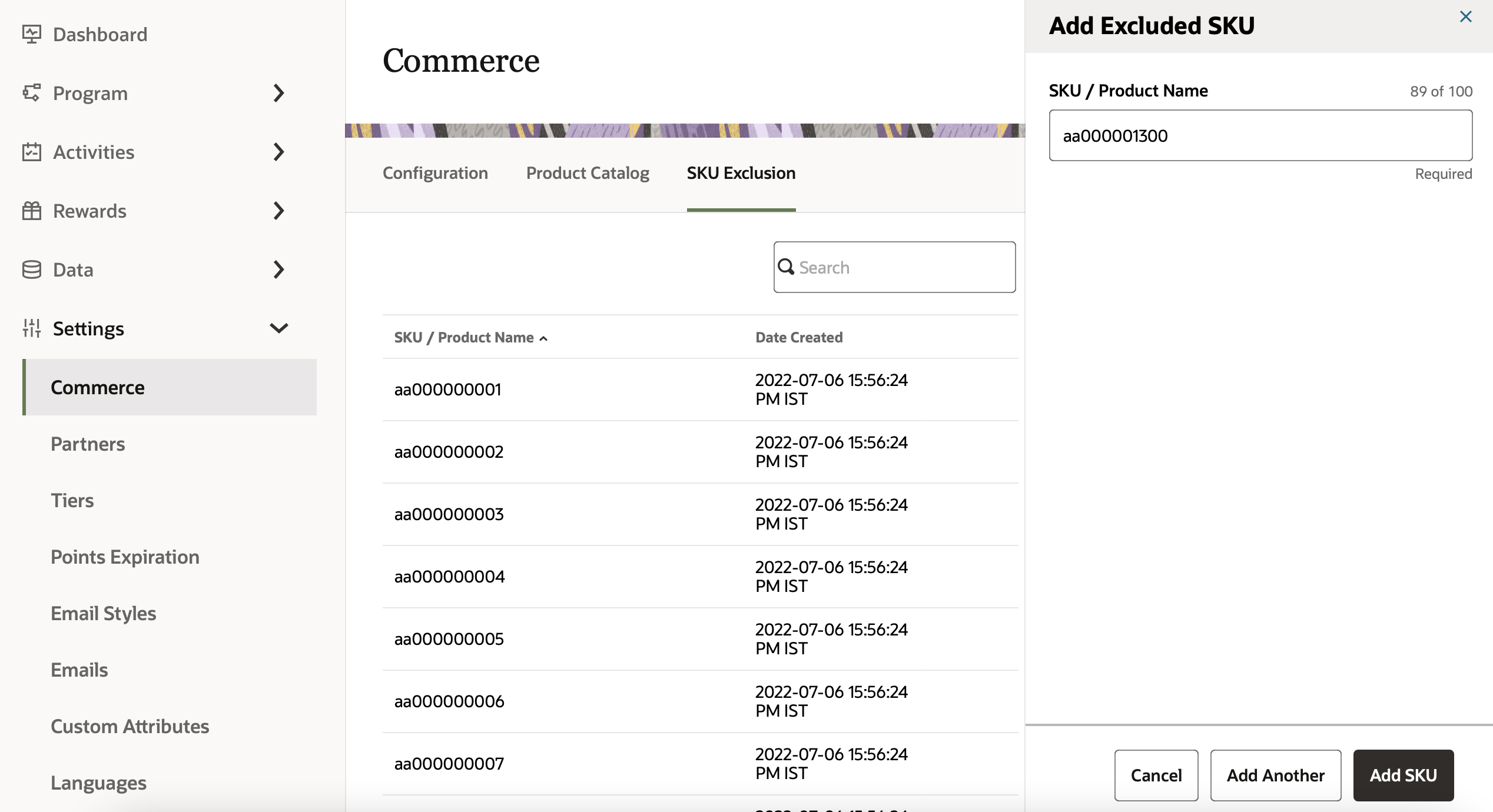
In the Add SKU panel, enter the SKU or product name and the points.
-
Click Add SKU. If there is more than one SKU to be added, click Add another.

Upload SKU file
To upload a list of SKUs:
-
In Control Center, navigate to Settings > Commerce> SKU Exclusion.
-
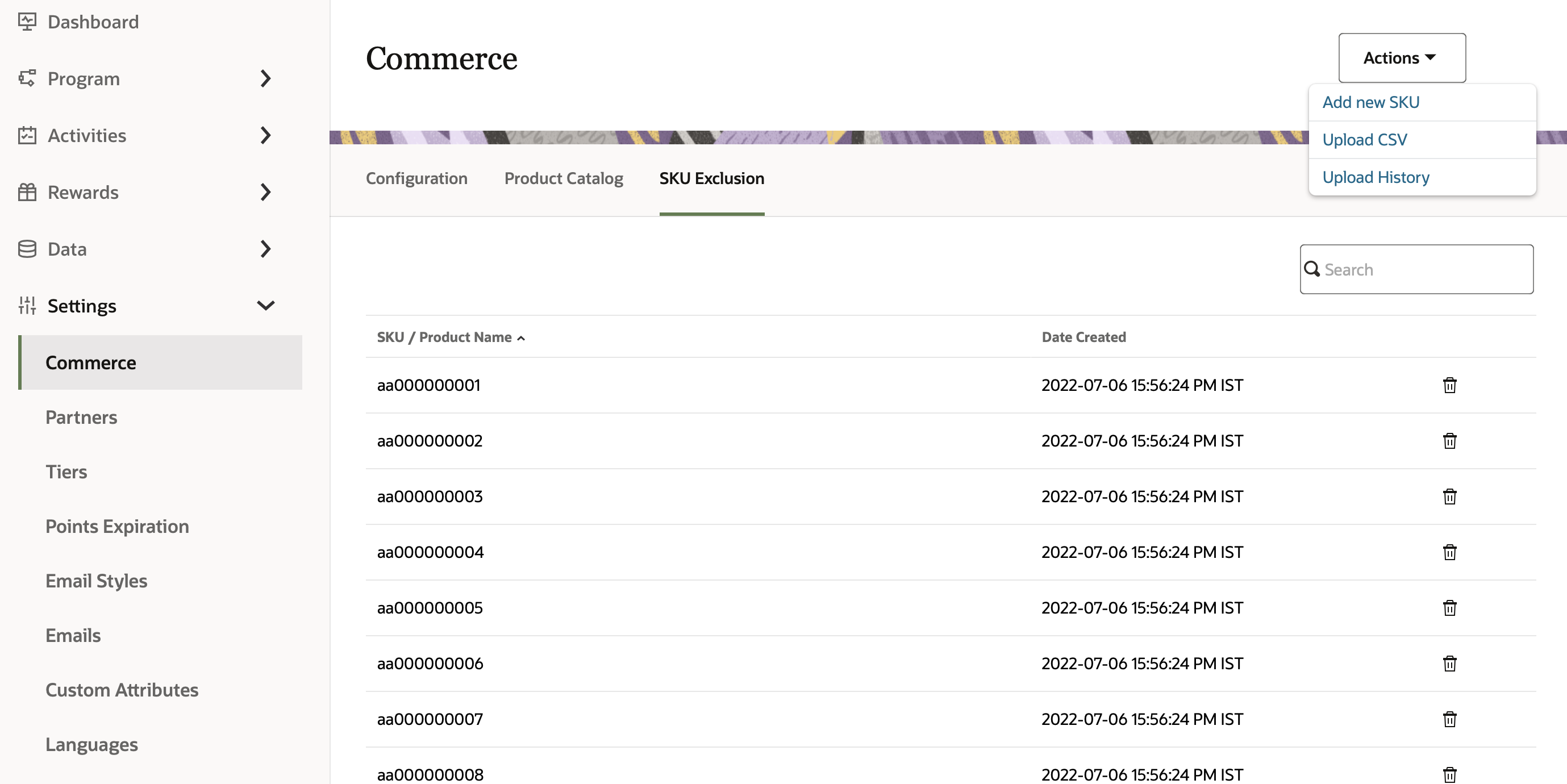
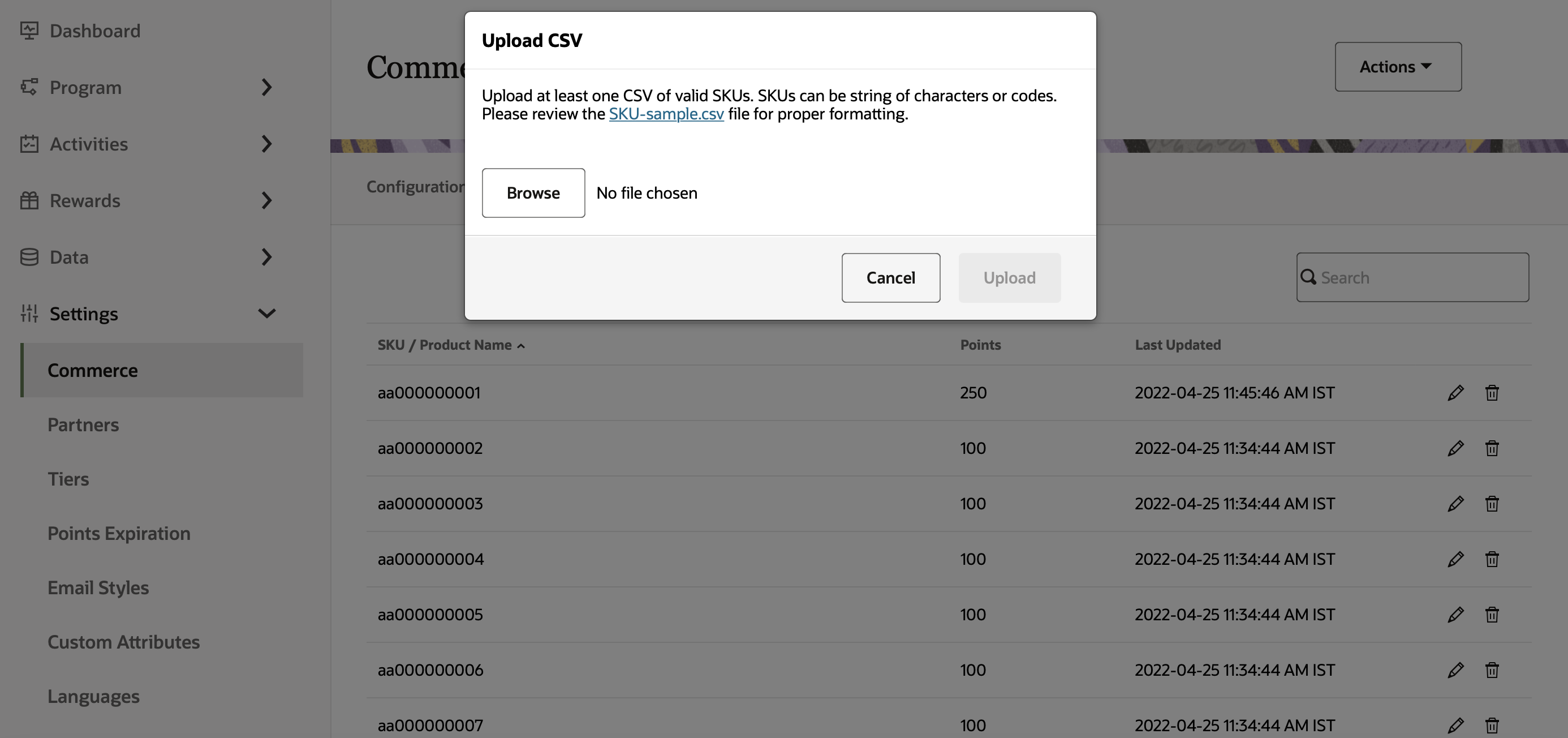
Click Actions > Upload CSV.
-
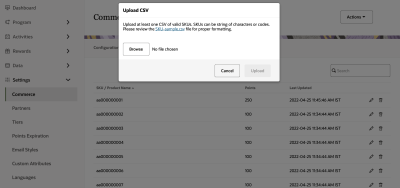
In the upload dialog, browse to the valid CSV file and select Upload.
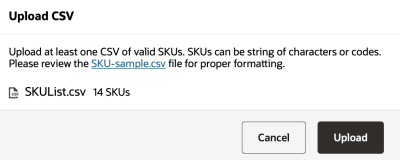
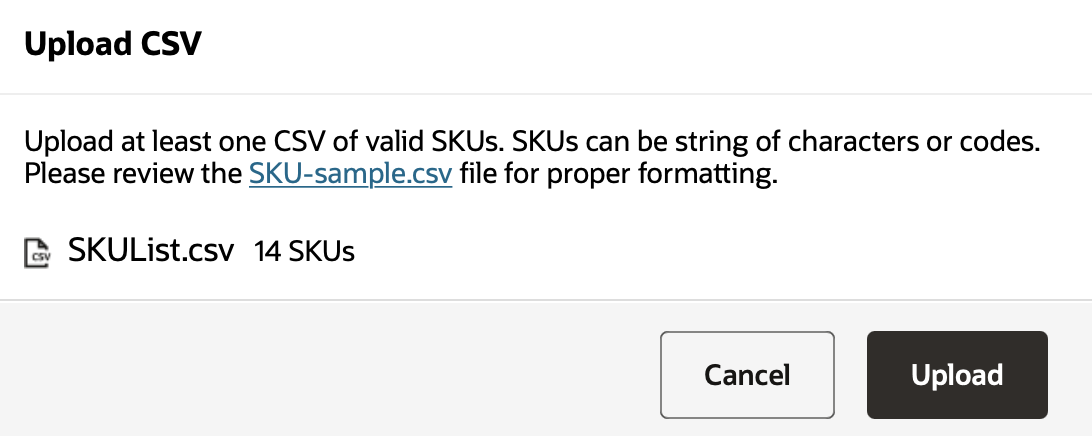
- To avoid upload failures, please validate your file format against SKU-Sample.csv.
- The file must contain only one column for SKUs.
- The first row of the must contain the header values as per the sample file.
View upload history
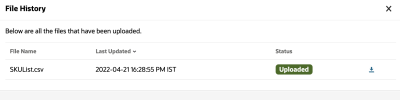
To check the status of the upload file:
-
In Control Center, navigate to Settings > Commerce> SKU Exclusion.
-
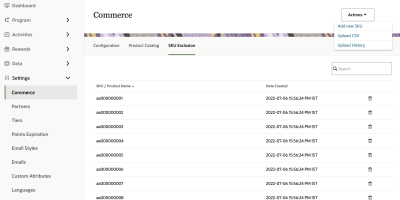
Click Actions > Upload History.
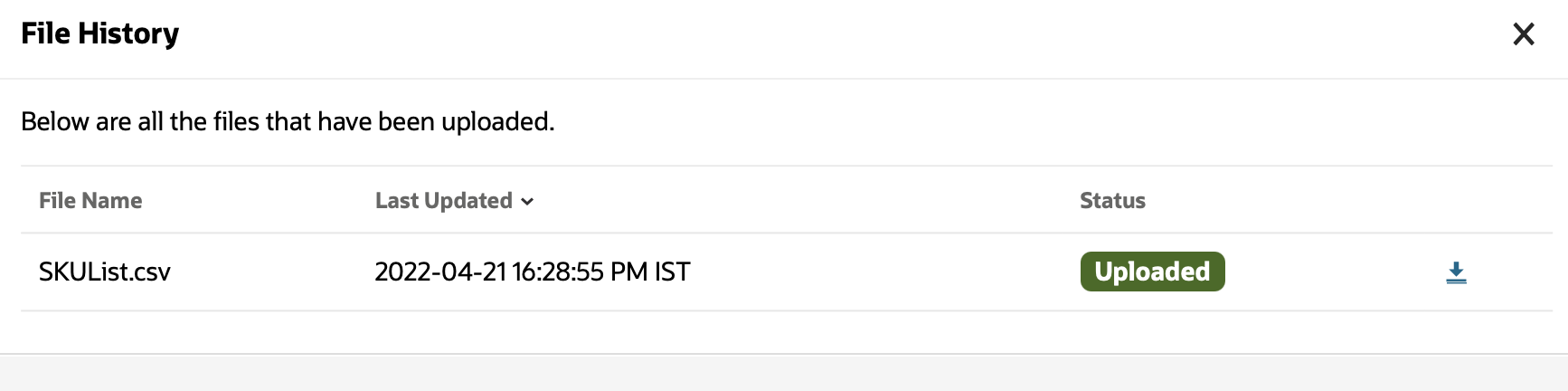
Delete SKUs
To delete a SKU:
-
In Control Center, navigate to Settings > Commerce> SKU Exclusion.
-
Search for the SKU you want to edit and click Delete
 .
. -
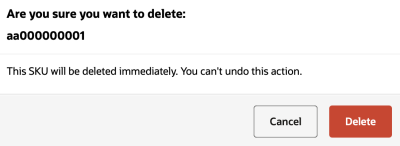
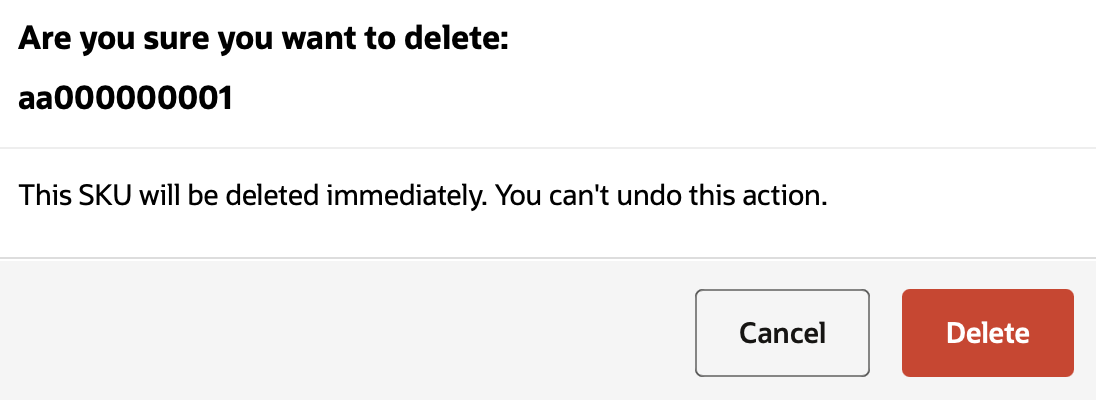
Review the SKU deletion request and click Delete.