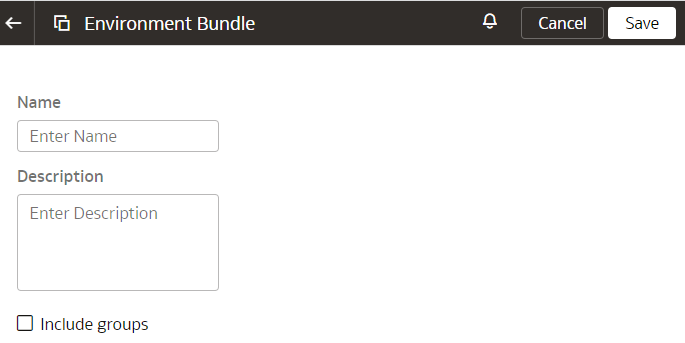
Create an Environment Bundle
Create a snapshot of the non-catalog items of your application to save their current state.
Environment bundles include non-catalog items such as datasets, connections, and machine learning artifacts. However, the underlying files that aren't included must be uploaded manually. Before generating an environment bundle, verify that all the dataset names are free of special characters.
Before creating the bundle, delete any duplicate or unused catalog folders to reduce bundle size and improve deployment efficiency. It's recommended you avoid creating duplicate Shared Folders because the duplicate folders consume unnecessary space, increase bundle size, and might cause performance issues or errors.
- Sign in to your service.
- In Oracle NetSuite Analytics Warehouse Console, click Bundles under Application Administration.
- On the Bundles page, click Create.
- In Create Bundles, select Environment Bundle.
- Enter a name and description for your environment bundle.
- Click Save.