Create a Security Bundle

Create a snapshot of your application security artifacts to save their current state.

  1. Sign in to your service.
  2. In Oracle NetSuite Analytics Warehouse Console, click Bundles under Application Administration.
  3. On the Bundles page, click Create.
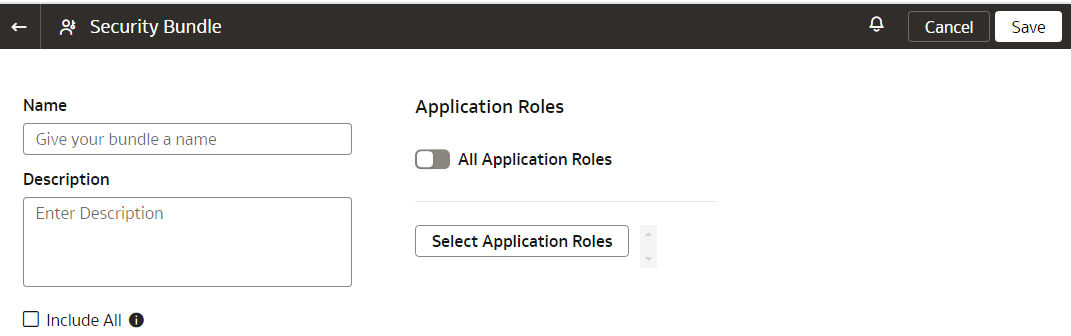
  4. In Create Bundles, select Security Bundle.
  5. Enter a name and description for your bundle.
  6. Select the applicable option:

    Select the Include all security settings check box or select the Oracle NetSuite Analytics Warehouse-related application roles using the Select Application Roles button as the recommended approach.

    Note:

    If you have the enhanced security capability of Oracle NetSuite Analytics Warehouse, then you no longer can specifically select groups as part of the Security bundle. See About Managing Users, Groups, and Application Roles.


  7. Click Save.