Enable Netsuite Account Analysis
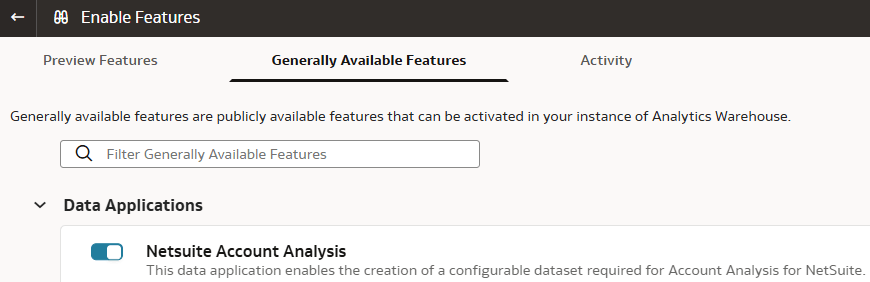
Prior to configuring the Netsuite account analysis template to build the account analysis reports in Oracle NetSuite Analytics Warehouse, you must enable the NetSuite Account Analysis data application.
Note:
After you enable this capability and create the NetSuite Account Analysis data application, you must activate it.- Under the Generally Available Features tab, in Data Applications, select the toggle to enable Netsuite Account Analysis.