Accessing the Scripted Records Page
Access the Scripted Records page by going to Customization > Scripting > Scripted Records.
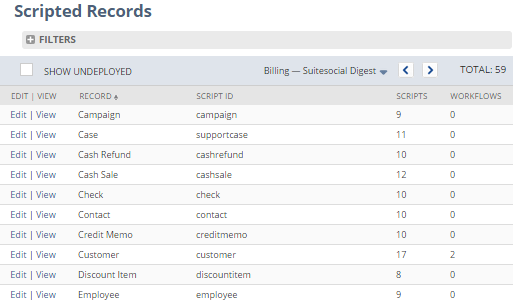
Each record is shown on the Scripted Records page. To access a specific scripted record, do the following:
-
Click Edit to change a record's script deployment order or to deploy or undeploy scripts for that record type, or
-
Click View to view information about the scripts associated with a record type.