Create the Bundle Installation Script Record
After you add the bundle installation script file to the file cabinet, you create the bundle installation script record.
-
Go to Setup > Customization > Scripts > New, and click Bundle Installation.
-
Complete fields in the script record and save.
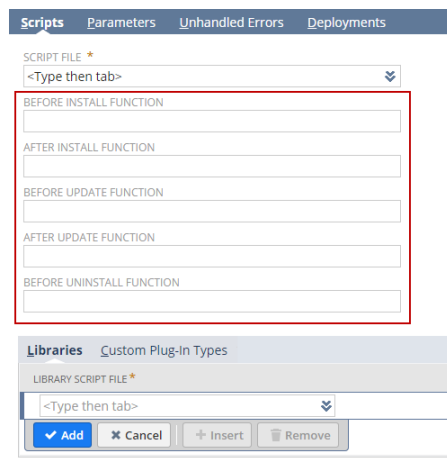
You must provide at least a Name for the Script record. Then, load your SuiteScript file to the record and specify at least one executing function on the Scripts subtab.
-
These functions should all be in the main script file. If these functions call functions in other script files, you need to list those files as library script files.
Next: Define Bundle Installation Script Deployment