About Validating Metadata
Use the Validate Metadata setting as part of the database refresh process to scan for and automatically resolve member identity (ID) mismatches between the business process and Oracle Essbase.
In certain cases, the identity of a member changes in a way that causes it to be not fully recognized in the multi-dimensional database used by the application. When a member’s identity is not fully correctly established within all parts of the system, it could sometimes cause hierarchy issues like incorrect member ordering, or it could miss children underneath that member, or miss some siblings, or miss certain properties, and so on. Selecting Validate Metadata detects such members and automatically resolves their identity, allowing these members as well as their hierarchies along with properties and siblings, to be fully and correctly recognizable and usable within all the parts of the system.
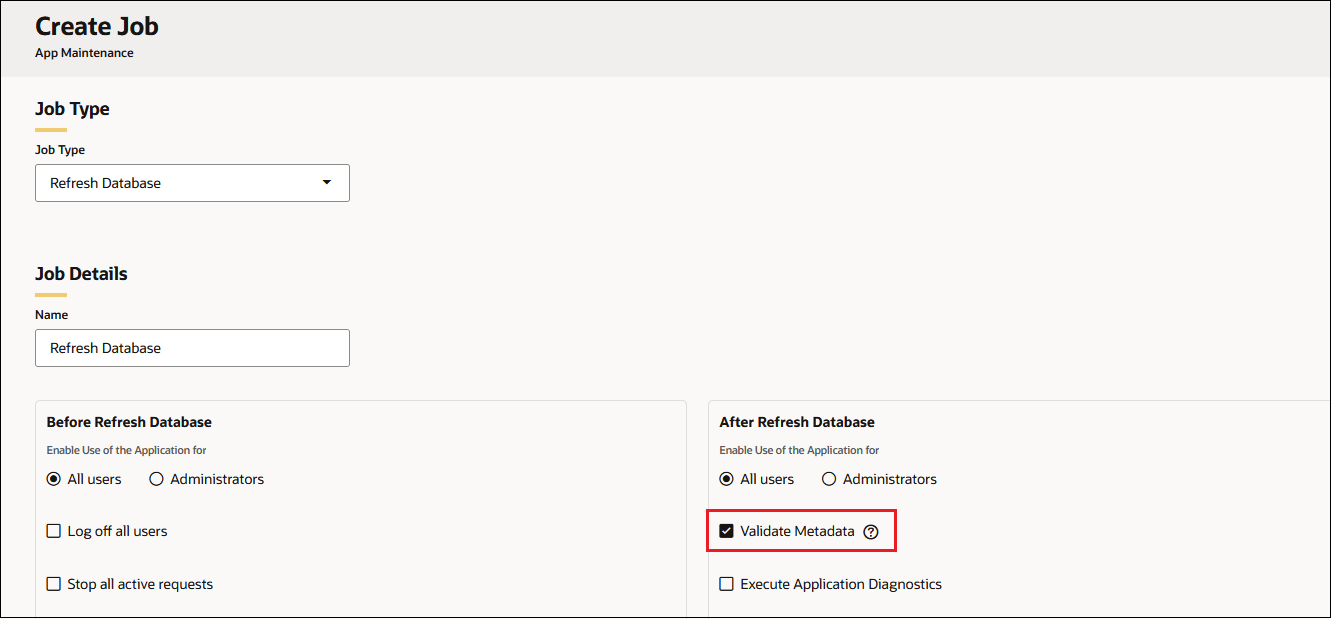
You can select Validate Metadata as an option under After Refresh Database when creating a Referesh Database job.
Note:
Selecting Validate Metadata might add additional time to the refresh process.