New Model Check-in Message when Closing a Model Tab in Strategic Modeling
After you have checked out a model and made any changes to it, when you close the model tab, you get a new Check-In Model message.
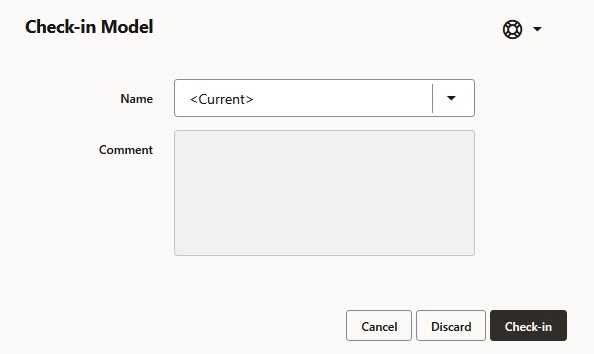
Model Check-in message
Choose from the following options:
- Check-in: Commit the changes to the model and close the tab.
- Discard: Ignore the changes to the model and close the tab.
- Cancel: Stay on the current page.
Note: Model check-in no longer calculates scenarios. Users must calculate scenarios before check-in. The grid displays the active scenario's calculation status.
Business Benefit: This enhancement speeds up the check-in process and provides clear visibility into the active scenario's calculation status.
Key resources
- Opening, Checking Out, Checking In, and Deleting Models in Working with Planning