Joint Venture Transactions Assistant
Use the Joint Venture Transaction Analysis Assistant to proactively run the Identify Joint Venture Transactions process to bring in new transactions and notify joint venture accountants about transaction exceptions.
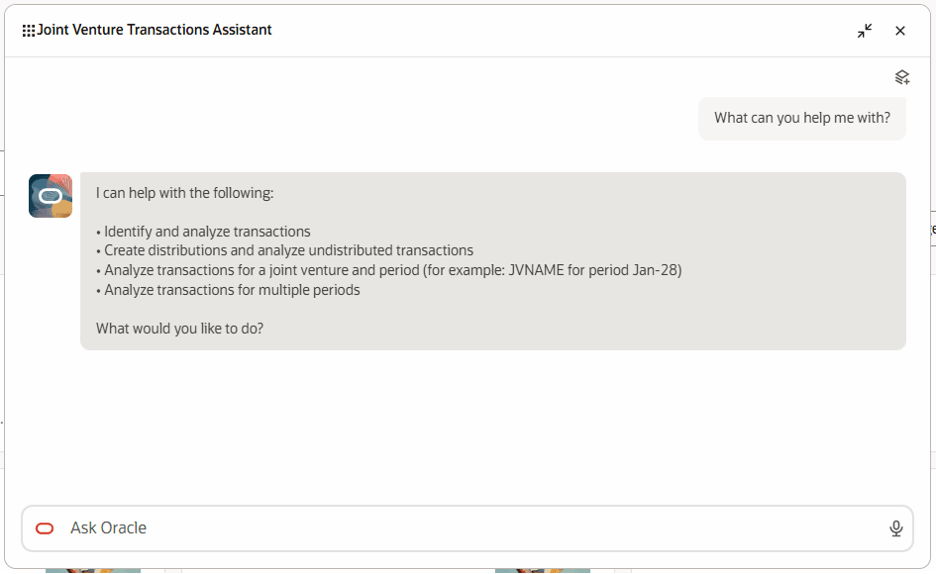
Joint Venture Transactions Assistant offers ways in which it can help.
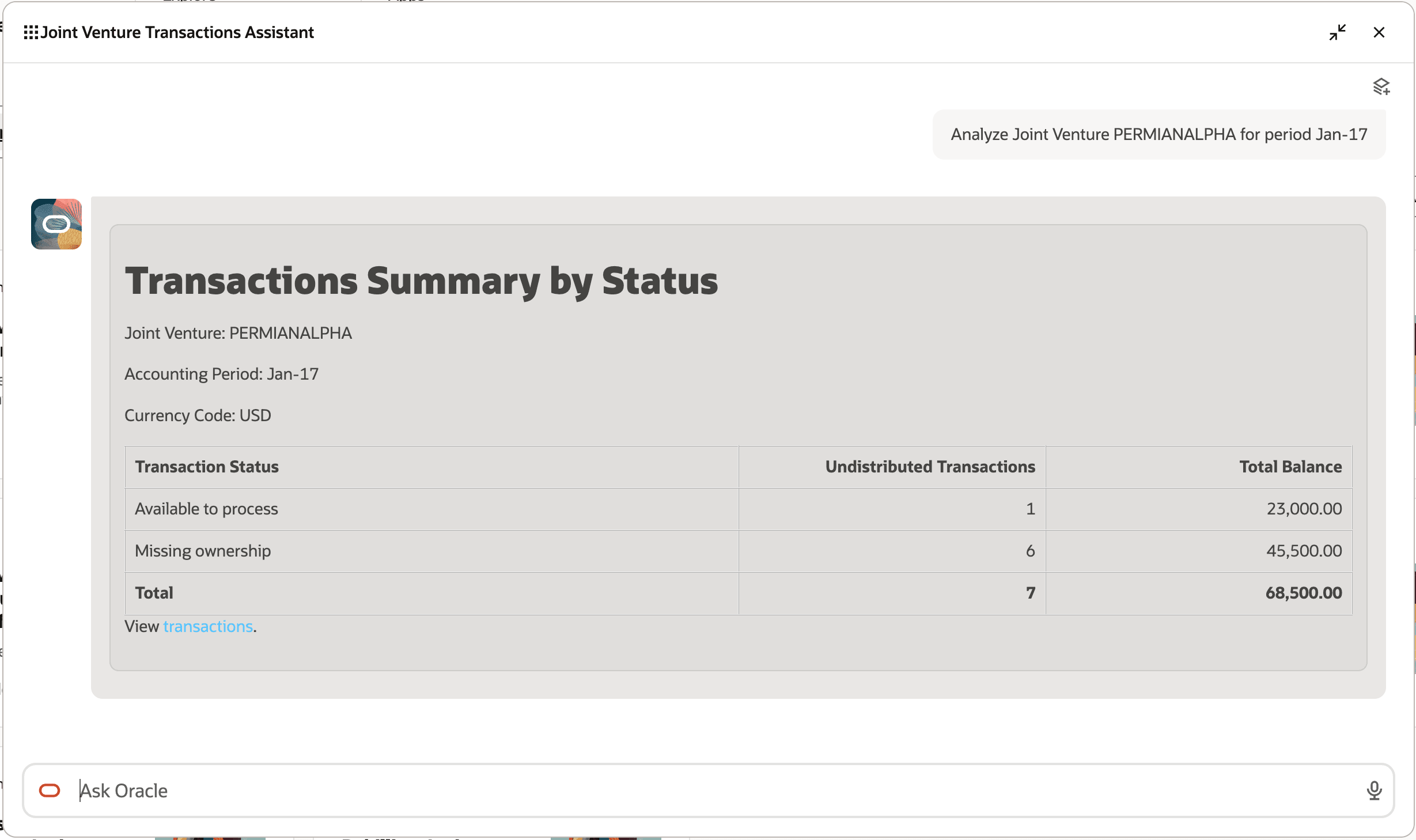
Joint Venture Transactions Assistant displays summary of transactions for a joint venture for a period.
These are the business benefits:
-
Accelerates joint venture processing by automating transaction identification and distribution.
-
Helps identify transaction exceptions earlier for faster resolution.
Steps to enable and configure
Refer to the Access Requirements section to set up the required security roles and privileges. After the required security roles and privileges are set up, users can access the Joint Venture Transactions Assistant from the Explore area on the AI Agents page.
Key resources
-
Identify and Distribute Joint Venture Transactions in the Using Joint Venture Management guide.
Access requirements
You must be an IT security manager (ORA_FND_IT_SECURITY_MANAGER_JOB) to set up users and roles.
Perform these tasks to set up access to the Joint Venture Transactions Assistant:
-
Create a custom job role, assign the required roles to it, and assign the custom role to each joint venture user.
-
Configure data access sets to the joint venture user and role.
Create the custom job role
-
Navigate to the Security Console.
-
Create a new custom job role with the following configurations:
-
Role Category: Financials Job Roles
-
Enable Permission Groups
-
In Role Hierarchy > Roles and Privileges, add the following roles:
-
ORA_JV_JOINT_VENTURE_TRANSACTIONS_ASSISTANT_DUTY
This role grants access to run Joint Venture Management scheduled processes from this agent.
-
ORA_FUN_ERP_SELF_SERVICE_USER_ABSTRACT
The privileges in this role allow users to run Joint Venture Management scheduled processes.
-
In Role Hierarchy > Roles and Permission Groups, add this role:
-
ORA_JV_JOINT_VENTURE_TRANSACTIONS_ASSISTANT_DUTY
This role grants access to the agent in the AI Agents page.
-
Add the required users to the custom job role, then save and submit the role.
Configure data access
-
From Setup and Maintenance, navigate to the Enterprise Profile functional area, and select the Manage Reference Data Set Data Access task.
-
Select the user and the custom job role, then grant access to the applicable security context and security context value, such as the business unit, ledger, and so on.
-
After assigning data access, select Process Permission Group Policies.
-
After receiving confirmation that the job was submitted, navigate to Scheduled Processes and monitor the Financials Maintenance Stream job until it completes successfully.
You can then access the Joint Venture Transactions Assistant.