Team Time Cards enhancements
You now have more control over how managers view and manage time card for their teams. Here’s what you can do:
- Set a default sort order for search results—the options you can select from were expanded and include time period, status, submission date, and exception options.
- Enable the Print action so managers can print search results.
- Show the Export icon for quick downloads of search results.
- Use selection checkboxes to pick multiple results to act on together.
- Show managers the count of selected results.
You can adjust all these settings using Team Time Cards page properties in Visual Builder Studio.
Your search filters and sort order stay the same during your session. If you use a saved search, it will override these session settings. If you hide or show columns or change their order, those choices persist across sessions in that browser. You can also set how print, export, and sort options appear by using simple configuration settings.
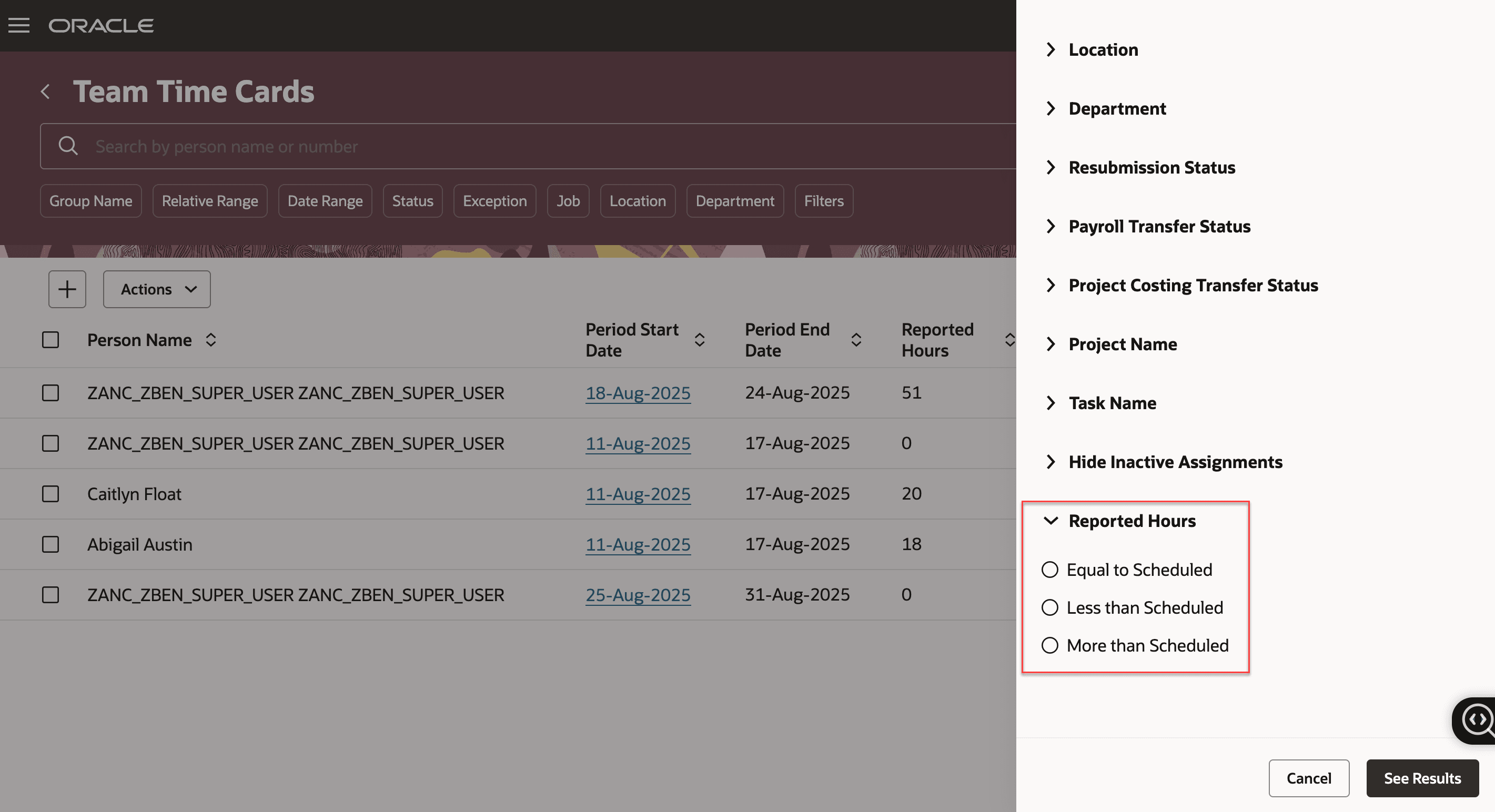
New Team Time Card Filter for Reported Hours
With these enhancements, managing team time cards is easier and more flexible than ever.
Steps to Enable and Configure
You don't need to do anything to enable this feature.
Key Resources
For more information about extensibility enhancements for Redwood time pages, see the release 25D What's New feature Time and Labor Redwood Pages Extensibility Enhancements.