Enhancements to AI Assist for Individual Compensation Plan Instruction Generation
You can now leverage the power of artificial intelligence (AI) to revise, expand, summarize, or formalize the individual compensation plan instructions. Earlier, you had to modify the AI-generated instructions without help. Now you can use 5 options to refine instructions you added or that AI generated.
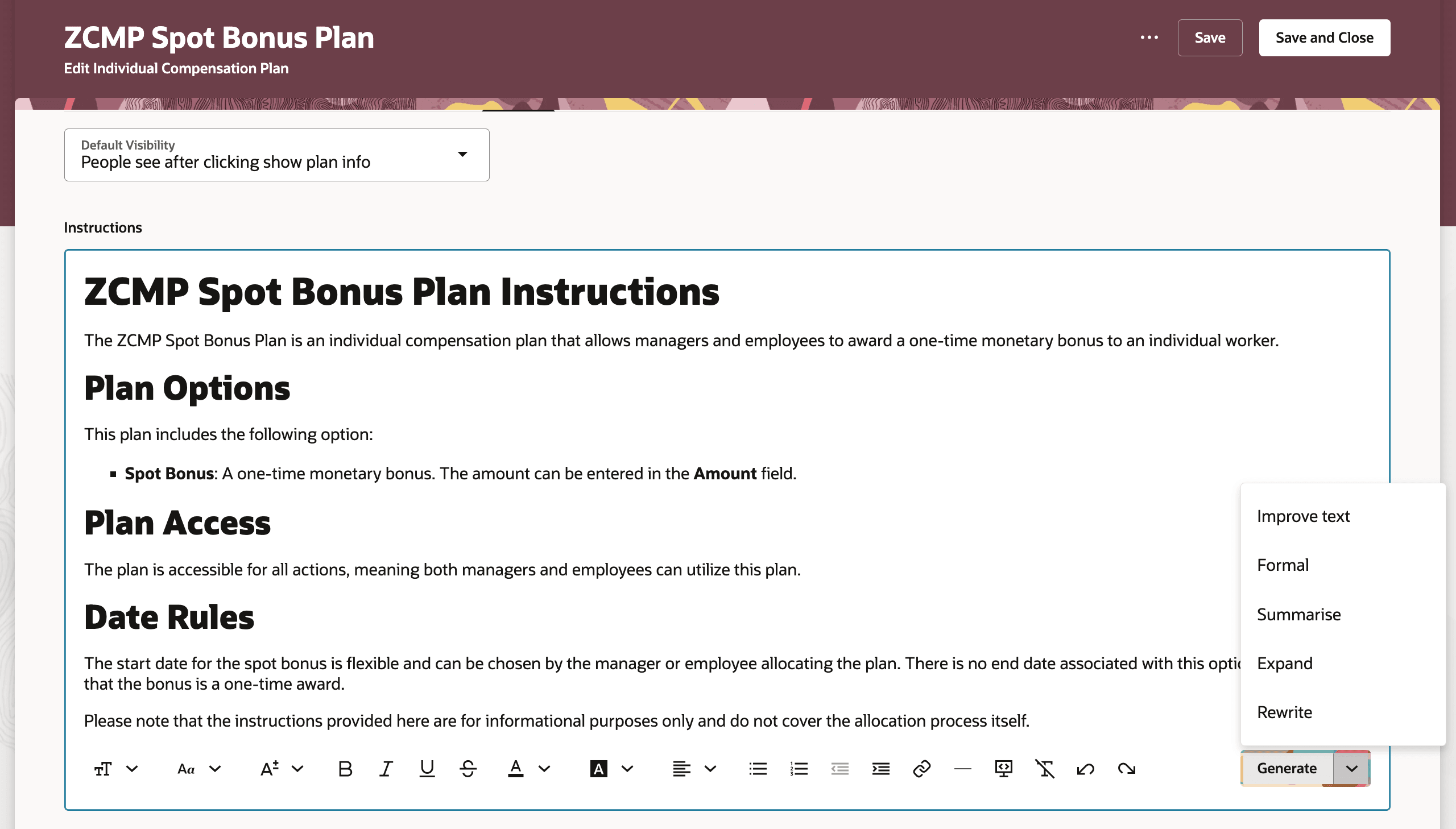
Additional 5 Options Now Available with AI Generate
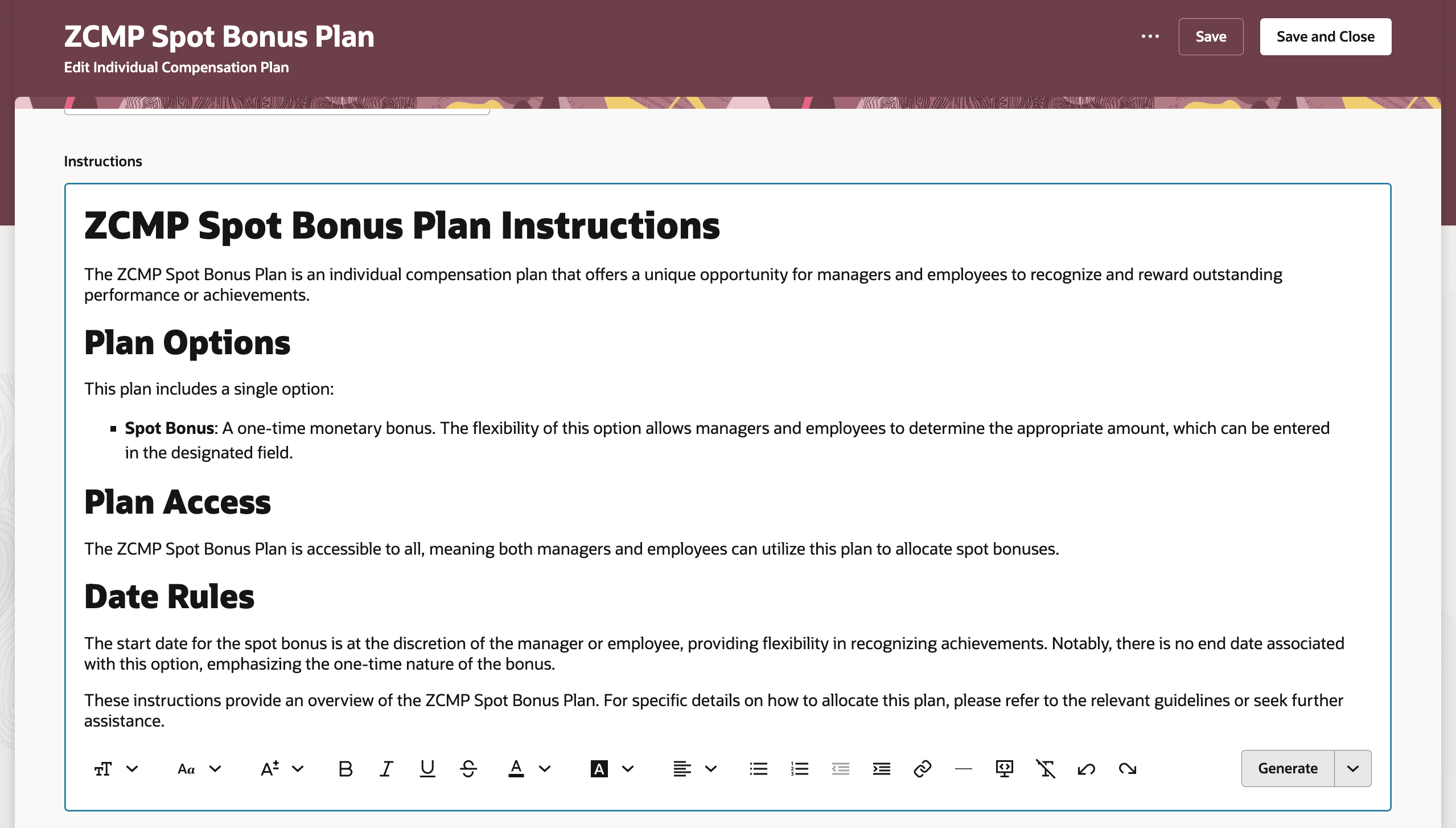
Rewritten Instructions
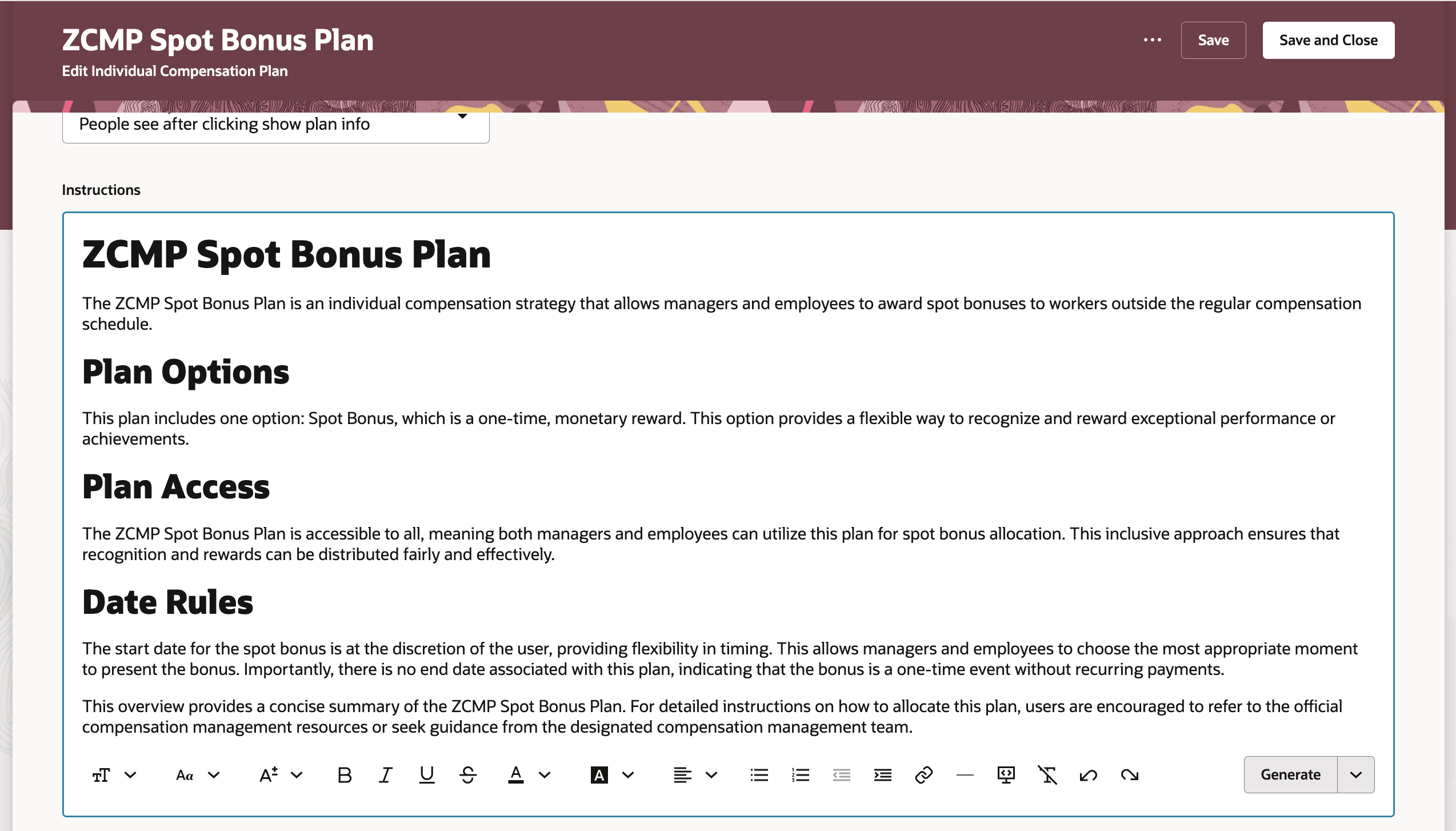
Expanded Instructions
These enhancements improve compensation administrator productivity by letting them more quickly create or refine instructions.
Steps to enable and configure
If you already enabled the Generate button, you don't need to do anything else. The button menu options are automatically available.
How do I enable the AI assist Generate button for compensation and salary pages?
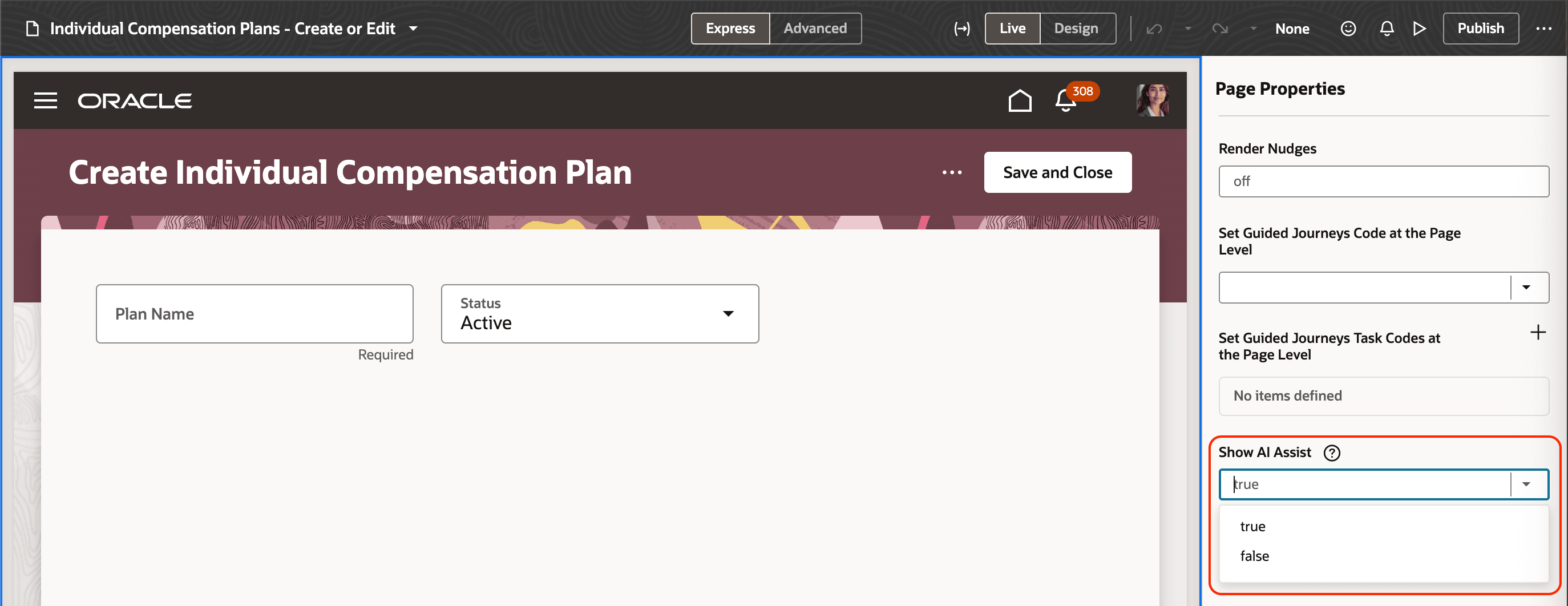
Show AI Assist Page Property and Values
Tips and considerations
Here’s the information added to the prompt through the OPERATION_CONTEXT variable based on the selected Generate option.
| Option | Further Instruction to the AI |
|---|---|
| Formal | Please adopt a formal tone. |
| Rewrite | This was the previously generated response, it is not what the user expected. |
| Improve Text | This was the previously generated response, Please improve the text. |
| Summarise | Please provide a small and summarised response. |
| Expand | Please provide a detailed response. |
For example, when you select Expand, the OPERATION_CONTEXT variable passes the Please provide a detailed response prompt.