Redwood Experience for Role Mappings
Enrich the user experience with the new pages for Role Mappings developed using the Redwood toolset. These pages are built from ground up using Visual Builder Studio (VBS) to give you a unique experience of Oracle applications. The Redwood Role Mapping pages mimic the feature set of existing role mapping pages.
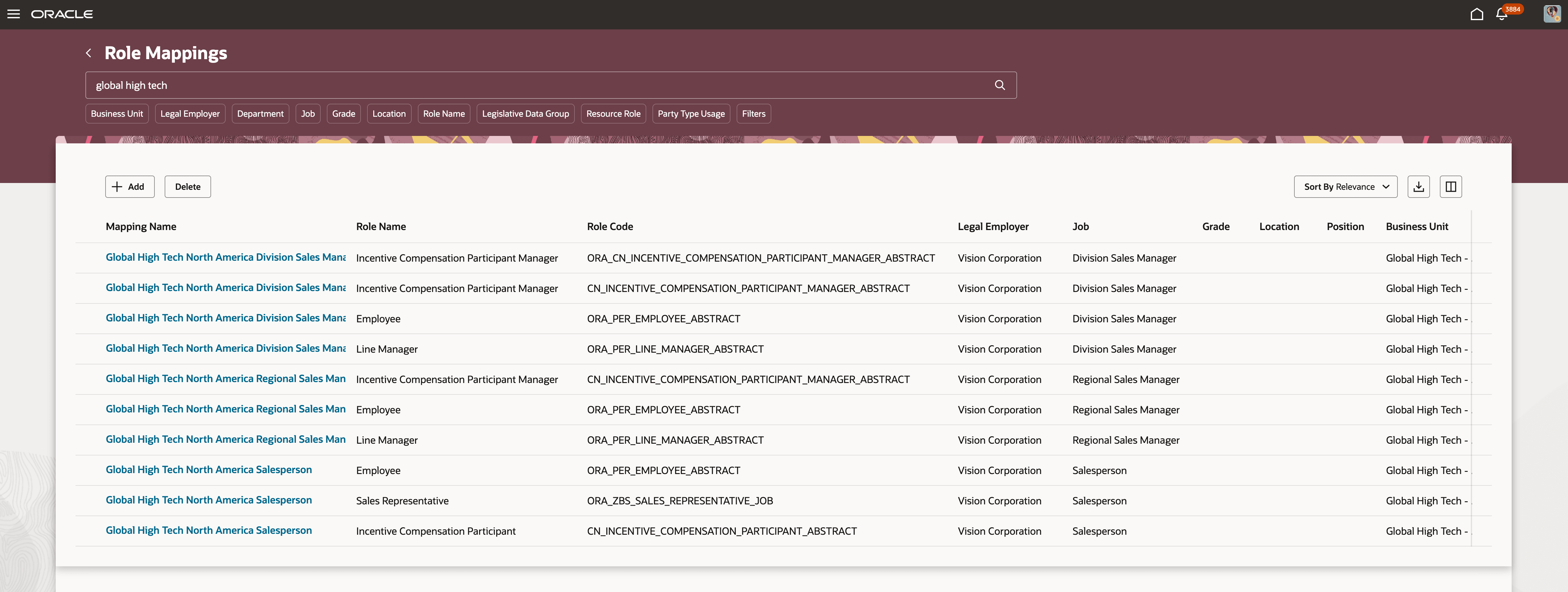
Role Mappings Landing Page with Mappings Search
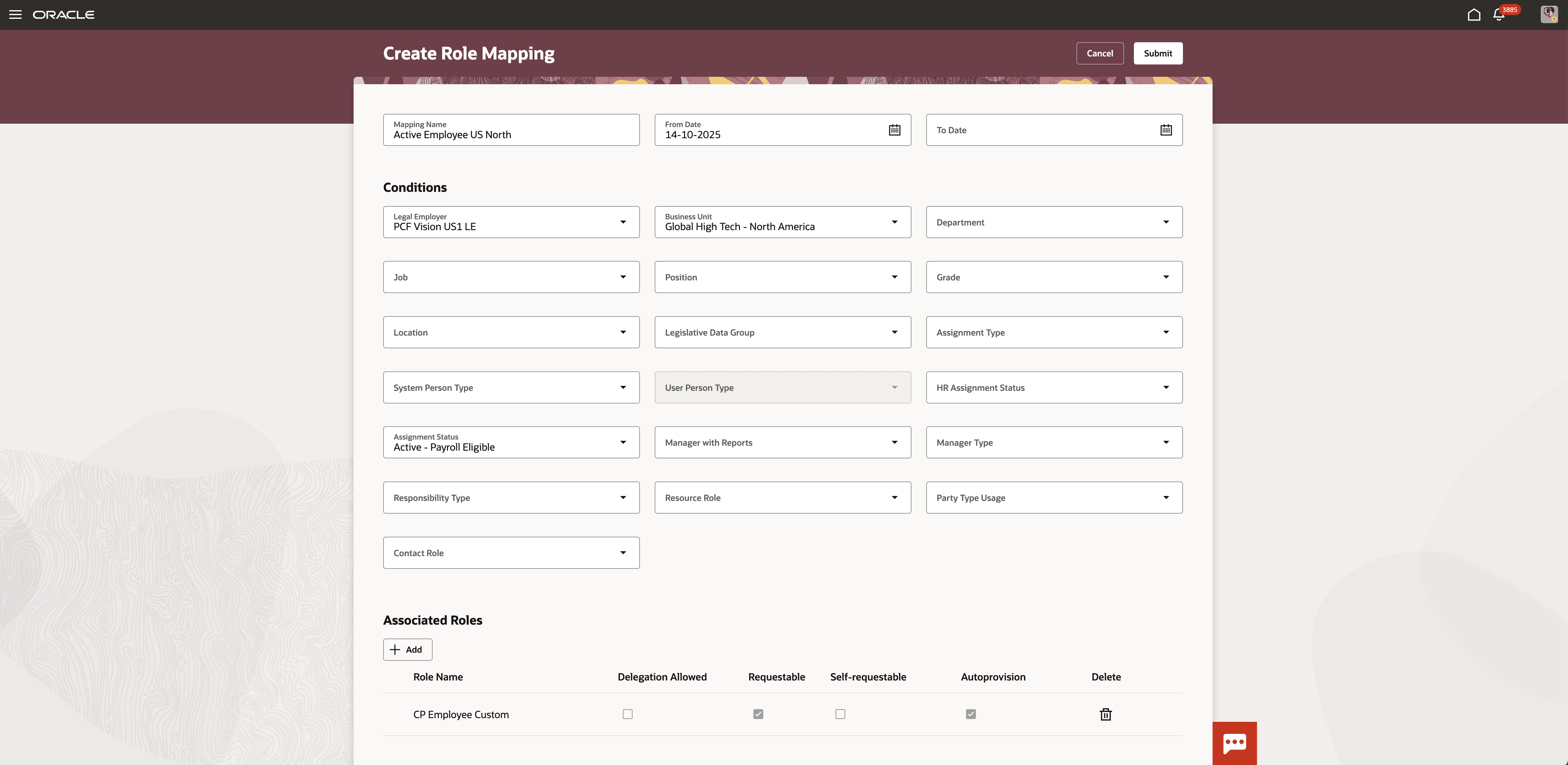
Role Mappings Edit Page
Business benefit:
These are a few advantages of this enhancement:
-
Modern and Intuitive Experience: Redwood pages offer a streamlined, user-friendly interface.
-
Improved Efficiency and Performance: Built with the Redwood toolset, the new pages reduce the number of clicks and enhance overall performance.
-
Consistent Application Flow: Benefit from a cohesive user experience across the applications.
Steps to enable and configure
- You can enable or disable the Redwood Role Mappings page using the ORA_PER_ROLE_MAPPING_REDWOOD_ENABLED profile option. By default, this option is set to Yes, so the feature is enabled unless you change the setting to No.
- Review if the ORA_HCM_VBCS_PWA_ENABLED profile option is also enabled.
- For details, see How do I enable a profile option?
- For more details on enabling Redwood for HCM, see How do I adopt Redwood for HCM?