View and Edit Redwood Document Records in a Panel Drawer
Users can now view and edit document records directly through the new panel drawer interface on the Document Records page. The panel drawer offers a consistent, intuitive, and streamlined way to manage document records without navigating away from the main page. Additionally, the document record name is now displayed as a hyperlink, allowing users to quickly navigate to the detailed view of the record for easier access and review.
Depending on the access settings configured for each document type, relevant actions are displayed within the panel drawer for a tailored user experience.
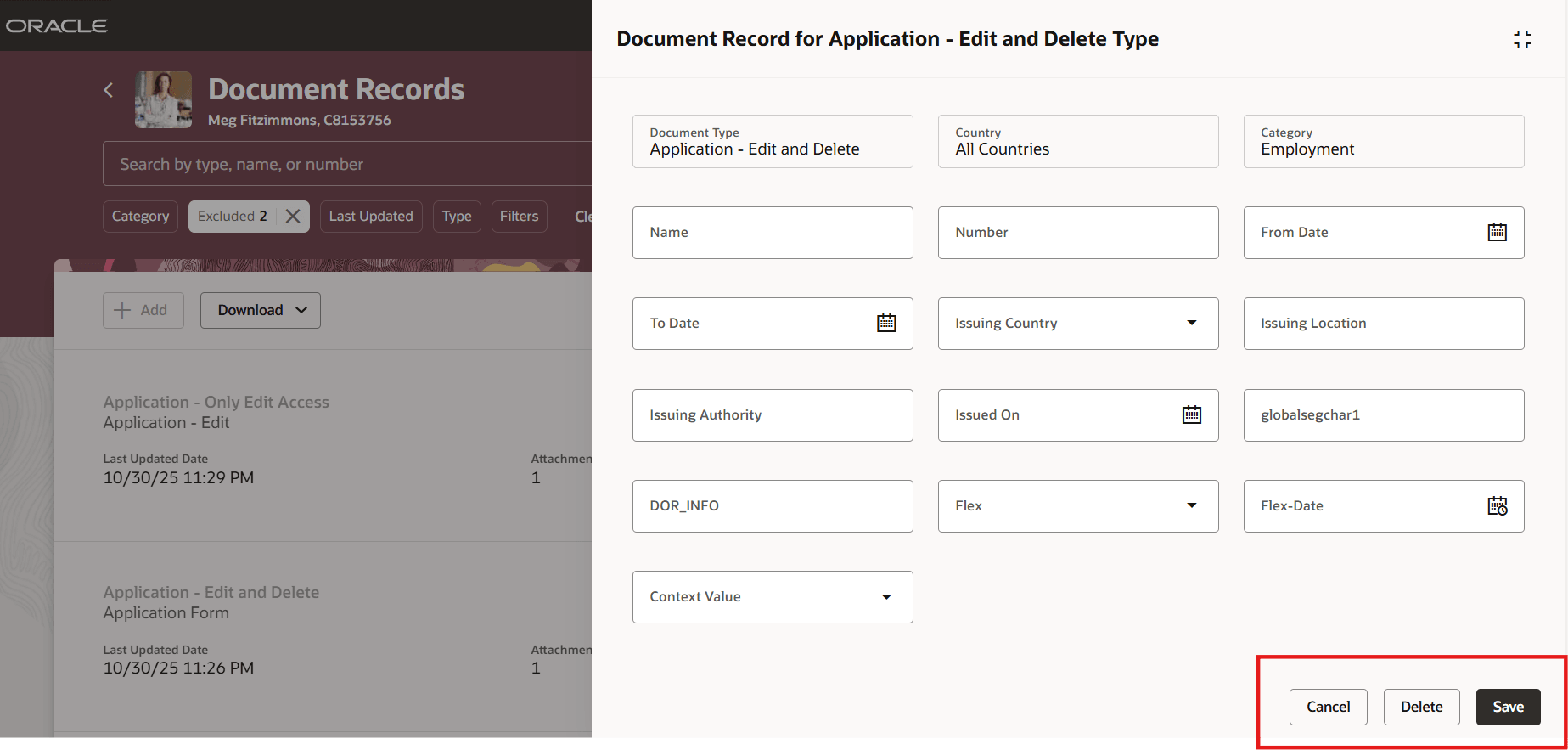
Edit and Delete Access in Panel Drawer
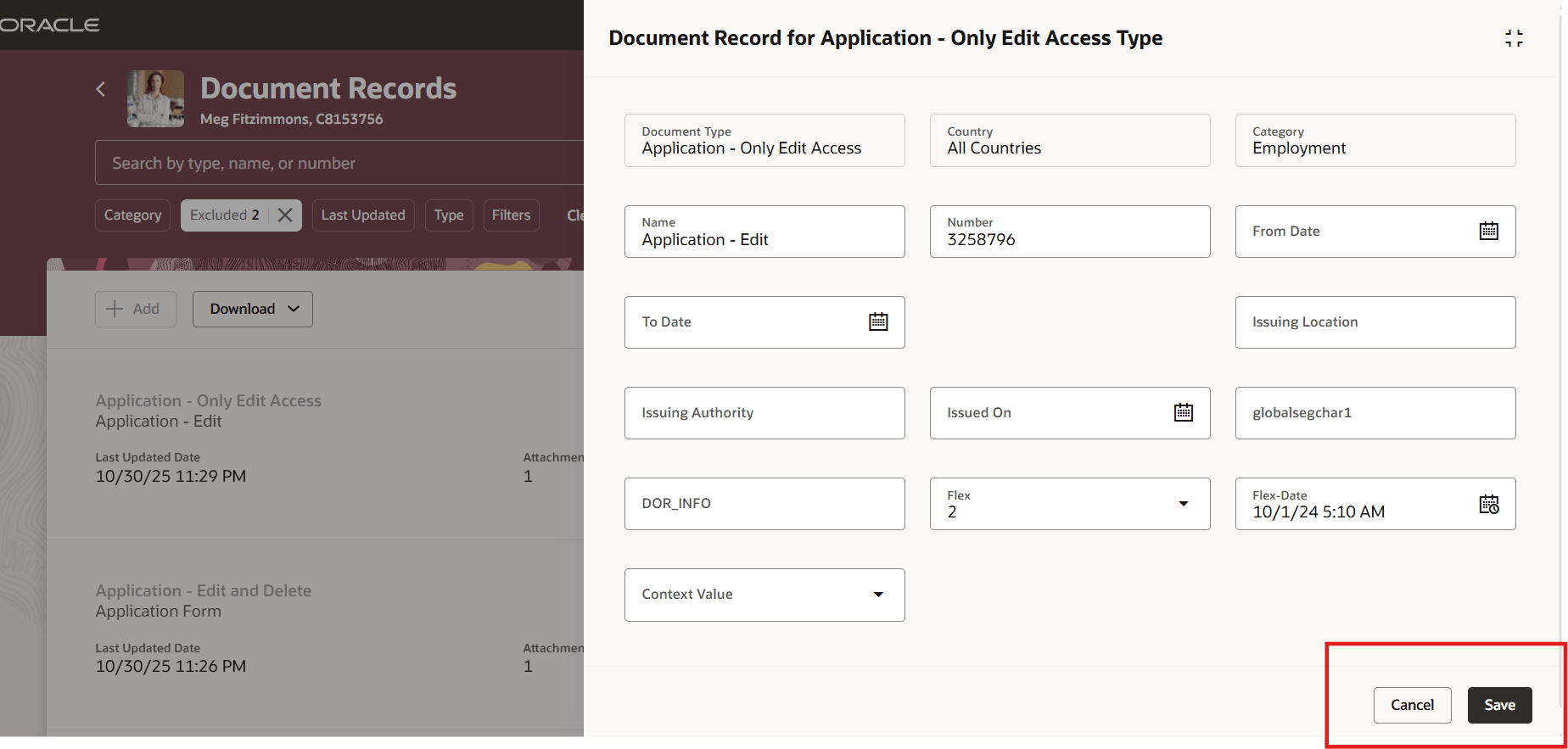
Only Edit Access in Panel Drawer
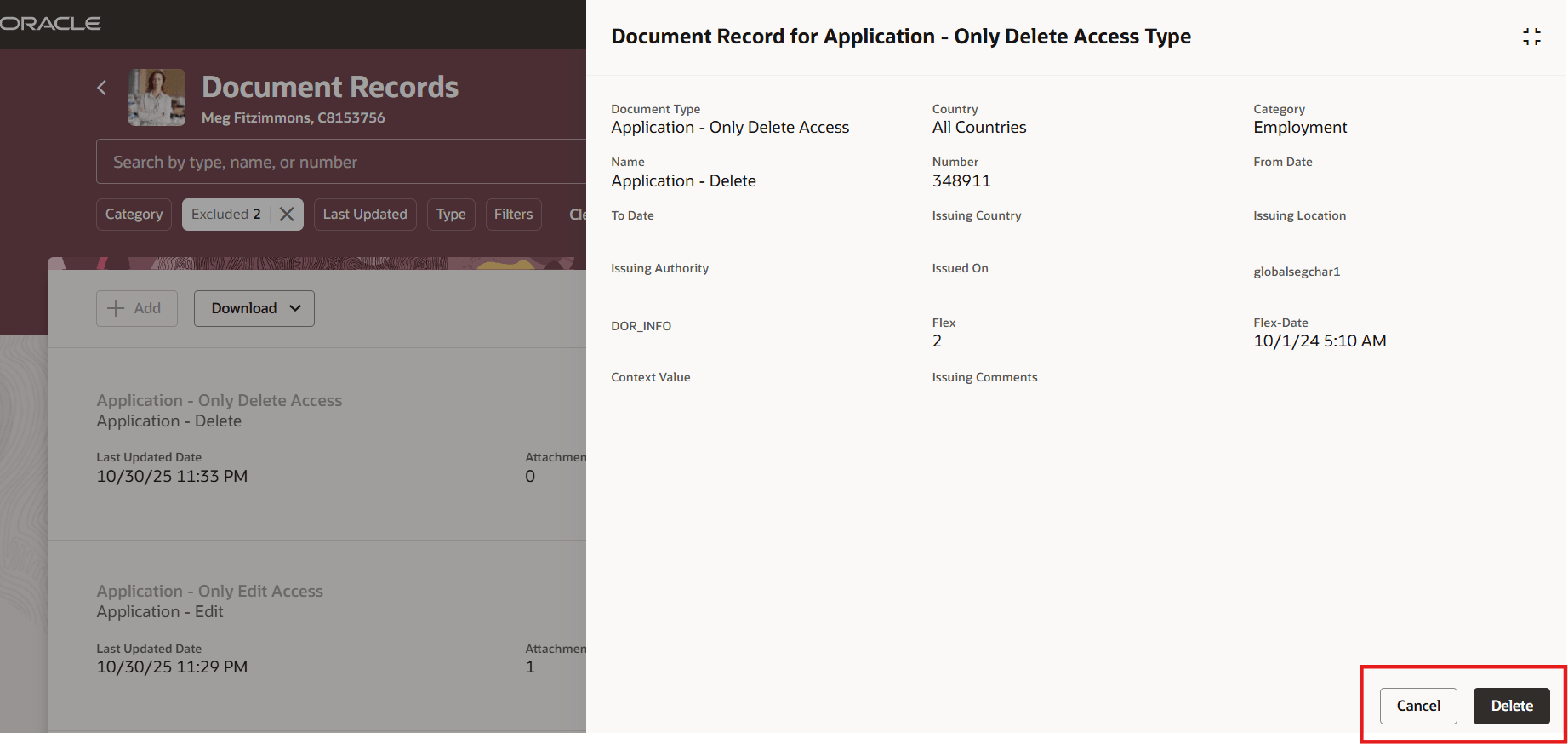
Only Delete Access in Panel Drawer
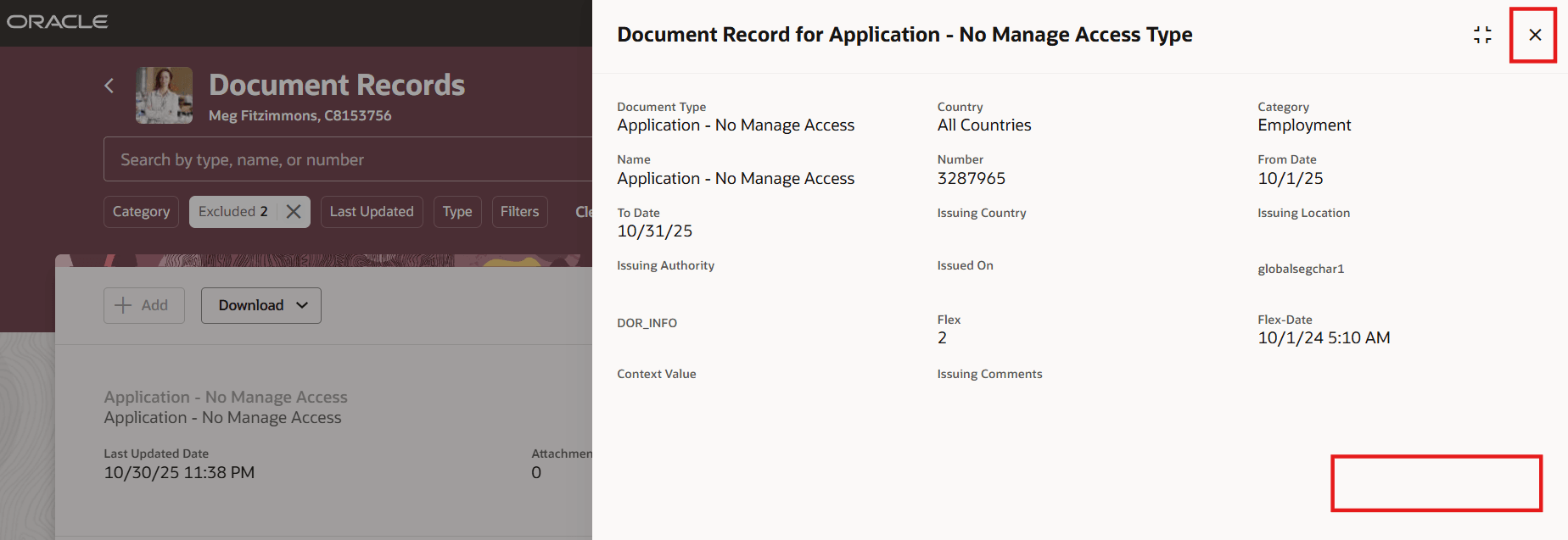
Only View Access in Panel Drawer
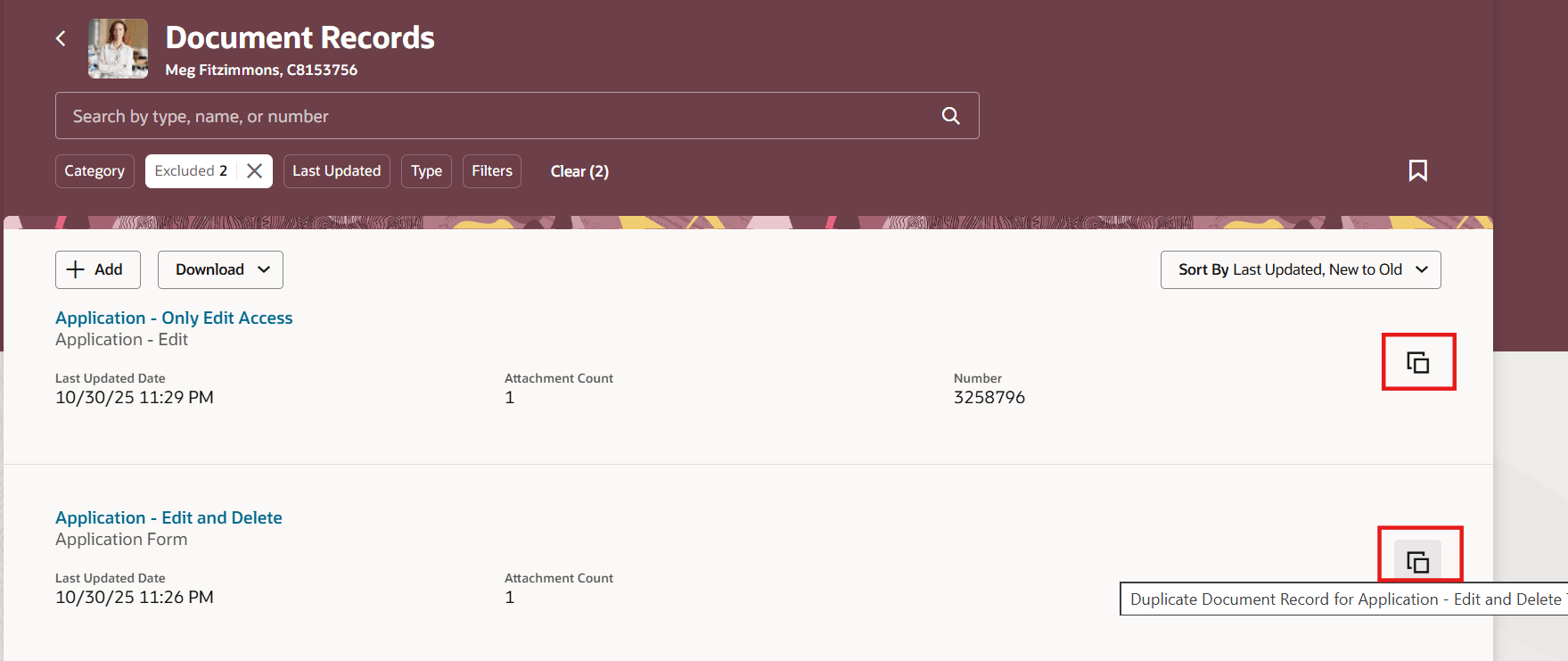
Duplicate Action Available on Landing Page
Improves productivity and user experience by enabling quick, in-context edits and reviews of document records.
Steps to enable and configure
You don't need to do anything to enable this feature.
Key resources
For more information about document records, refer to the Using Global Human Resources guide on Oracle Help Center