Enabled Fields Are Displayed by Default on Redwood Workforce Structures View Pages
You can now see all the enabled fields by default on the Redwood workforce structures view pages, even if they don’t have values yet.
Here are some screenshots showing empty enabled fields on the Jobs view page.
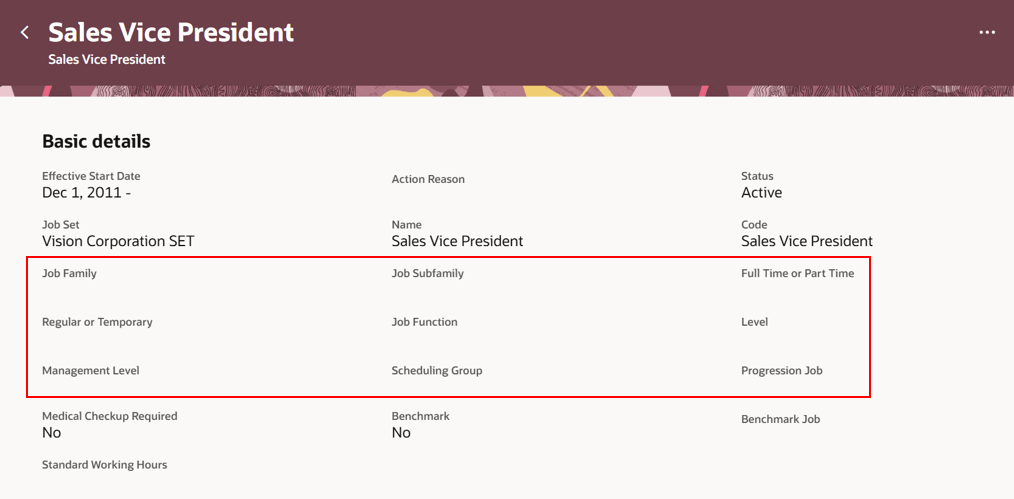
Empty enabled fields displayed on the Jobs view page
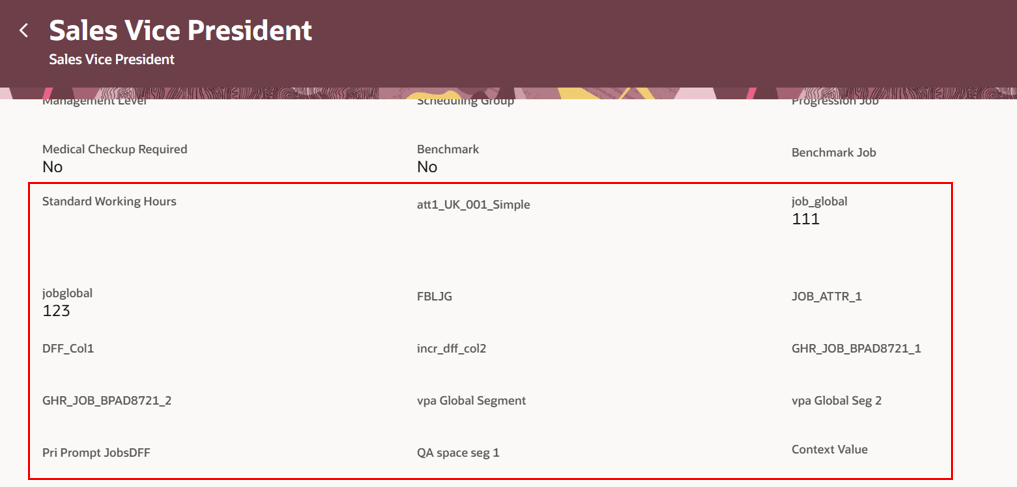
Empty enabled DFF segments displayed on the Jobs view page
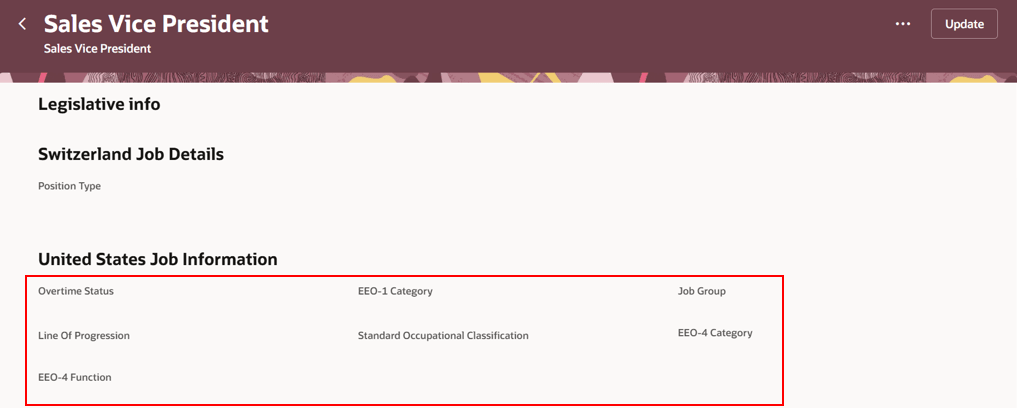
Empty enabled EFF segments displayed on the Jobs view page
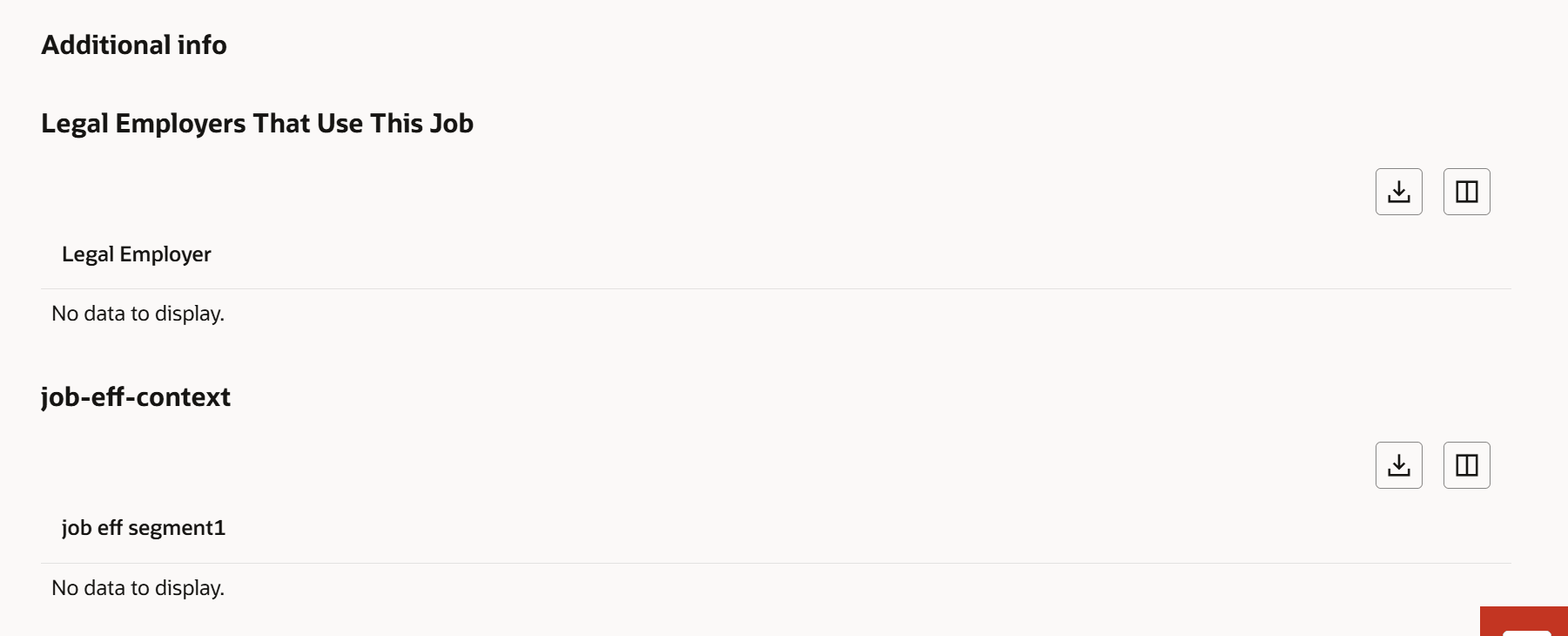
Enabled EFF contexts having empty segments displayed on the Jobs view page
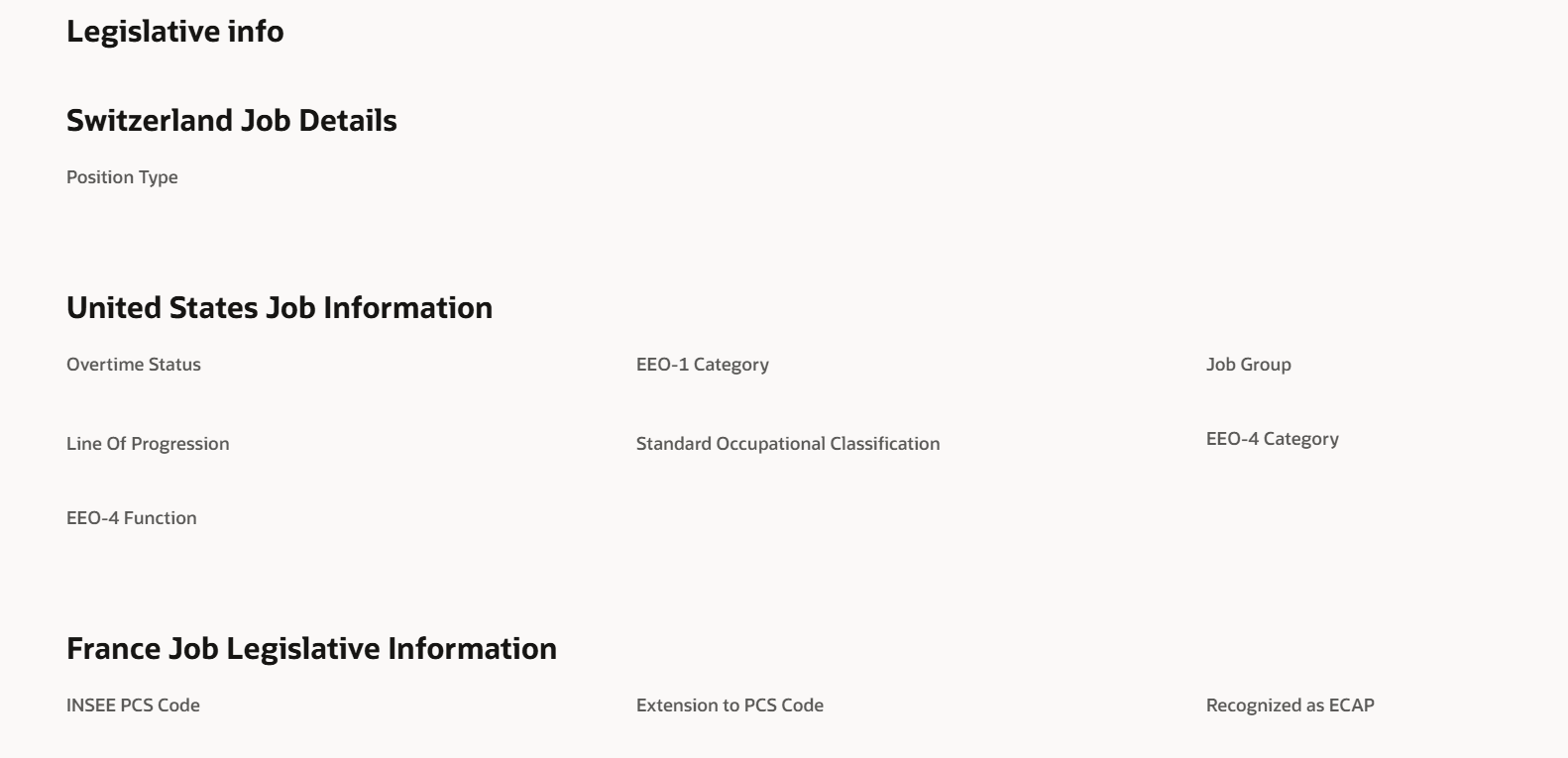
Legislative info section of Jobs view page is displayed even if all the associated contexts are empty
This feature helps you to quickly spot missing details and work with a consistent page layout.
Steps to enable and configure
You don't need to do anything to enable this feature.