Business Rules and Page Properties Support in Redwood Journeys Pages
You can now configure business rules and page properties directly on Redwood Journey pages. The Visual Builder Constants (VB Constants) are now integrated in the page properties, and you can create complicated conditions based on a rule instead of individually configuring the VB Constants separately.
For example, you create a rule in the page properties to hide the tasks progress bar for all your onboarding journeys.
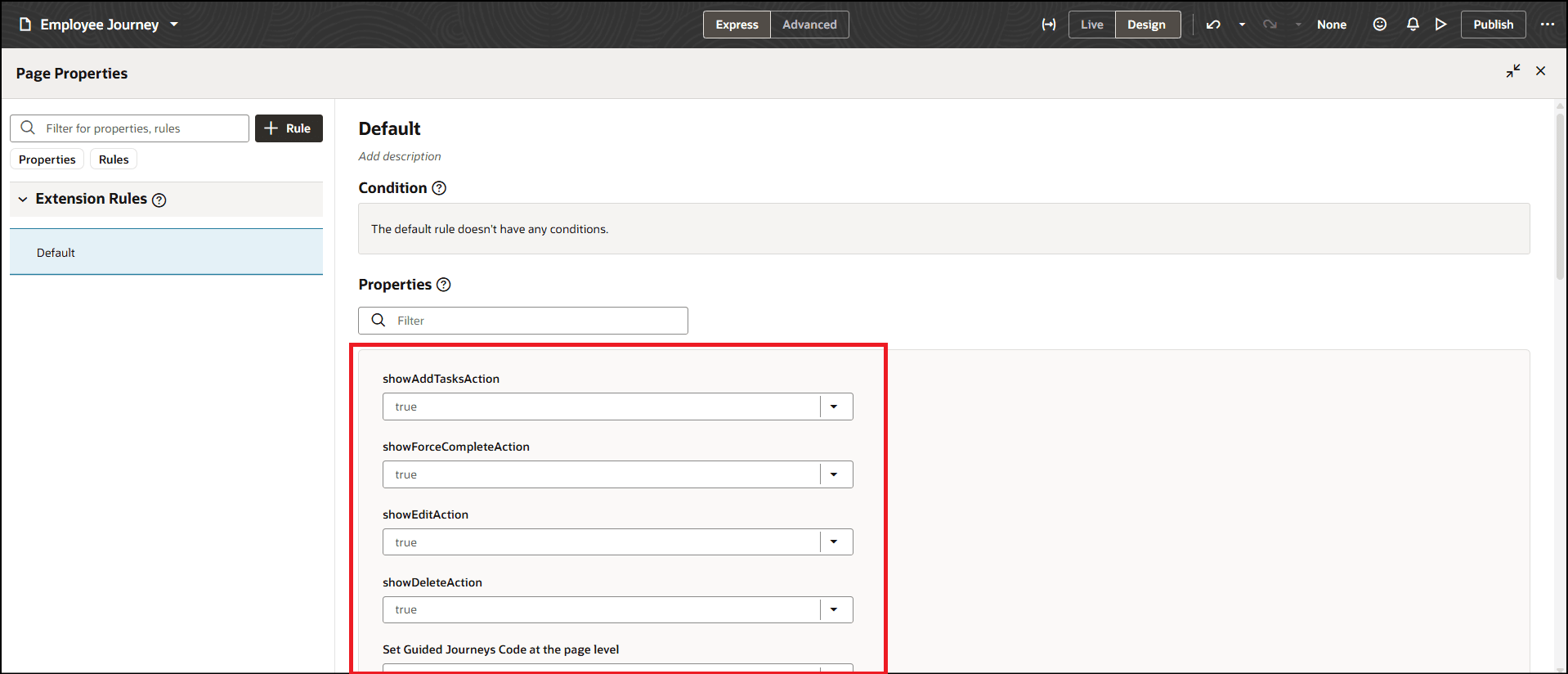
VB Constants for the Selected Journey Page are Displayed in Page Properties
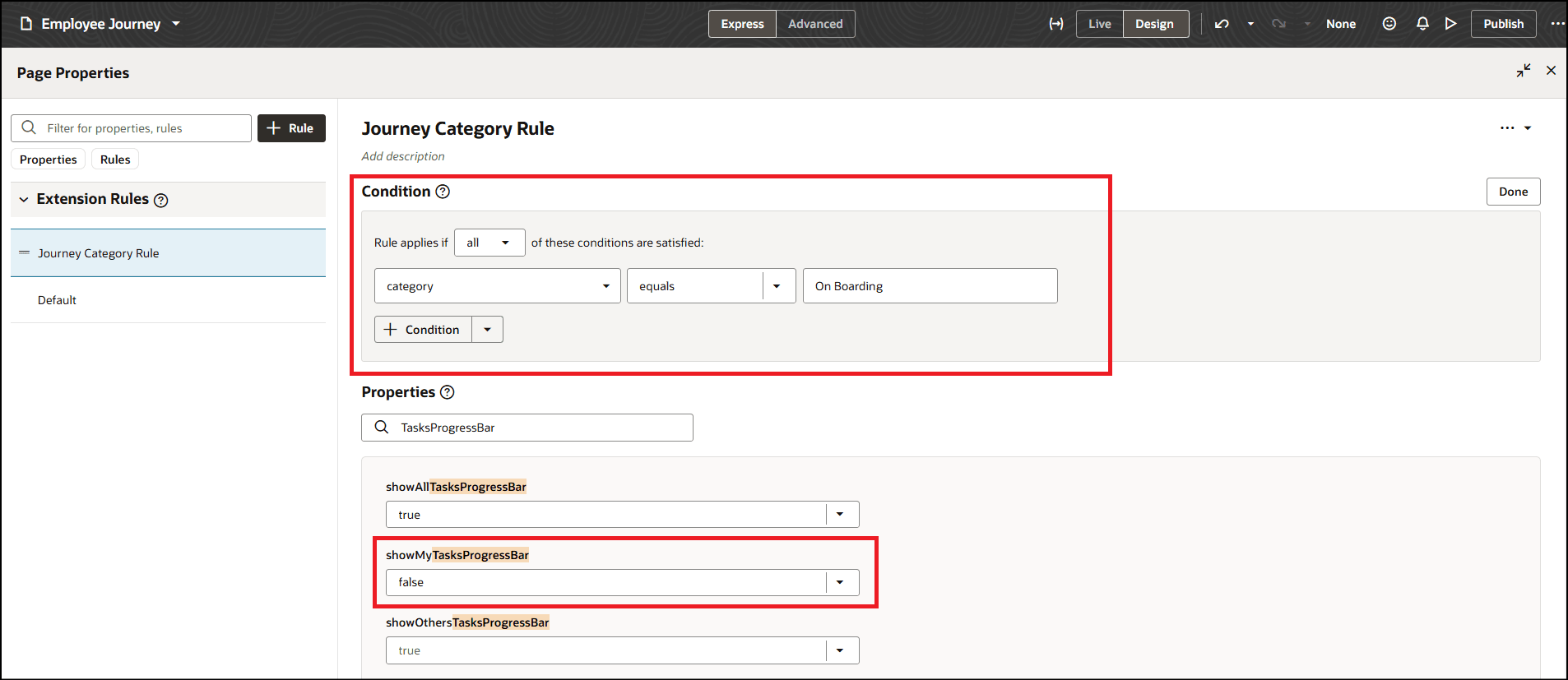
Create Business Rule and Set Page Property Value
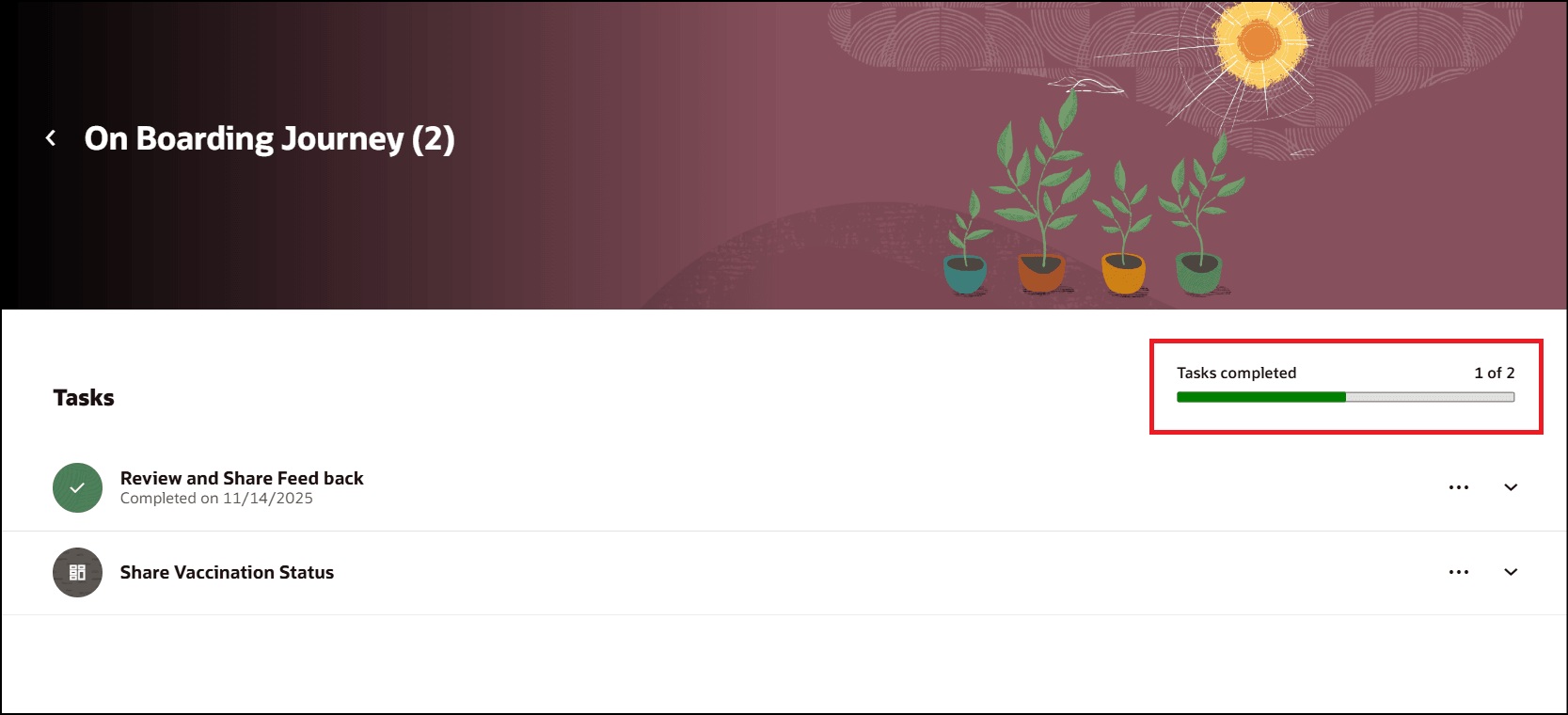
Tasks Progress Bar Displayed Before Configuring Page Property
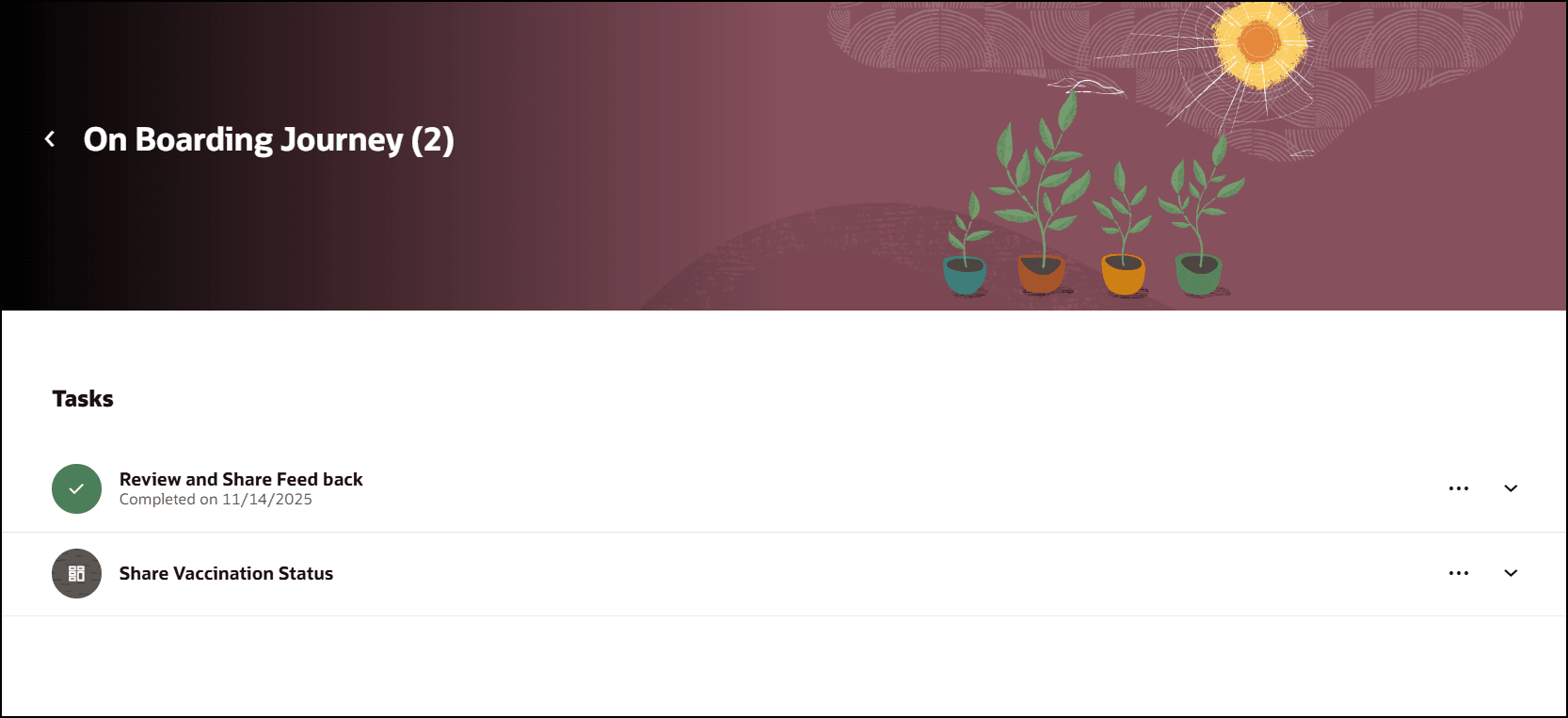
Tasks Progress Bar Hidden After Configuring Page Property
This enhancement enables the application of dynamic business logic and customized page behaviors, providing greater flexibility, control, and personalization of the journey experience.
Steps to enable and configure
- For more information, see this topic: How do I control the display of a UI element in Visual Builder Studio?
- For information about displaying fields using business rules and page properties, see the Extending Redwood Applications for HCM and SCM Using Visual Builder Studio guide.
Key resources
- Implementing and Using Journeys
- What Can You Do with Visual Builder Studio in Express Mode?
- Get Started with Visual Builder Studio
- Visual Builder Studio for HCM