Reference Assigned Journeys Based on Person's Assignment
You can set the Use assignment identifier associated with assigned journey option at the journey level to ensure that the journey uses the person’s selected assignment information.
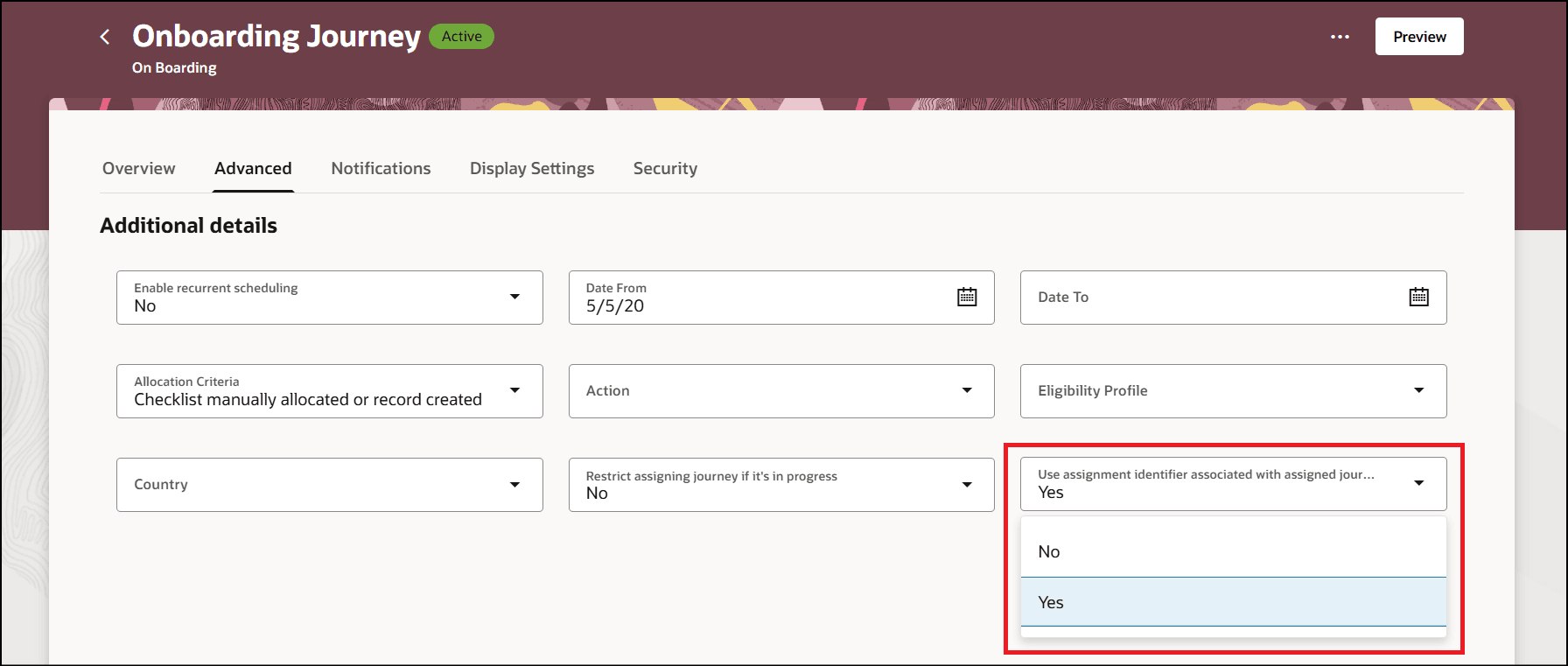
Enable the Option to Identify the Assignment of Person for Assigned Journey
This configuration is used in these scenarios:
-
Evaluating task performer and task owner, specifically line manager and area of responsibility
-
Evaluating eligibility
- Navigating to an application task
-
Launching contextual journey
-
Displaying Work Info details on Assigned Journeys UI
The default value for the option is No. When set to No, the existing behavior of not using the selected assignment ID for the journey is retained. When set to Yes, the selected assignment ID is used in the use cases described above.
For example, these are the assignment details for an employee named Koushik.
| Assignment Type | Assignment Status | Primary | Line Manager |
|---|---|---|---|
| Pending Worker | Inactive | No | No manager |
| Employee | Suspended | Yes | Pooja Kapoor |
| Employee | Active | No | Ravi Chouhan |
The journey is assigned to Koushik’s secondary, non-primary active employee assignment. Based on the configuration, the application uses the assignment ID from the specific assignment, and the task for the line manager is correctly routed to Ravi Chouhan.
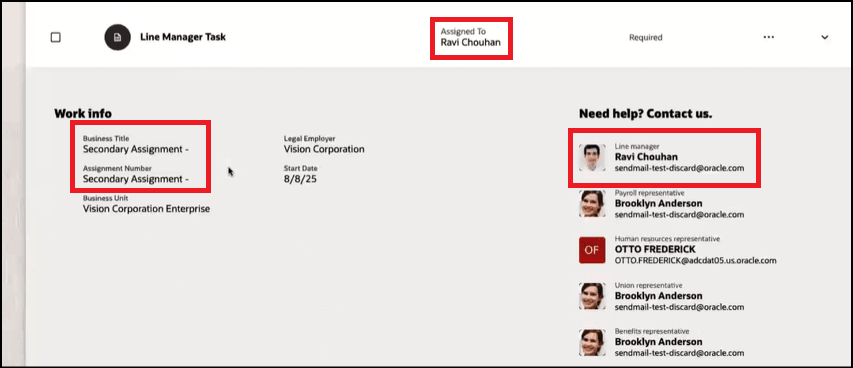
Assignment ID Honored for Work Info
When you click the Go to application task link, the journey uses the correct assignment ID, and you’re directed to the task that corresponds to the secondary assignment.
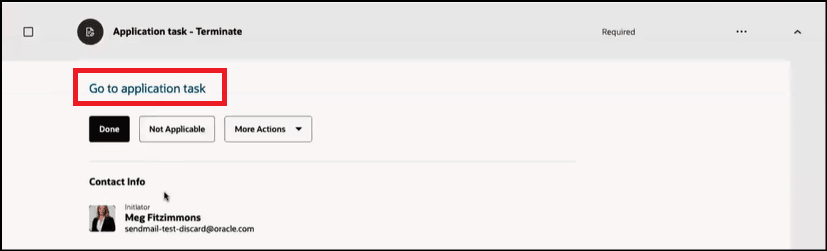
Navigate to Application Task
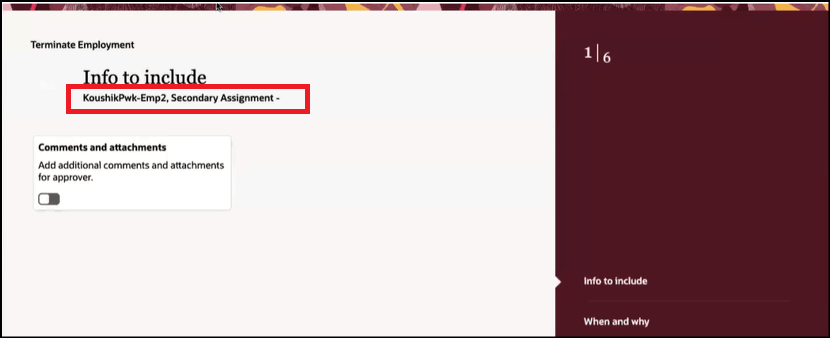
Assignment ID Honored for Application Task
Users can ensure that the selected assignment ID for the journey is used in all areas where the assignment ID is referenced.
Steps to enable and configure
For more information, see this topic: How do I configure the option to identify the assignment associated with the assigned journey?
Key resources
For more information, refer to the Implementing and Using Journeys guide.