Preview Committed Attachments When Editing a Document Record on Redwood Document Records Page
You can now preview committed attachments while editing document records on the Redwood Document Records page. This enhancement allows users to view previously saved attachments directly in edit mode, eliminating the need to exit the transaction or switch to view-only mode to validate attachment content.
However, you can't preview new attachments added when editing a document record. Clicking on Preview will display no data.
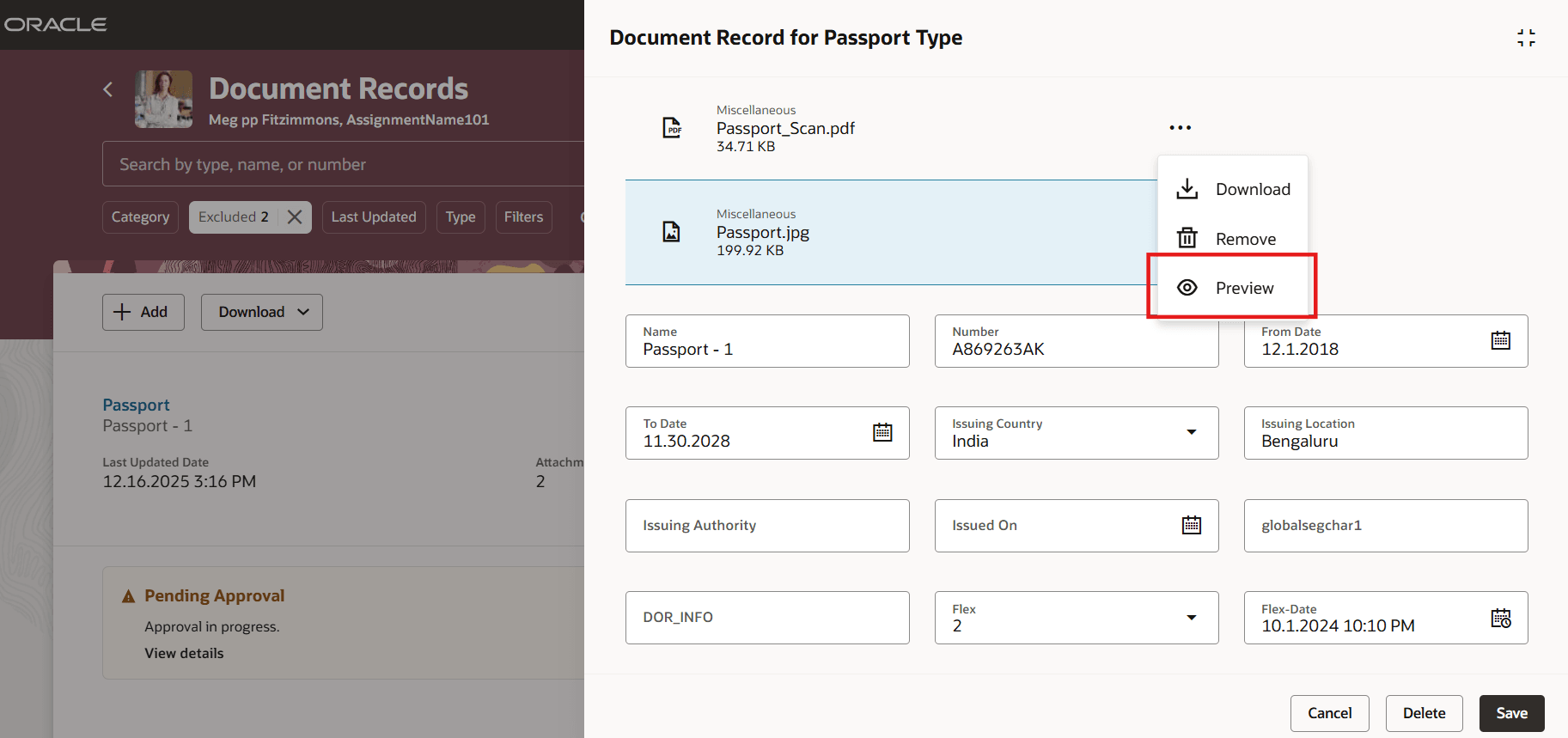
Preview Committed Attachments When Editing a Document Record
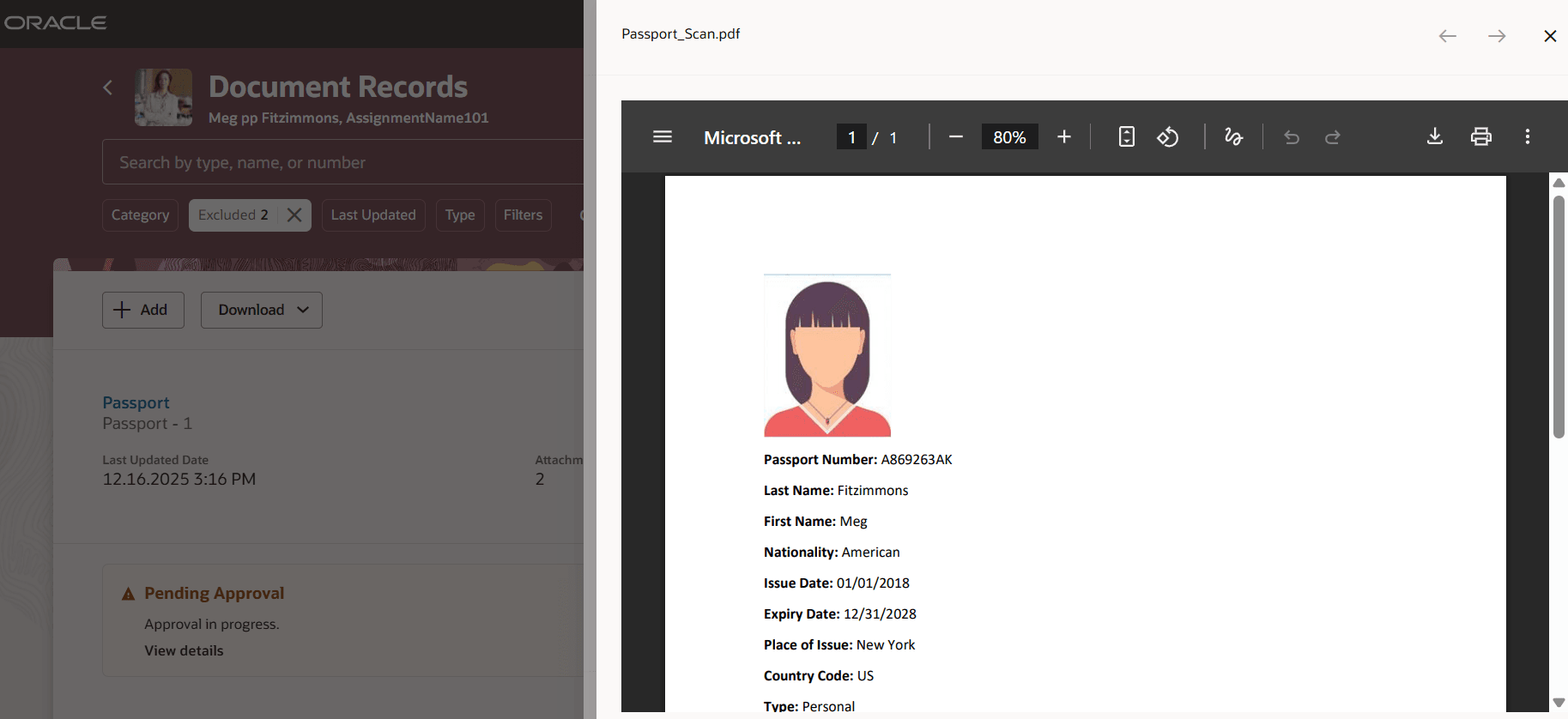
View Attachment Details
Reduce navigation and context switching during document updates.
Steps to enable and configure
You don't need to do anything to enable this feature.
Tips and considerations
- You need to have the latest patches applied on your environment to see this enhancement.
Key resources
For more information, refer to the Implementing Global Human Resources guide on the Oracle Help Center.