Manager Creates Mass Touchpoints Check-Ins for Team Members
Managers can now create recurring check-ins for their teams to promote consistent engagement and support across ongoing projects by regularly gathering status updates from their team.
These updates can then be summarized by the Team Sync Agent.
Note: For HR Admins, there’s now the ability to create bulk recurring check-ins for groups of employees. This helps to maintain continuous engagement and ensures organizational alignment.
Manager Creates Recurring Check-Ins
Managers can create recurring check-ins for their team members—both direct and all reports—using the Schedule Team Check-In button on the Employees dashboard page.
As a manager, you can’t:
- Schedule bulk check-in when you switch teams.
- Access the Schedule Team Check-In button if the Create Mass Check-Ins By Manager privilege isn’t assigned to you.
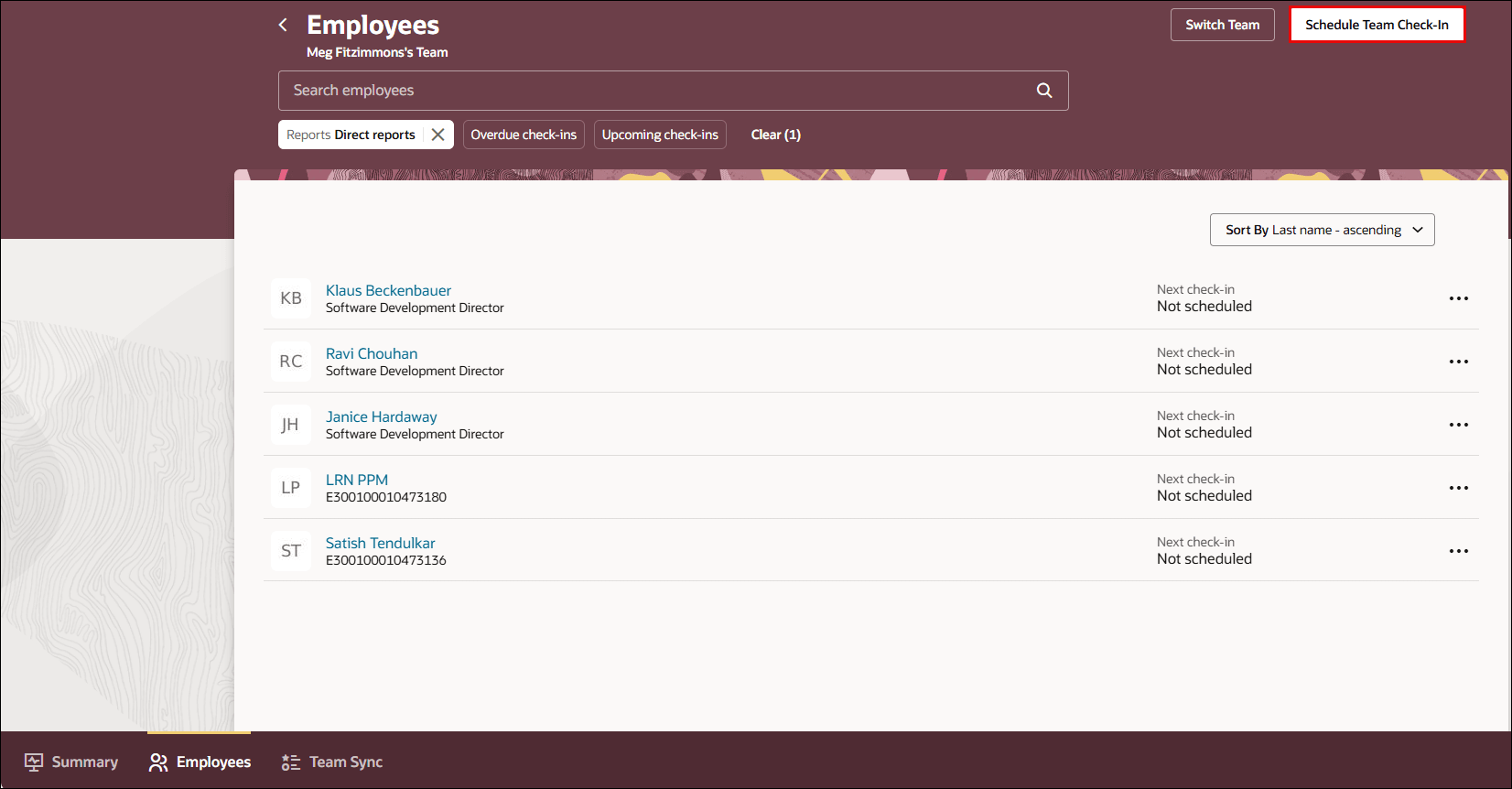
Manager Creates Mass Check-Ins
HR Admin Creates Bulk Recurring Check-Ins
HR Admin can now create recurring check-ins using the Mass Action Processes for Check-In Documents page. See: How HR Specialist creates bulk check-in documents?
Managers can now create recurring check-ins for their teams, streamlining the process of scheduling regular, meaningful conversations with direct reports. This automation promotes consistent engagement and ongoing support for their team members. With recurring check-ins, team members regularly update their status in check-in documents, which the Team Sync Agent uses to generate a comprehensive Team Summary.
Additionally, HR Administrators can create bulk check-ins, making it easier to drive employee engagement and foster a culture of transparency across the organization.
Steps to enable and configure
You don't need to do anything to enable this feature.
Key resources
Access requirements
- To create bulk check-ins as an HR Admin, you must be assigned this job role: ORA_PER_HUMAN_RESOURCE_SPECIALIST_JOB.
- To schedule recurring check-ins as a manager for your team, you must be assigned this privilege: HRA_CREATE_MASS_CHECK_INS_BY_MANAGER_PRIV.