Streamlined Business Rules in Activity Centers
The Business Rules Editors for My Activity Center, Person Activity Center, and My Team Activity Center are now streamlined and options that are not applicable are no longer available.
1, The Configure Validations button is no longer available.
2. The headings for business objects settings no longer mention 'Business Object'.
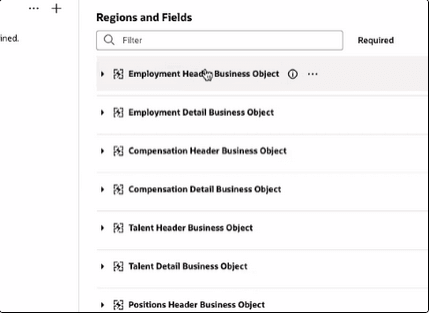
3. Ability to hide the Header regions is no longer available because the Header attributes aren't available to display in the Detail regions.
.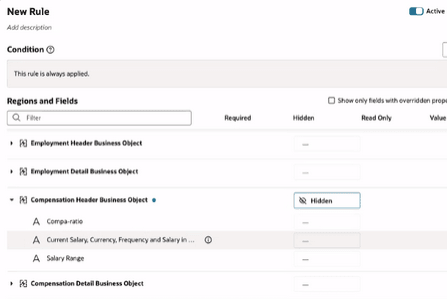
Remove ability to hide header regions
The Business Rules Editor experience is more intuitive and meaningful.
Steps to enable and configure
For for more information, refer to this topic on the Oracle Help Center. How do I control the display of a UI element in Visual Builder Studio?
Key resources
For more information, refer to this topic on the Oracle Help Center:
- Overview of Activity Centers, in the Using Global Human Resources guide
Here are the topics we recommend on getting started with Express Mode.
-
Refer to the following documentation in this order:
-
Express Mode in VBS for detailed instructions on using specific Express Mode features.
-
Extending Redwood Applications for HCM and SCM Using VB Studio for details on what’s supported by HCM.
-
-
You can refer to the VB Studio documentation "Configure an Oracle Cloud Application" to check the steps to access VB Studio from a Redwood page.
-
Extending HCM Redwood Applications Using Visual Builder Studio
-
Refer to the Customer Connect forum Visual Builder Studio for HCM