Self-Service Access to Redwood Employment Contract Page
Workers can now view their own contract information using the Employment Contracts quick action available under the Me menu. When a worker launches this quick action, the contract record associated with their primary assignment is displayed. This quick action is available only when the Redwood contract profile is enabled.
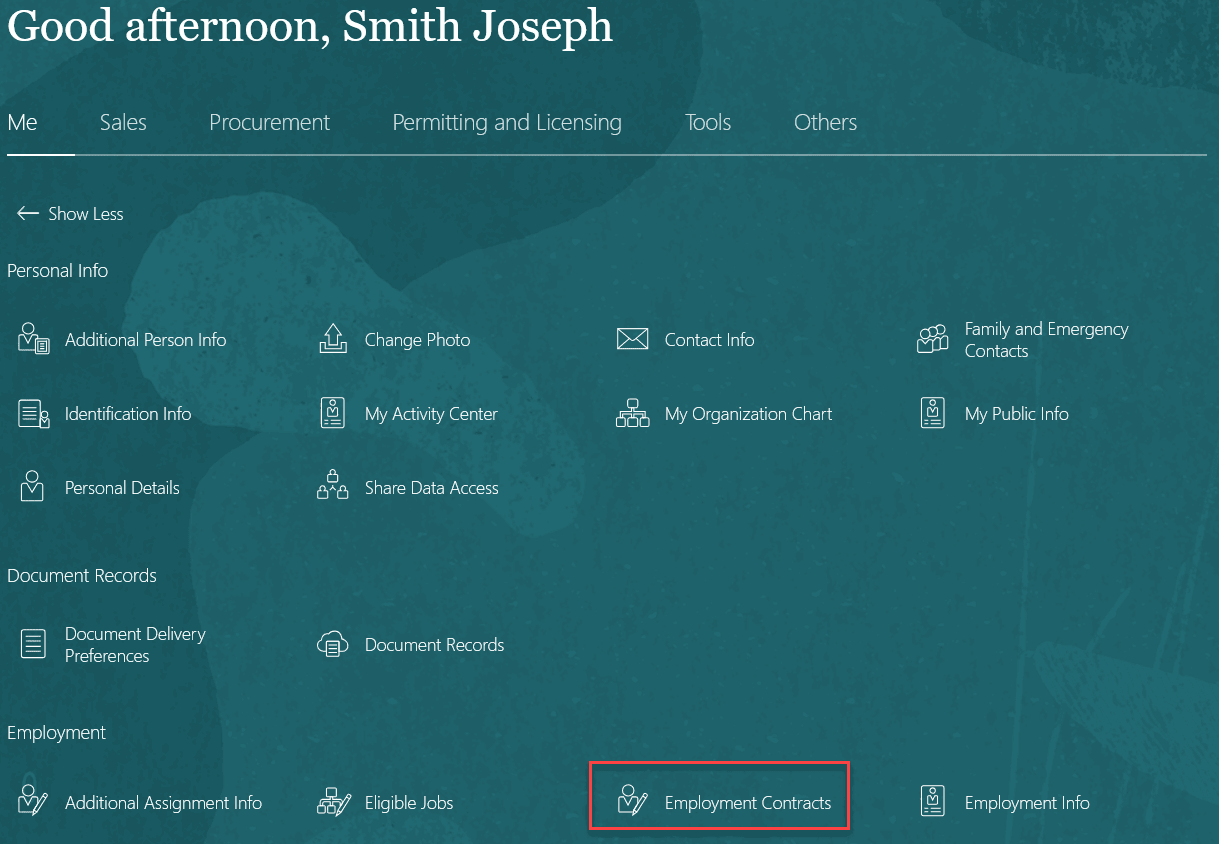
Quick action for Employment Contracts under Me tab
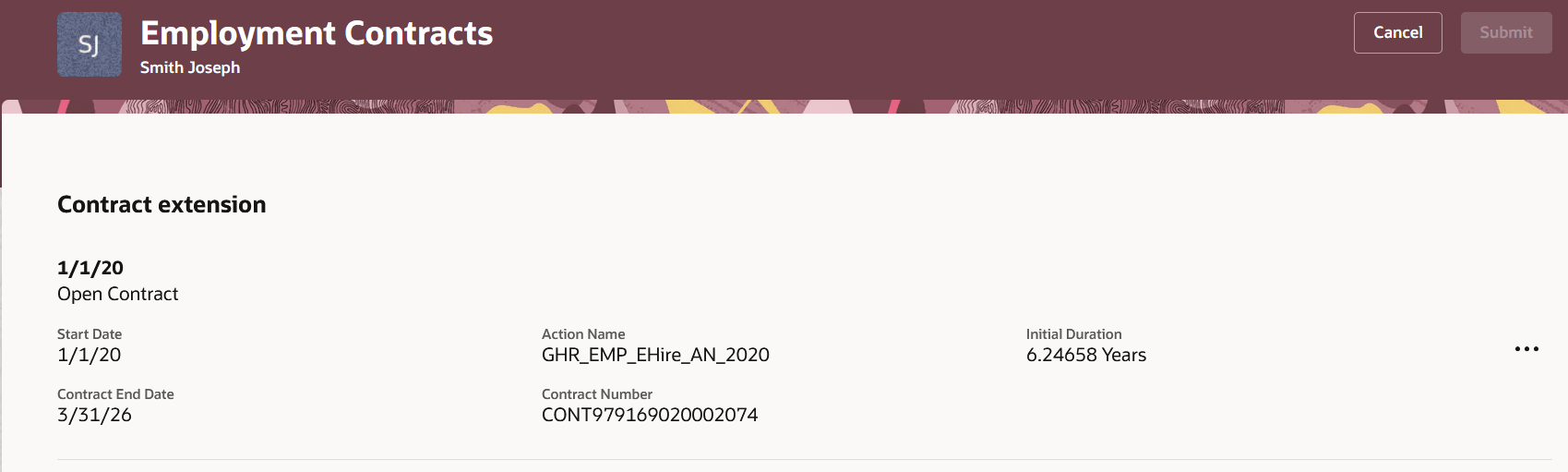
Worker view of employment contracts
Access is governed by existing contract security privileges, with contract information displayed as read-only. Check the Access Requirements section of this What's New.
This enhancement empowers workers to access and manage their own contract information directly from the Me menu, reducing dependency on HR Specialists or Line Managers and enabling a more self-service-driven experience within employment processes.
Steps to enable and configure
To use the Redwood Employment Contracts page, you must first enable these profile options. They’re all disabled by default.
|
Profile Option |
Set the profile value at Site level as |
|---|---|
|
ORA_HCM_VBCS_PWA_ENABLED |
Y |
| ORA_PER_EMPLOYMENT_CONTRACTS_REDWOOD_ENABLED | Yes |
To enable the profile options, navigate to the Setup and Maintenance work area:
- Search for and click the Manage Administrator Profile Values task.
- Search for and select each of the profile options listed in the table one by one.
- Select the Level as Site.
- In the Profile Value field, enter Yes or Y, whichever is applicable as described in the table.
- Click Save and Close.
Tips and considerations
- Past and future-dated contract data is shown as of the application date.
.
Key resources
For more information, refer to these resources on the Oracle Help Center
- Overview of Contracts in the Using Global Human Resources guide
Access requirements
You need to assign the following privilege to your Employee role
| Privilege (Code) | Role |
|---|---|
| View Worker Contract (ORA_PER_VIEW_WORKER_CONTRACT) | Employee |