View in Browser Link Removed from Campaign Emails
Note that the View in Browser link has been removed from campaign emails to modernize and optimize the user experience. This change is in responsive UI and Redwood.
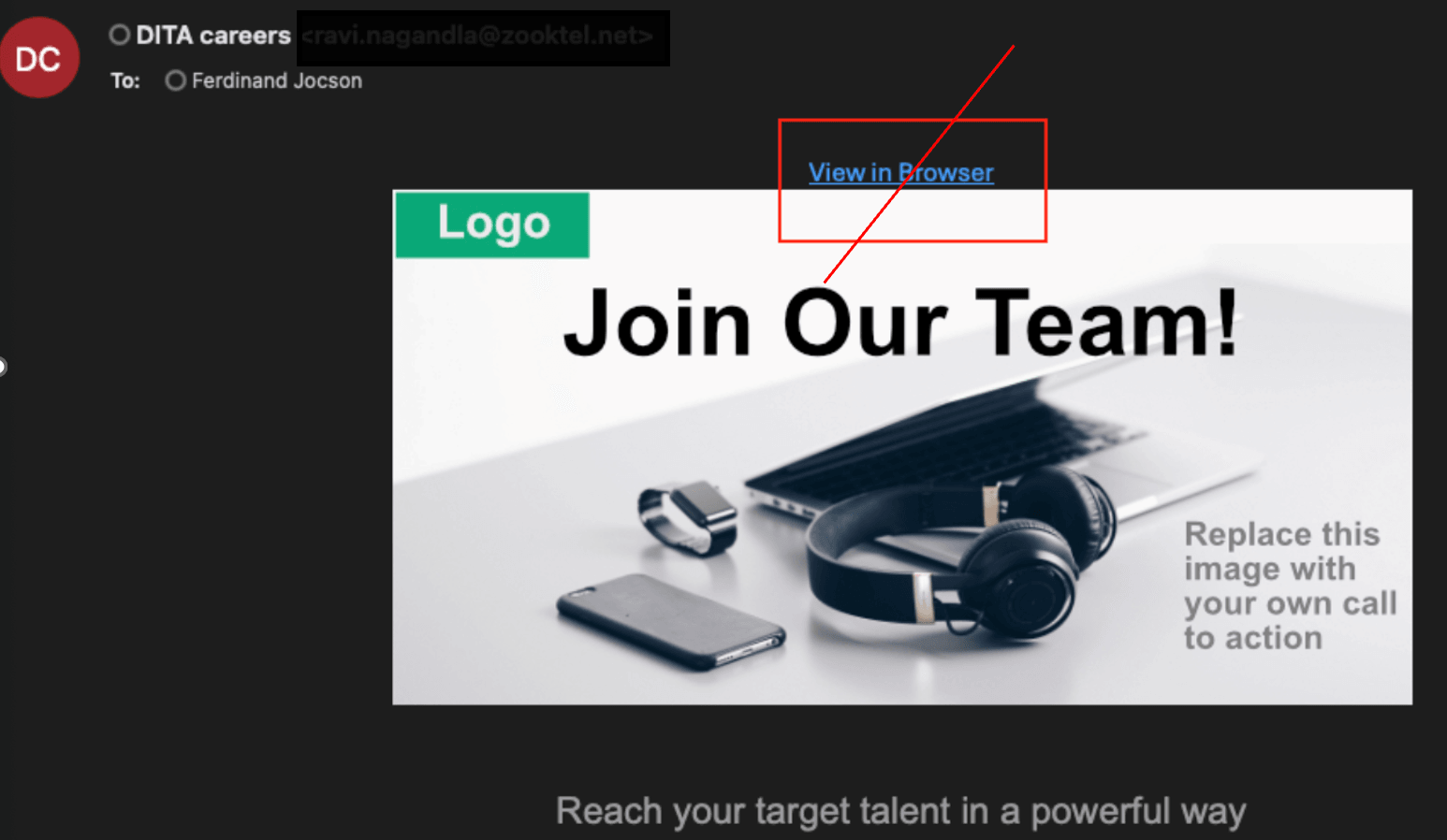
Before: Campaign Email with View in Browser Link
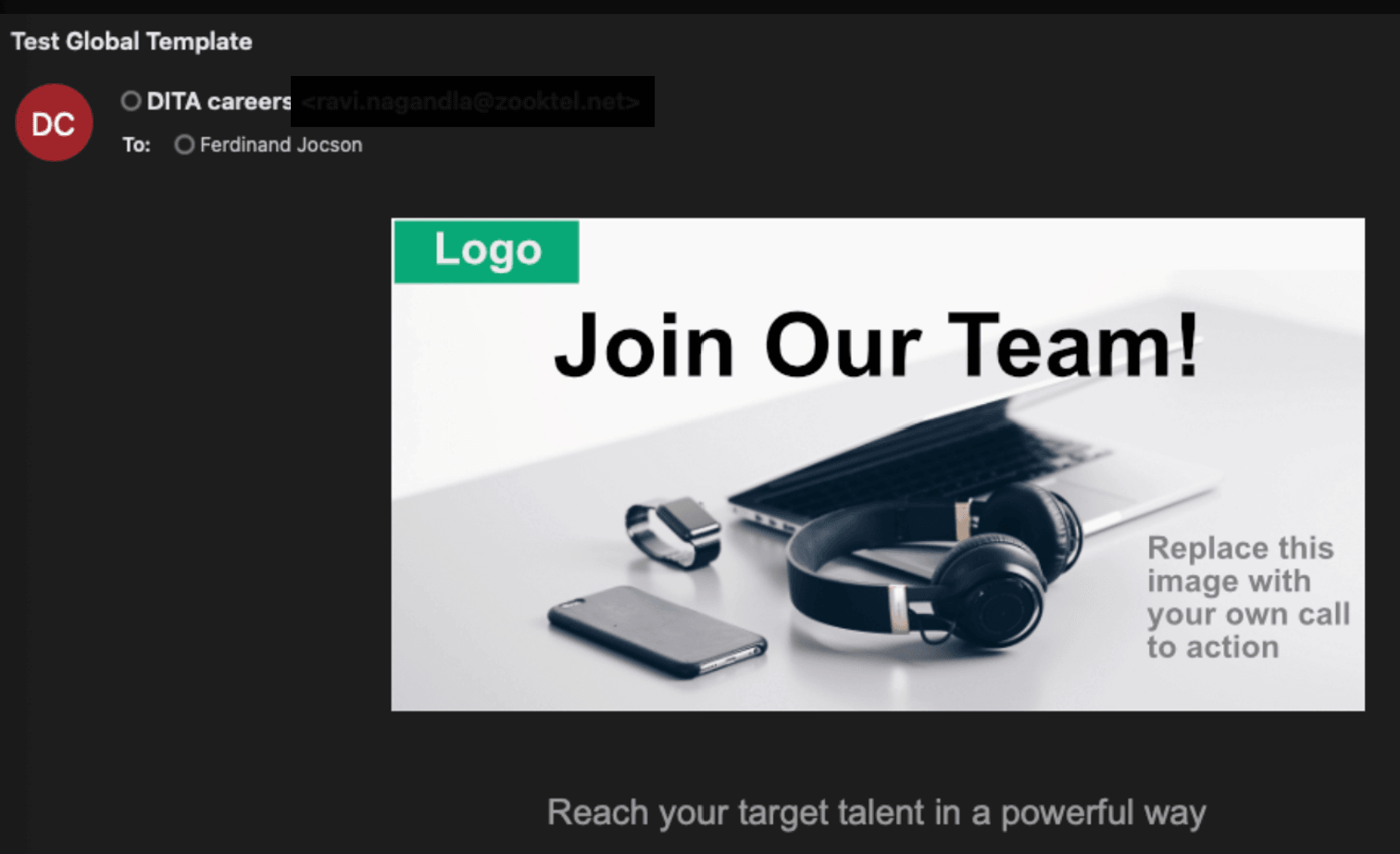
Now: Campaign Email without View in Browser Link
Business benefit: Improved user experience and better performance.
Steps to enable and configure
To use Redwood experience, you need to enable this profile option:
- ORA_IRC_RECRUITING_REDWOOD_ENABLED
For details, see How do I enable a profile option?
For details on enabling and customizing Redwood for HCM, see How do I adopt Redwood for HCM? and Extending Redwood Applications for HCM and SCM Using Visual Builder Studio
For privileges, see the Access Requirements section.
Access requirements
Users need these privileges or aggregate privileges:
- View Recruitment Campaign (ORA_IRC_VIEW_RECRUITMENT_CAMPAIGN)
- View All Recruitment Campaigns (ORA_IRC_VIEW_ALL_RECRUITMENT_CAMPAIGNS)