Redwood: Read-Only Goals Administrative Tasks
From this release, some HR specialists can be allowed to only view performance goals, development goals, library goals, mass processes, and goal plans. They can’t add or make changes to these goal objects.
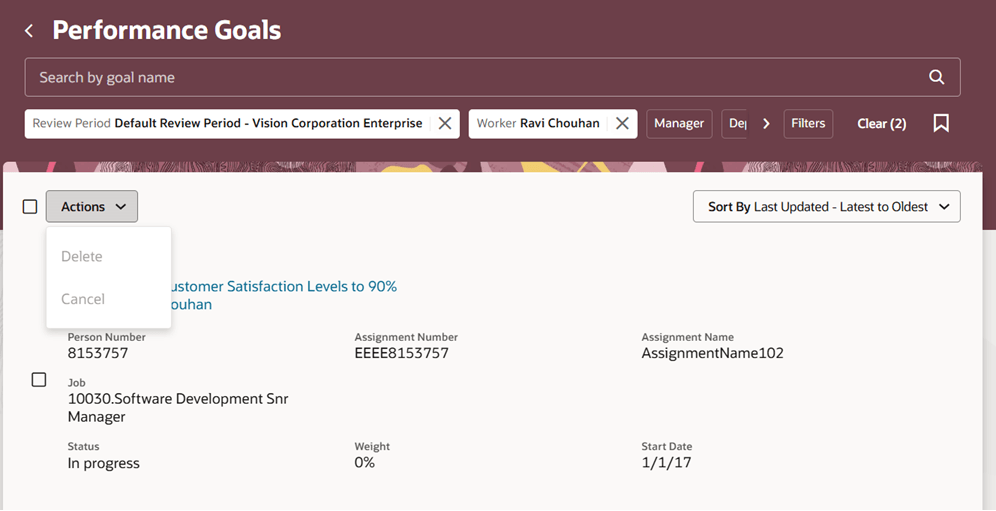
View-Only Administrator Performance Goals Page
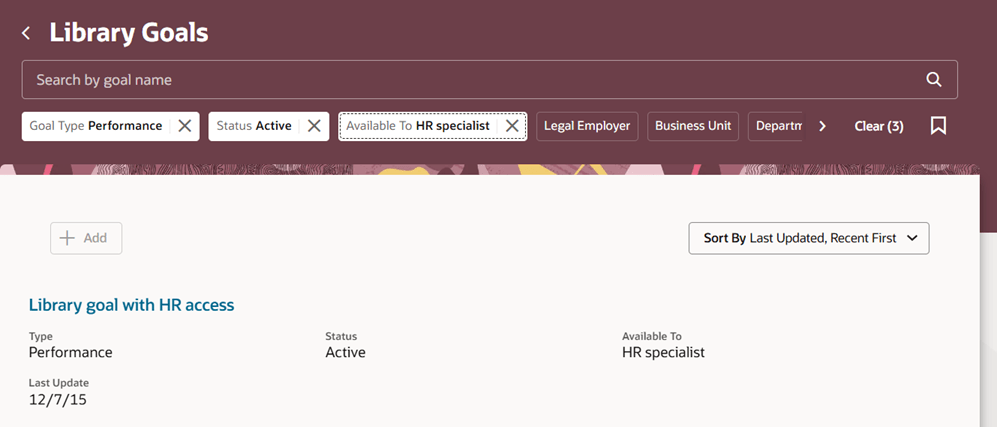
View-Only Library Goals Page
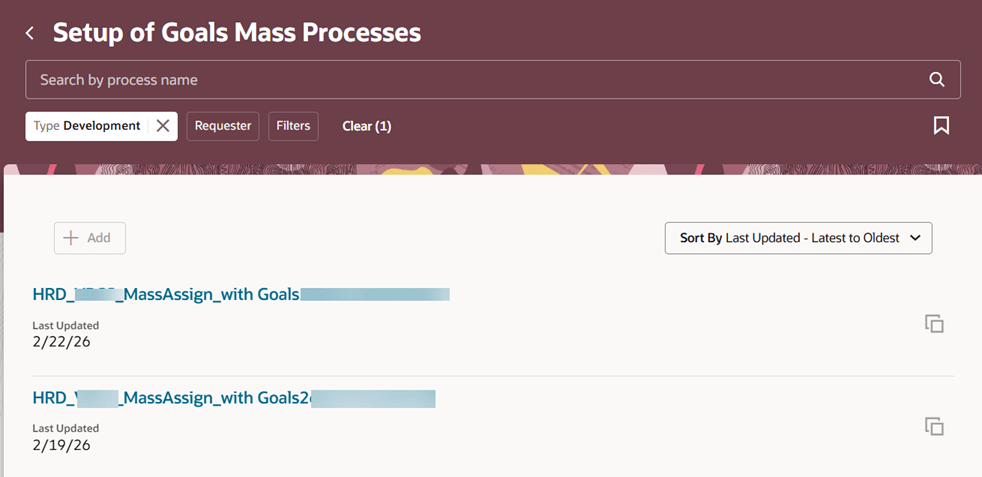
View-Only Setup of Goals Mass Processes Page
Business Benefit
Allow only certain HR specialists to edit goal objects and streamline your organization’s goal management process.
Steps to enable and configure
To enable Redwood Goals Center, you need to enable the profile options indicated in the table.
|
Profile Option Code |
Profile Option Display Name |
Value |
|---|---|---|
|
ORA_HCM_VBCS_PWA_ENABLED |
Enable VBCS Progressive Web Application User Interface |
Y |
|
ORA_HRA_PERFORMANCE_DOCUMENTS_AND_GOALS_REDWOOD_ENABLED |
Enable Redwood Performance Documents and Goals Center |
Yes |
NOTE: The Performance Document, Check-in, and Goals Center features are closely connected. So, the Redwood version of these pages can all be enabled or disabled only using the common ORA_HRA_PERFORMANCE_DOCUMENTS_AND_GOALS_REDWOOD_ENABLED profile option. These features can't be enabled individually.
For more information, see How do I enable a profile option?.
To ensure that some HR specialists can be allowed to only view performance goals, development goals, library goals, mass processes, and goal plans:
- Create a custom role by copying the delivered HR specialist role.
- Remove these aggregate privileges from the custom role:
- Manage Performance Goal by HR (ORA_HRG_MANAGE_PERFORMANCE_GOAL_BY_HR)
- Manage Development Goal by HR (ORA_HRG_MANAGE_DEVELOPMENT_GOAL_BY_HR)
- Assign these aggregate privileges:
- View Development Goal by HR (ORA_HRG_VIEW_DEVELOPMENT_GOAL_BY_HR)
- View Performance Goal by HR (ORA_HRG_VIEW_PERFORMANCE_GOAL_BY_HR)
- Grant this custom role to HR specialists who you don’t want to allow to edit goals or goal plans.
For more information on how to do this, see How do I configure data roles and security profiles?.