Redwood Redesigned Schedules Processes for Goals Pages
Leverage these Redwood redesigned scheduled processes pages and have a consistent user experience when you use Goals Center.
- Scheduled Processes for Performance Goals
- Scheduled Processes for Development Goals
- Scheduled Processes for Goals
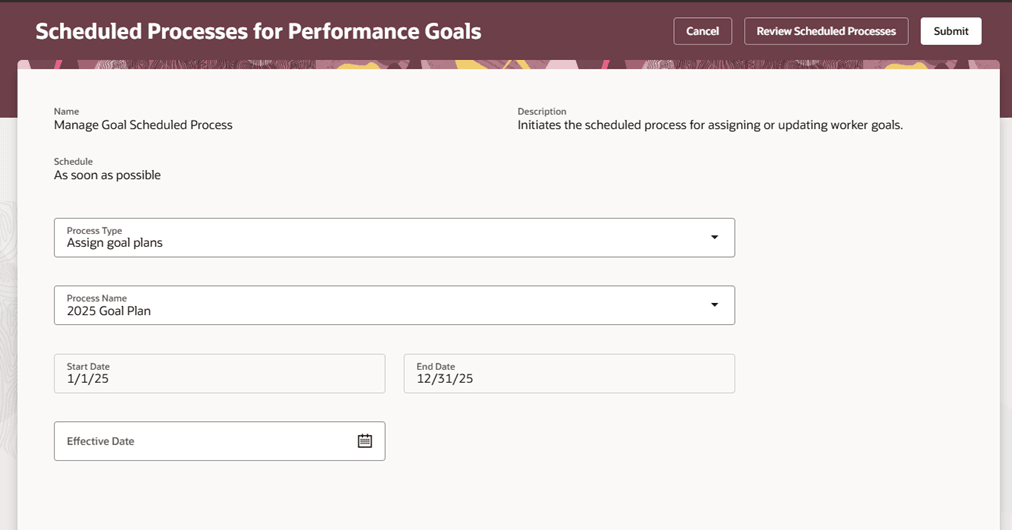
Redwood Redesigned Scheduled Processes for Performance Goals Page
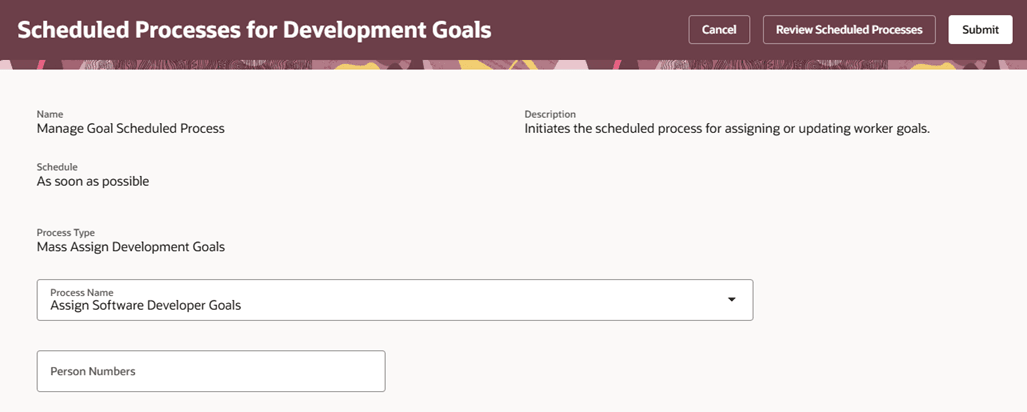
Redwood Redesigned Scheduled Processes for Development Goals Page
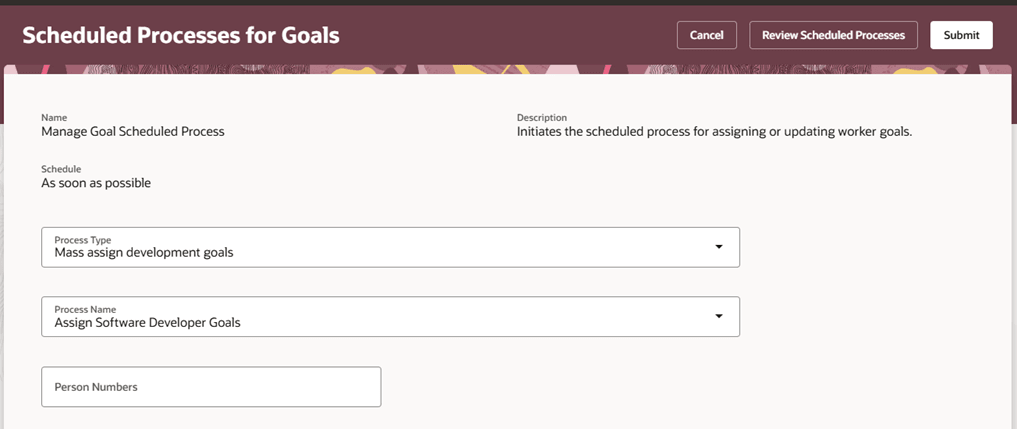
Redwood Redesigned Scheduled Processes for Goals Page
Note: You can’t specify the advanced schedule process options on these Redwood redesigned pages. These pages will be enhanced to allow full configuration of the processes in a later release.
Business Benefit
Use these redesigned pages to easily schedule your performance goal plan assignment, mass share process for performance goals, and mass assignment processes for performance and development goals.
Steps to enable and configure
To enable Redwood Goals Center, you need to enable the profile options indicated in the table.
|
Profile Option Code |
Profile Option Display Name |
Value |
|---|---|---|
|
ORA_HCM_VBCS_PWA_ENABLED |
Enable VBCS Progressive Web Application User Interface |
Y |
|
ORA_HRA_PERFORMANCE_DOCUMENTS_AND_GOALS_REDWOOD_ENABLED |
Enable Redwood Performance Documents and Goals Center |
Yes |
NOTE: The Performance Document, Check-in, and Goals Center features are closely connected. So, the Redwood version of these pages can all be enabled or disabled only using the common ORA_HRA_PERFORMANCE_DOCUMENTS_AND_GOALS_REDWOOD_ENABLED profile option. These features can't be enabled individually.
To view the combined Scheduled Processes for Goals page, set the Consolidation of Redwood Administrator Pages for Performance and Development Goals Enabled (ORA_HRG_ENABLE_GOAL_ADMIN_PAGES_CONSOLIDATION) profile option value to Yes.
For more information, see How do I enable a profile option?.