Enable Redwood Experience for Benefits Plan Configuration Pages
These Benefits plan configuration pages are now available in the Redwood user experience as part of the ongoing Benefits Redwood adoption:
- Self-Service Configuration and Survey
- Configure Enrollment Action Items
- Benefit Balances
- Benefit Groups
- Reporting Groups
- Regulations
- Year Periods and Billing Calendars
- Plan Types
These Redwood pages support existing configuration activities in a modernized experience, including searching, adding, editing, viewing, and maintaining setup records where applicable.
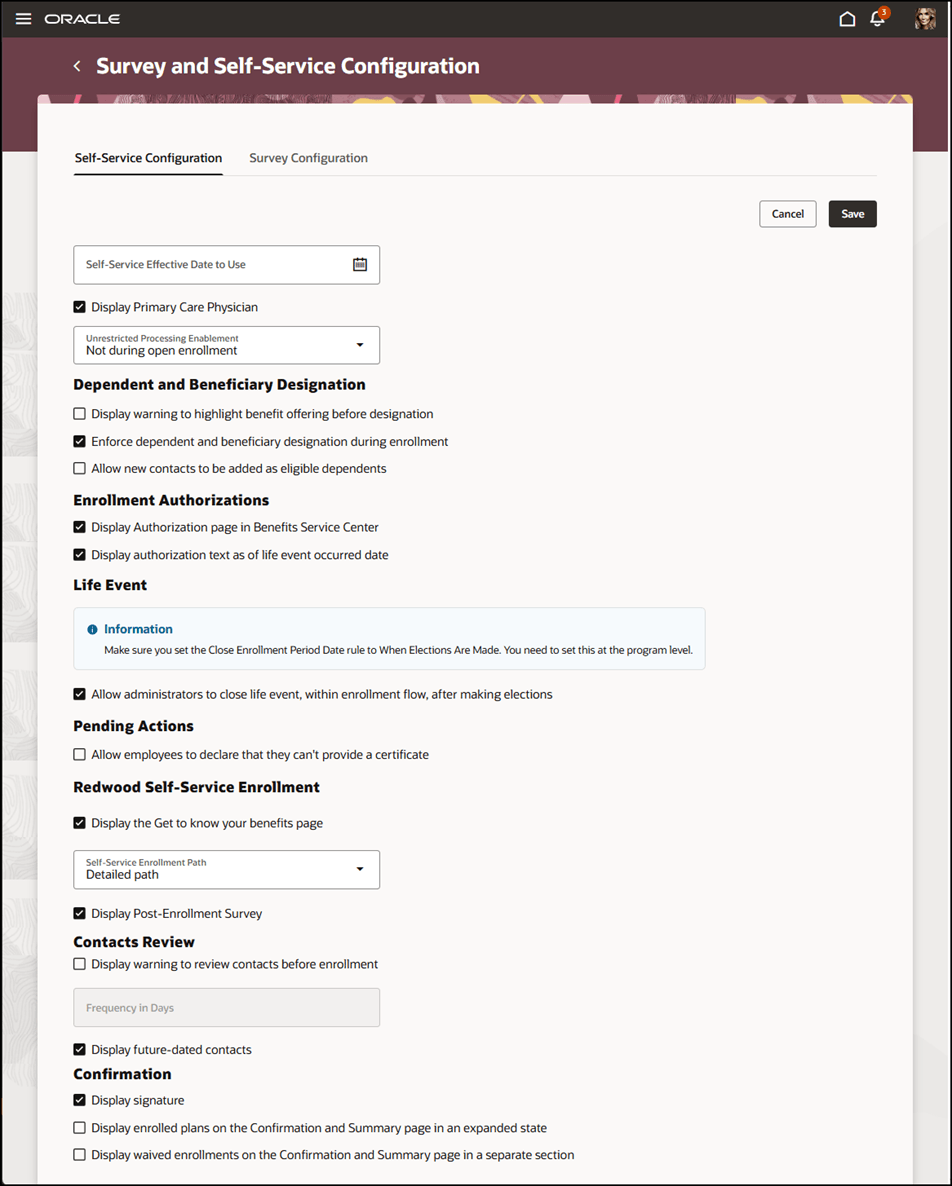
Self-Service Configuration and Survey
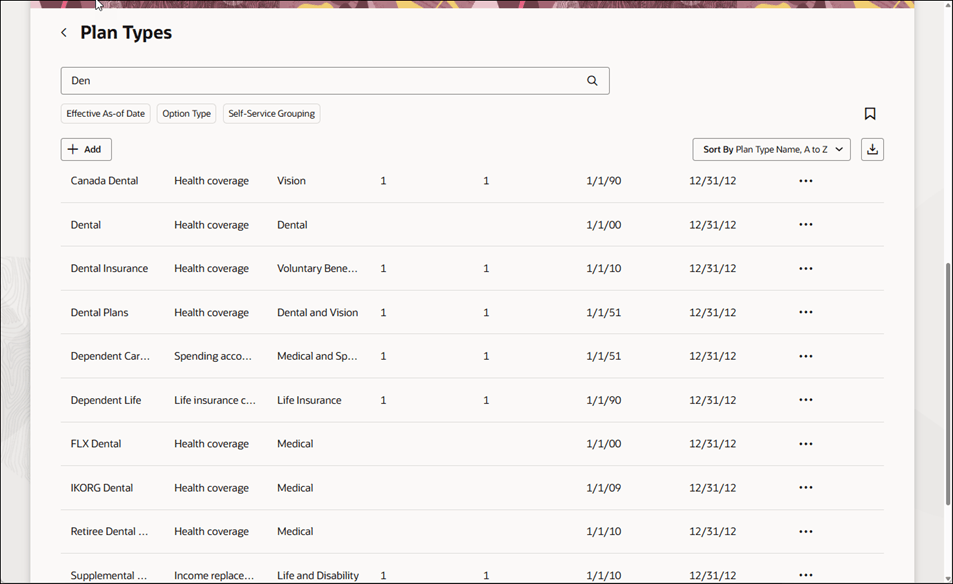
Plan Types
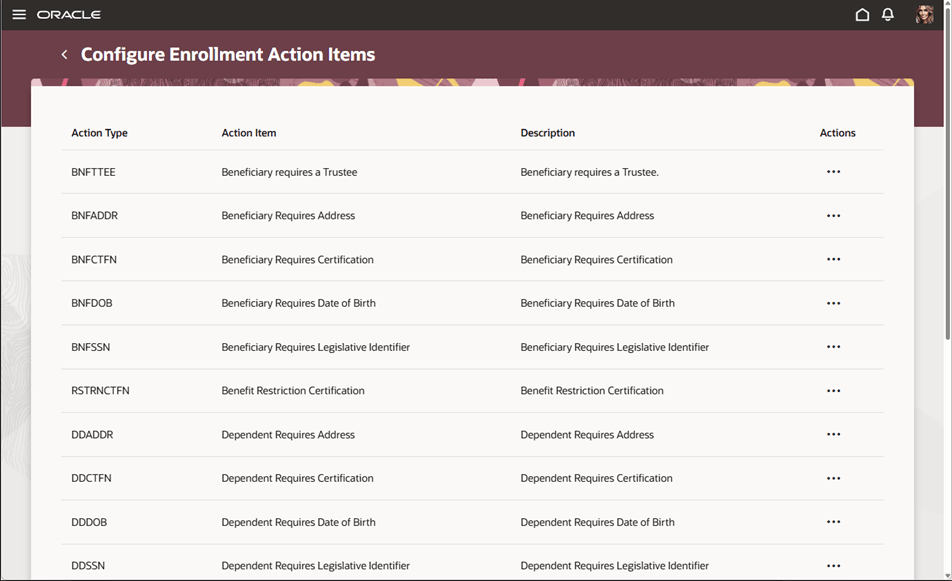
Configure Enrollment Action Items
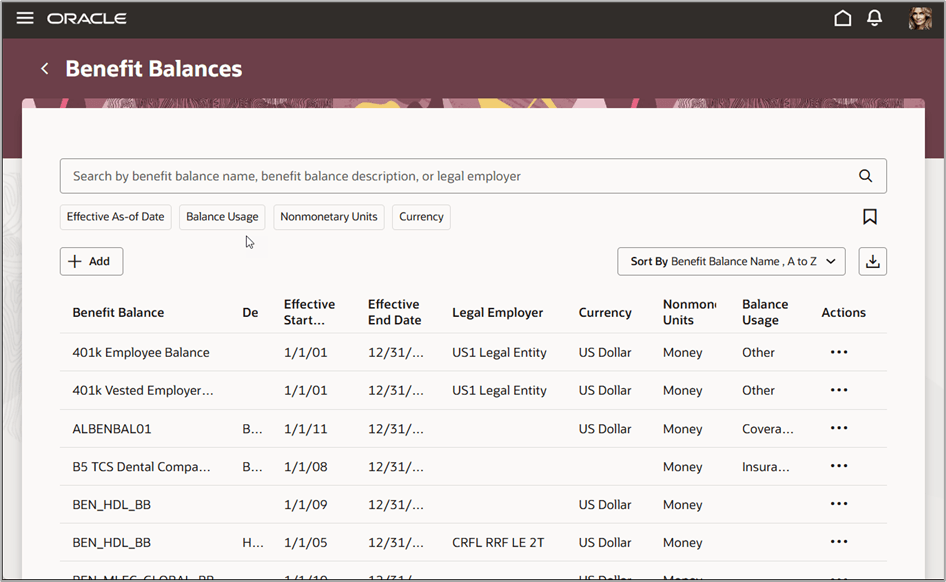
Benefit Balances
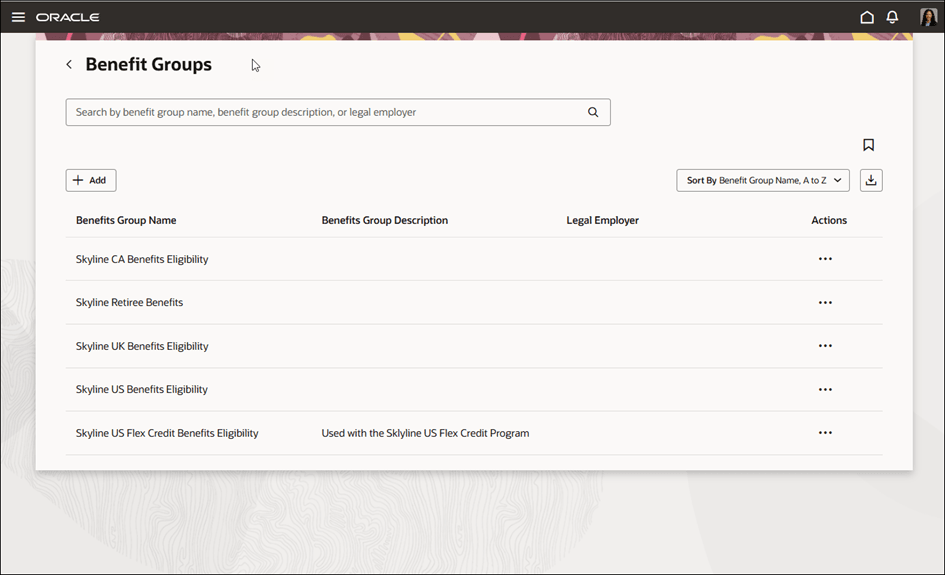
Benefits Groups
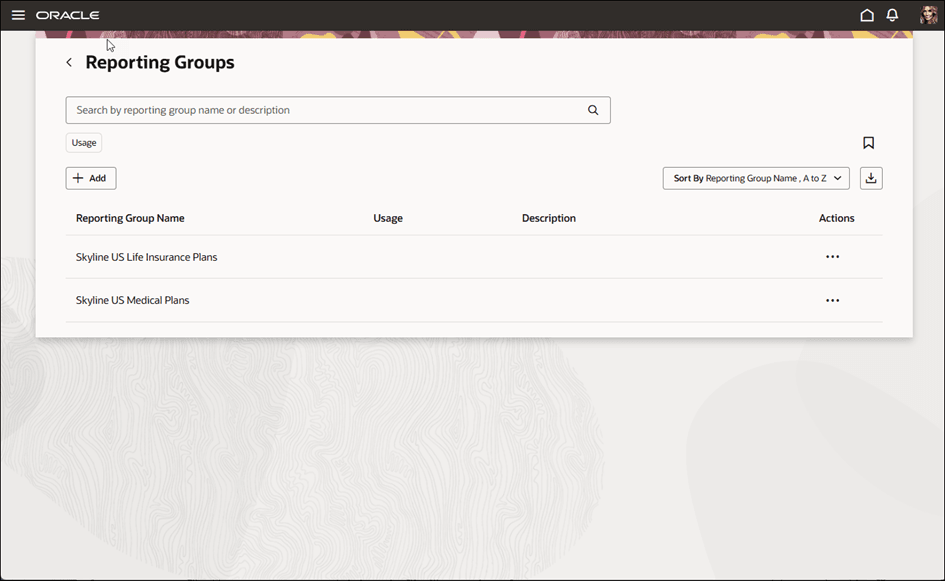
Reporting Groups
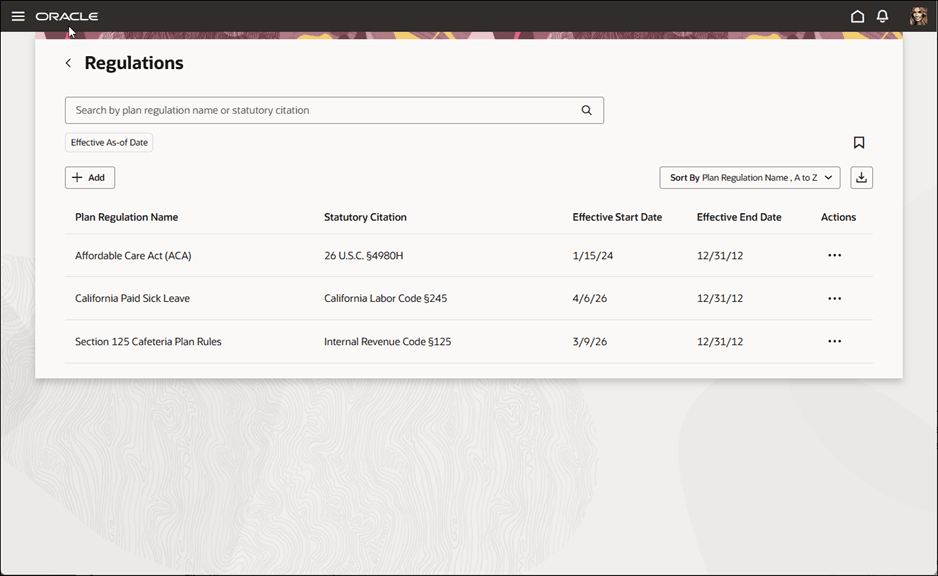
Regulations
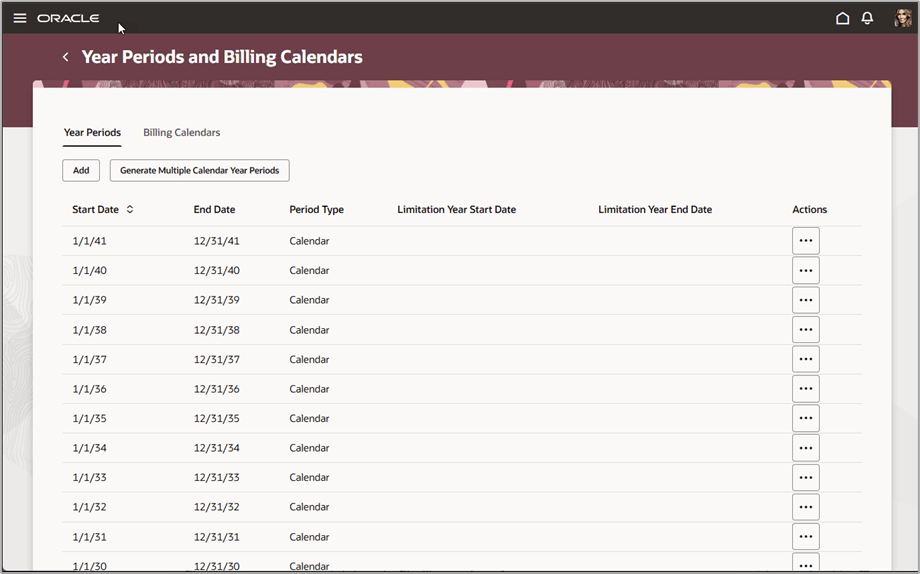
Year Periods and Billing Calendars
This feature helps benefits administrators use a more consistent Redwood experience across plan configuration tasks. The updated pages improve usability and navigation while preserving existing setup behavior, so administrators can continue maintaining benefits configuration with less disruption during Redwood adoption.
Steps to enable and configure
Enable these profile options. To learn how to enable a profile option, see How do I enable a profile option?
-
ORA_HCM_VBCS_PWA_ENABLED
-
ORA_BEN_PLAN_CONFIGURATION_REDWOOD_ENABLED
How do I access the Redwood Benefits pages?
You can also access the Redwood pages by using Ask Oracle.
Tips and considerations
- The Redwood pages are available through Quick Actions and Ask Oracle when the required profile options are enabled.
- The classic pages remain available from the Plan Configuration work area.
- Existing functionality and capabilities are retained unless otherwise noted.
- Existing functional security and role access are maintained in the Redwood version.
- Some table-based pages allow only one row to be added, edited or deleted at a time.
- While an action is in progress for one row, actions on other rows may be disabled until the current action is completed.
- Search and sort capabilities are available on the Redwood pages where supported. Some pages also support saved searches and default search criteria.
Key resources
- How do I adopt Redwood for Benefits?
- Start Here- Learning opportunities to get started with Benefits Redwood Adoption
- Implementing Benefits
- Extending Redwood Applications for HCM and SCM Using Visual Builder Studio
Access requirements
Users with these roles can access the Redwood plan configuration pages:
- Benefits Administrator, for all configuration pages
- Benefits Manager, for limited configuration pages
- Benefits Specialist, for limited configuration pages