Configurable Business Title Switcher Introduction in Compensation Pages
We have enhanced the usability of Business Title Switcher available in Redwood My Compensation, Compensation Info and View Compensation History.
The Business Title Switcher now include search and filter functionality, allowing you to quickly find and select the relevant values. When you click into any of these LOVs, a search box appears at the top, enabling you to search by key attributes like name or code. The configuration options are added for both Database search and Oracle search.
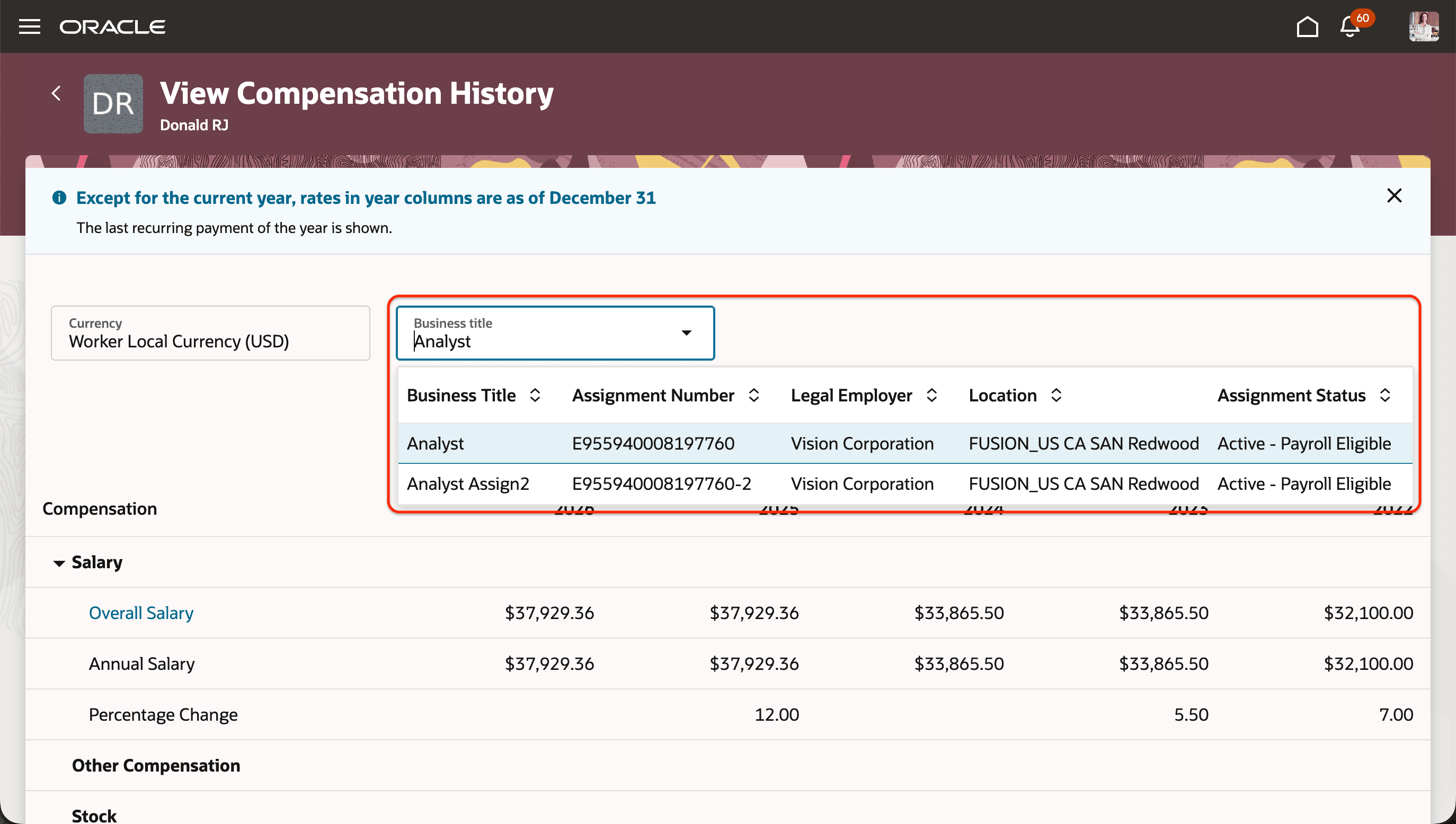
Business Title Switcher View Compensation History with Seeded Attributes
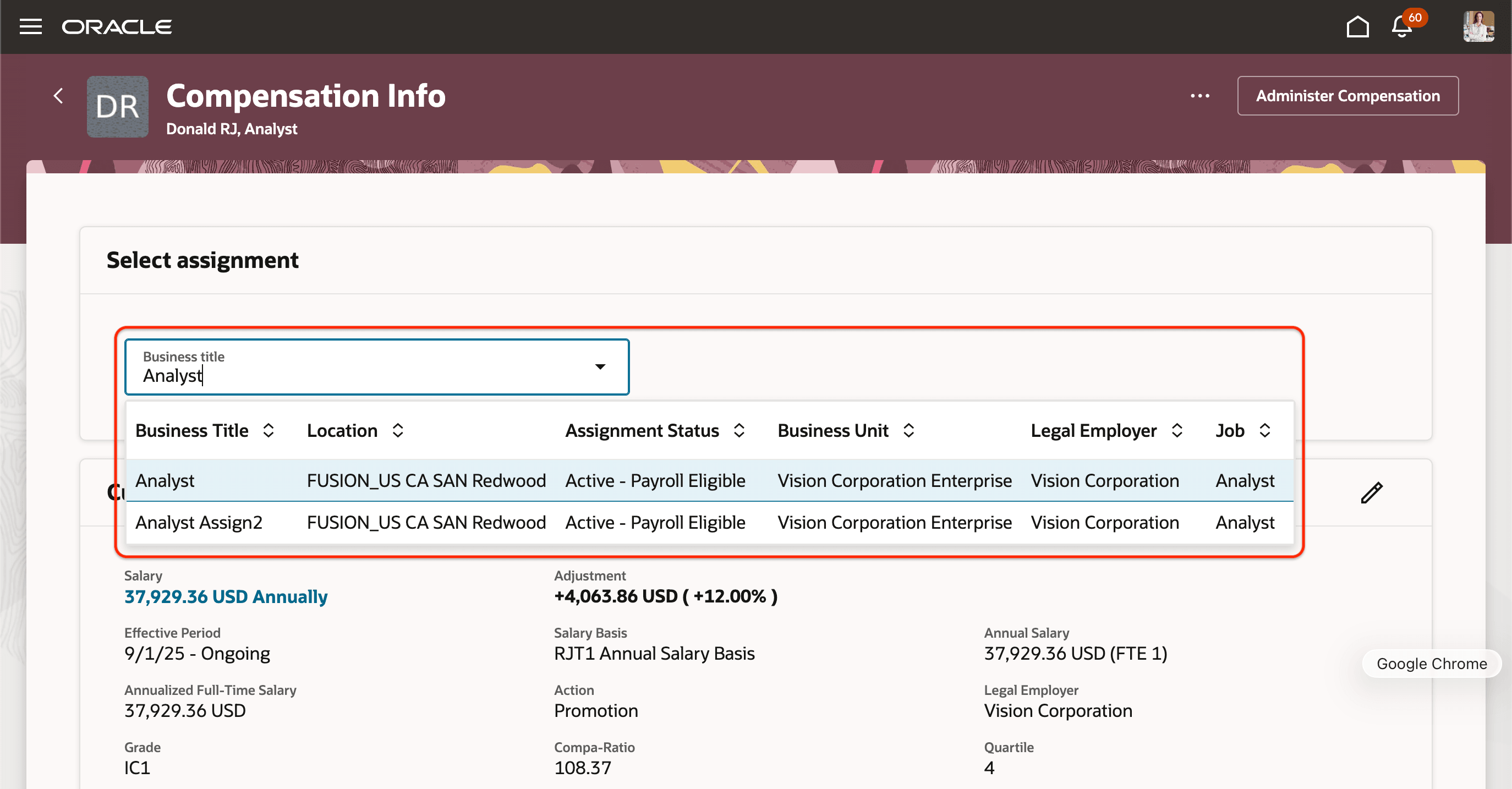
Business Title Switcher in Compensation Info with Modified Attributes
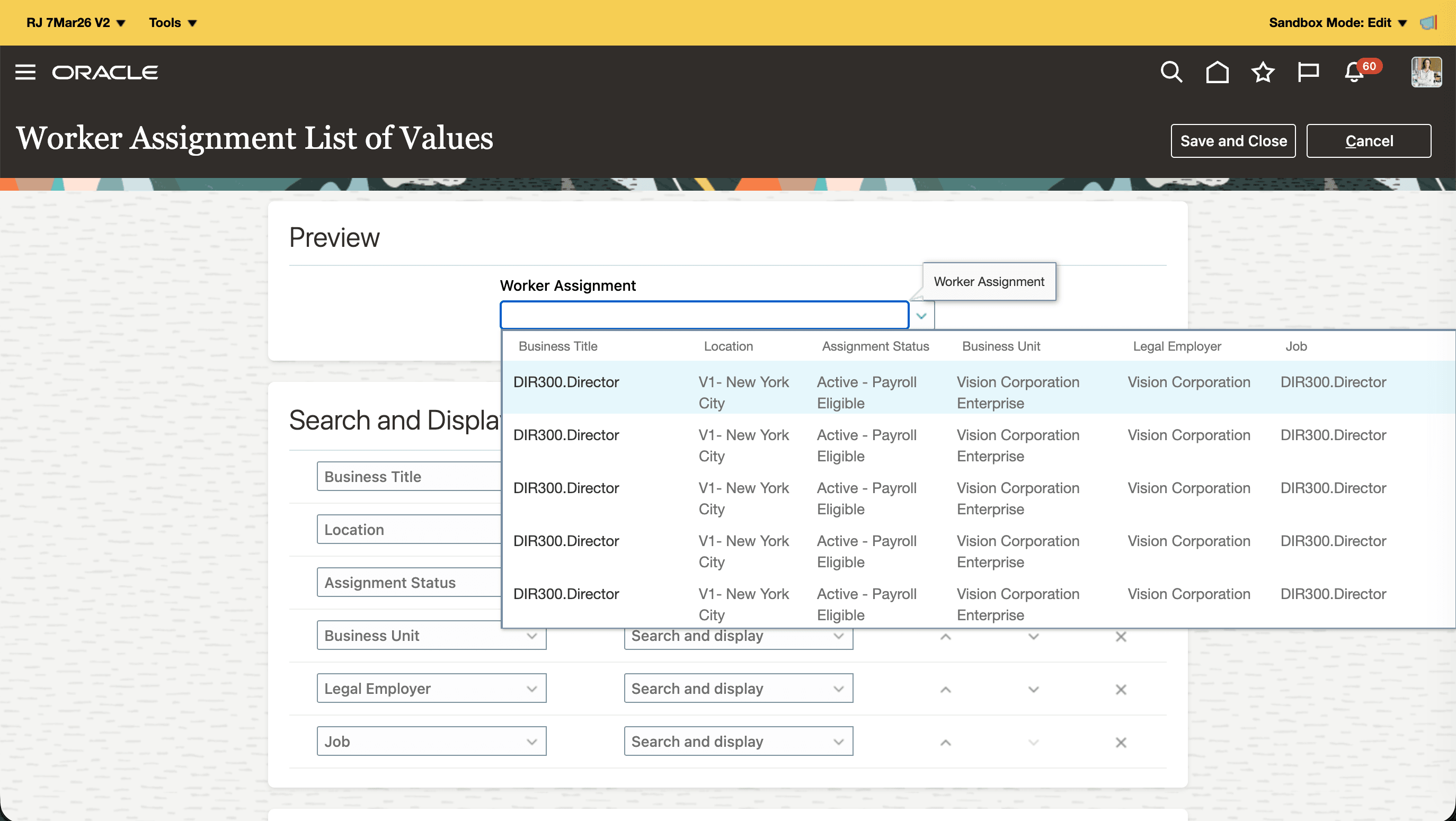
List of Value Configuration in Design Studio
Drives higher productivity and data accuracy by enabling faster, more targeted value selection.
Steps to enable and configure
You don't need to do anything to enable this feature.
Tips and considerations
-
To know more about configuring LOV, see this topic: How You Configure List of Values (LOVs)
-
To learn about setting up Oracle Search for LOVs, see this topic: Set Up Oracle Search for List of Values
-
If you access these pages on mobile devices or tablets, the results of the Business Title Switcher will be displayed in a table layout. You may need to scroll horizontally to view additional attributes due to table component limitations.
Key resources
GHR 25C Feature: Enhanced Search Configurability for REST LoVs in Redwood Employment Processes