Enhancements to Redwood Individual Compensation Extensibility
You can now default input values when correcting or updating an existing proposal. A new attribute is available specifically for defaulting input values during correction and update operations.
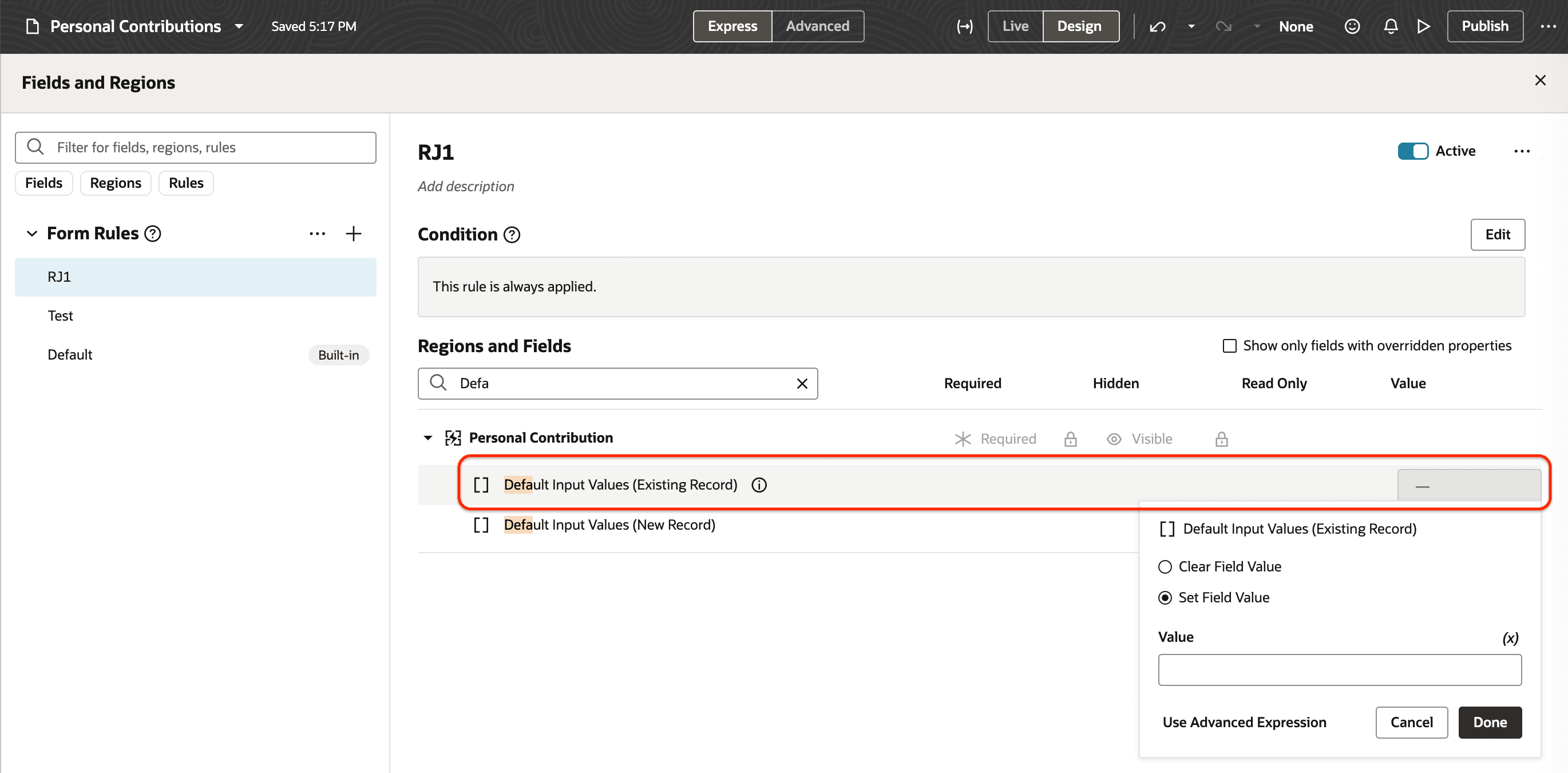
Separate Attributes for Defaulting Input Values
You can also default and validate the same field using business rules. These capabilities are available on individual compensation pages such as Manage Individual Compensation, as well as Global HR pages that include the individual compensation section, such as Hire an Employee and Promote.
You can display created and updated user and date-time details in the Additional Compensation and Recurring and One-Time Payments sections of the Redwood Compensation Info page.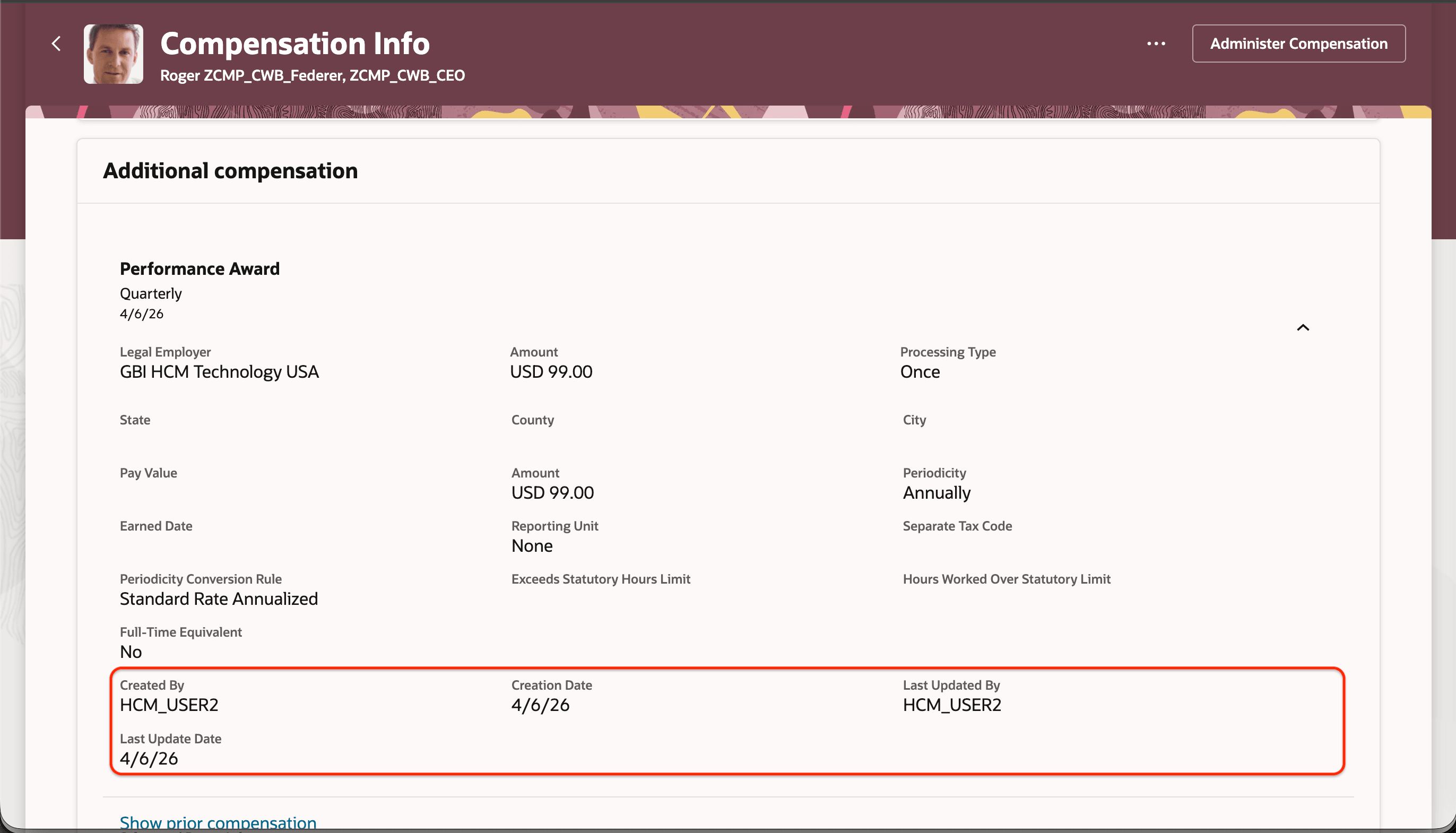
Additional Compensation Section Showing Created and Updated Details
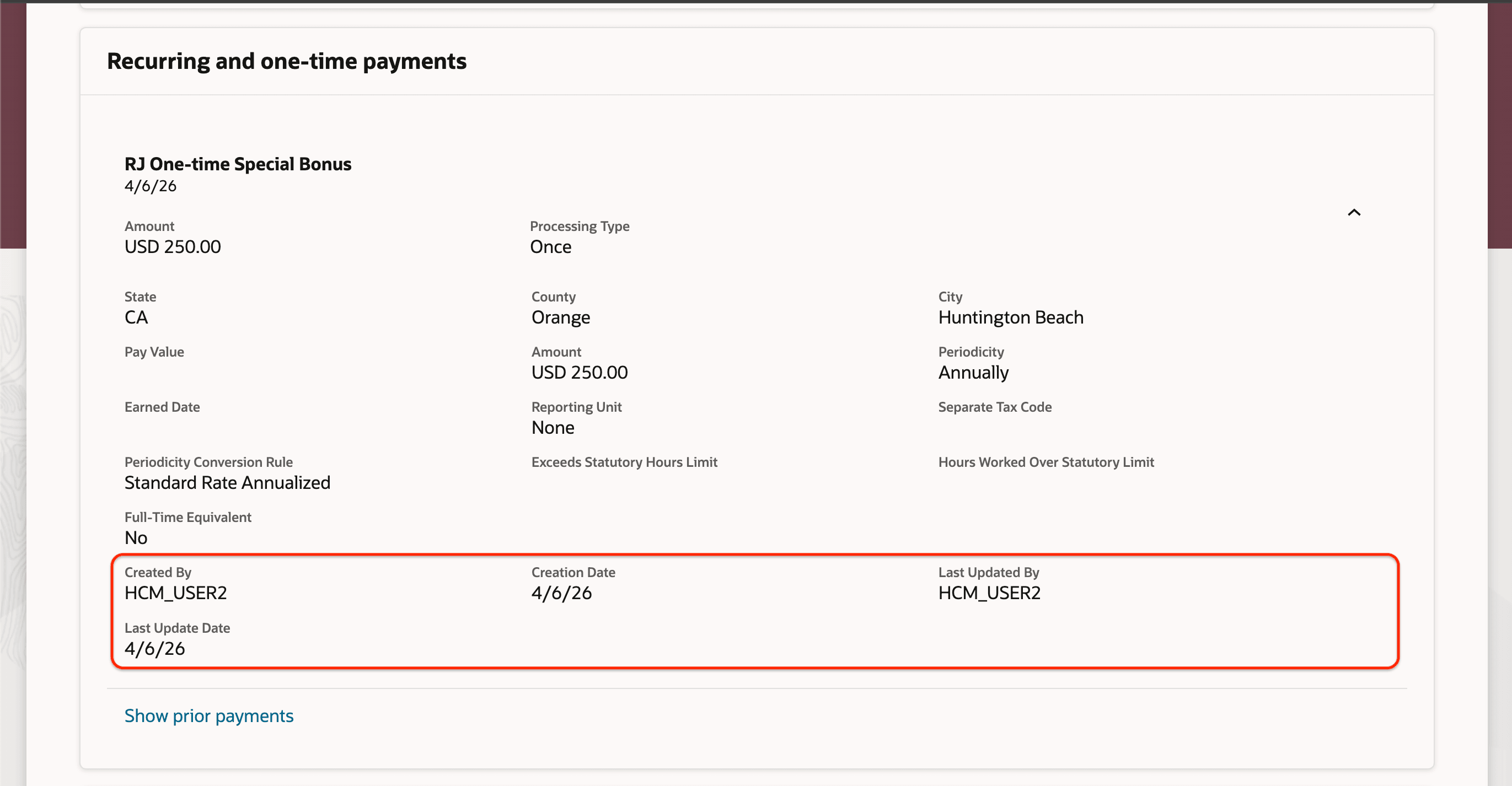
Recurring and One-Time Payments Section Showing Created and Updated Details
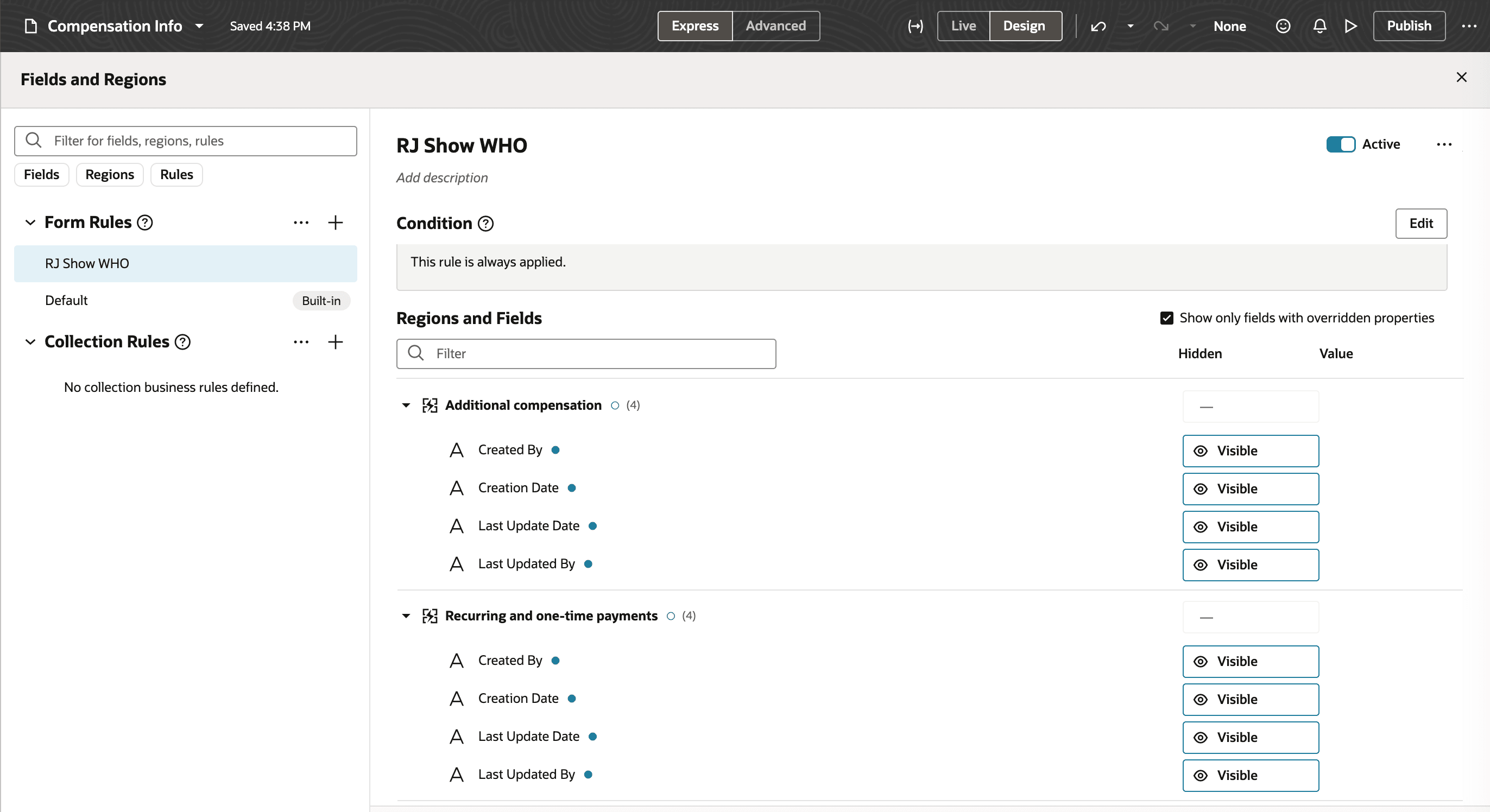
Created and Updated Details Configured using VBS
This feature enables defaulting and validation of input values during correction and update actions, improving auditability, data integrity, and policy enforcement.
Steps to enable and configure
You don't need to do anything to enable this feature.
Tips and considerations
Default input values are applied during an update or correction when you first click the Edit icon to open the panel drawer.
Key resources
Also see 26A Feature: Business Rule Defaulting and Validation of Input Values Introduction
For more information about compensation business rules, see these playbooks:
- How do I configure business rules for Redwood individual compensation pages?
- How do I configure business rules for Redwood salary pages?