Redwood Experience for Wellness Administration
We have enriched the user experience with the new Wellness Administration Application developed using the Redwood toolset. The pages are built from the ground up using Visual Builder Studio (VB Studio) to give you a unique experience of Oracle applications.
You can navigate to the page by using the existing app icon Wellness under the Benefits Administration tab on the home page.
Wellness is now added as an application under Corporate Citizenship. So, you can also navigate to Wellness Administration Application via Corporate Citizenship Administration under My Clients Group.
The Redwood Wellness pages are the equivalent of the existing Wellness Administration pages and has the same functionality, including validations.
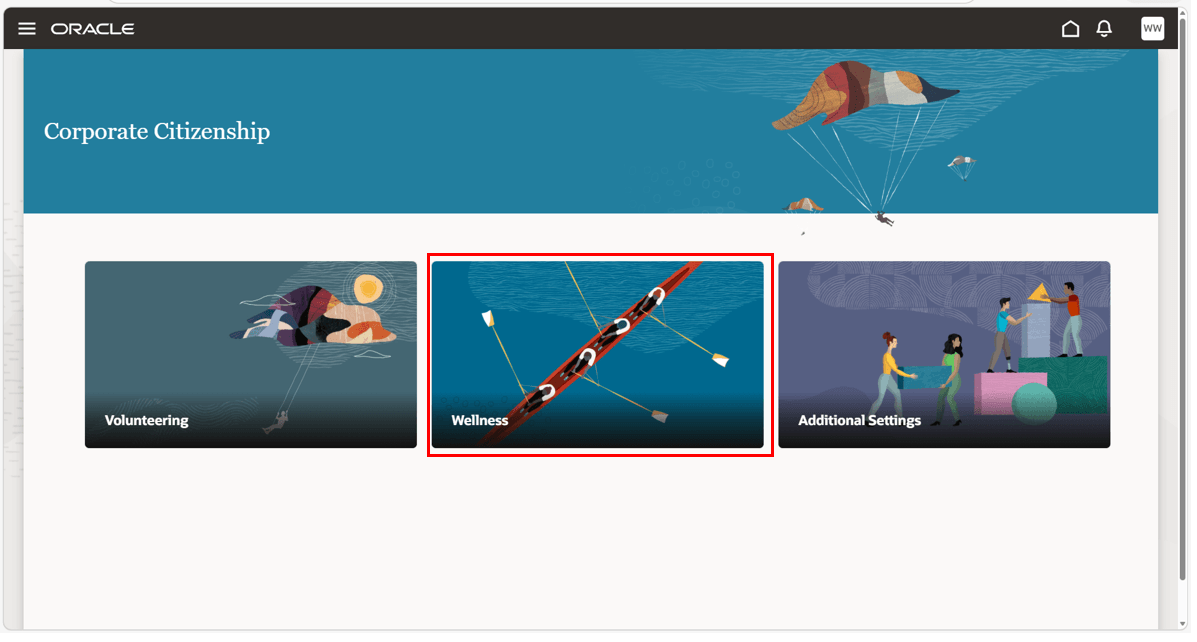
Corporate Citizenship > Wellness
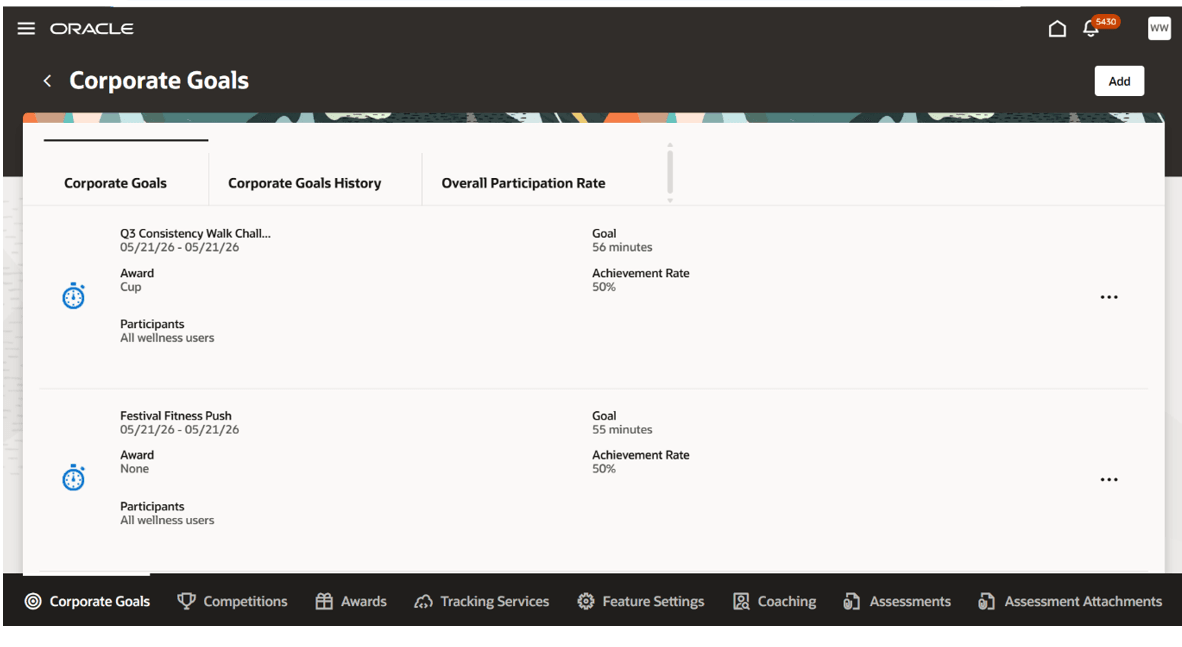
Corporate Goals tab overview
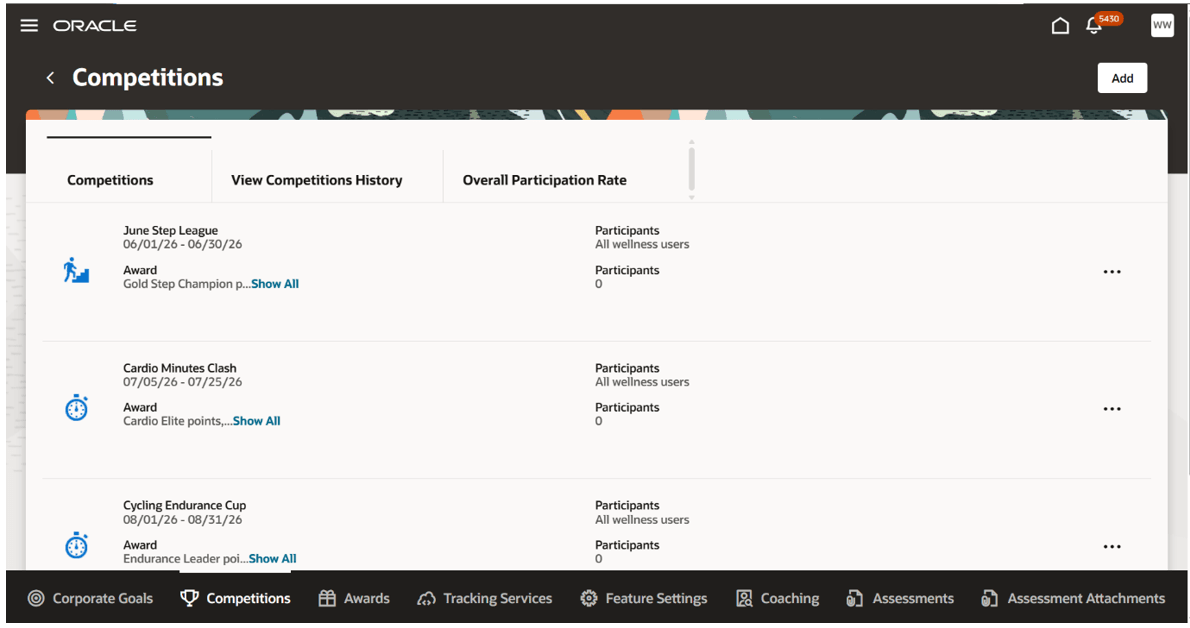
Competitions section overview
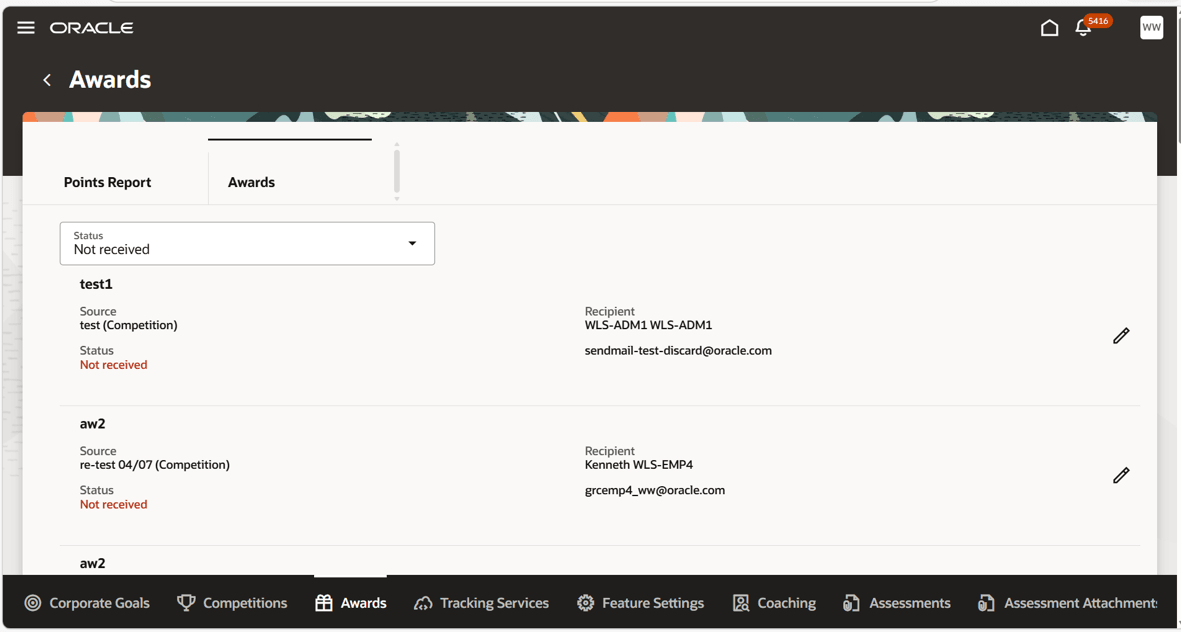
Awards section overview
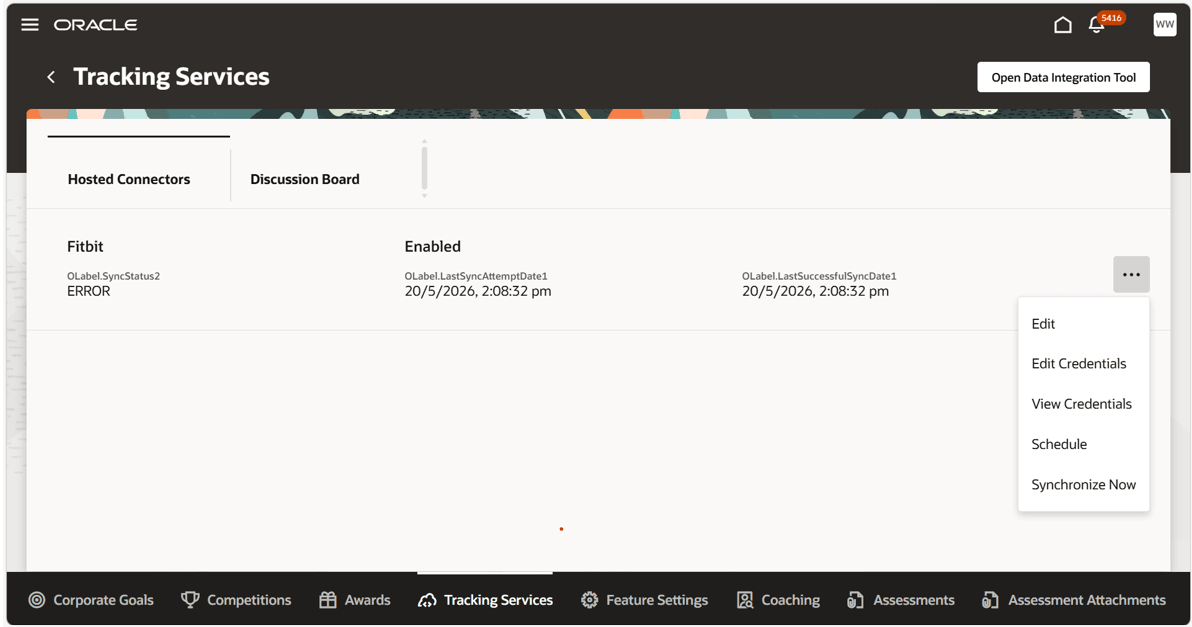
Tracking Services section overview
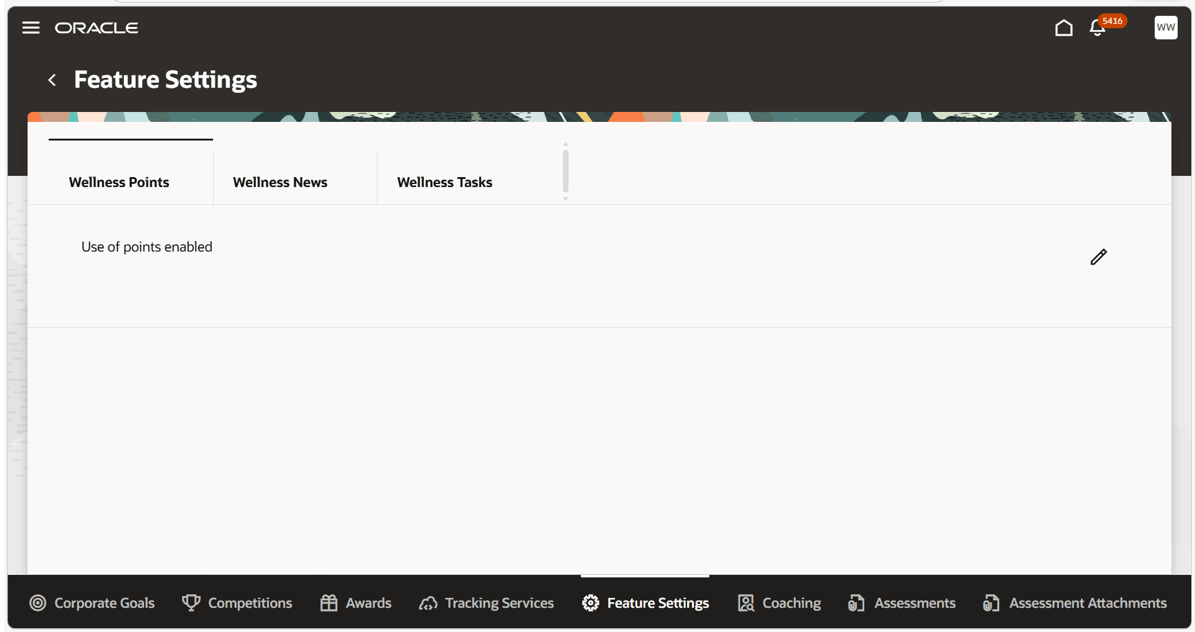
Feature Settings section overview
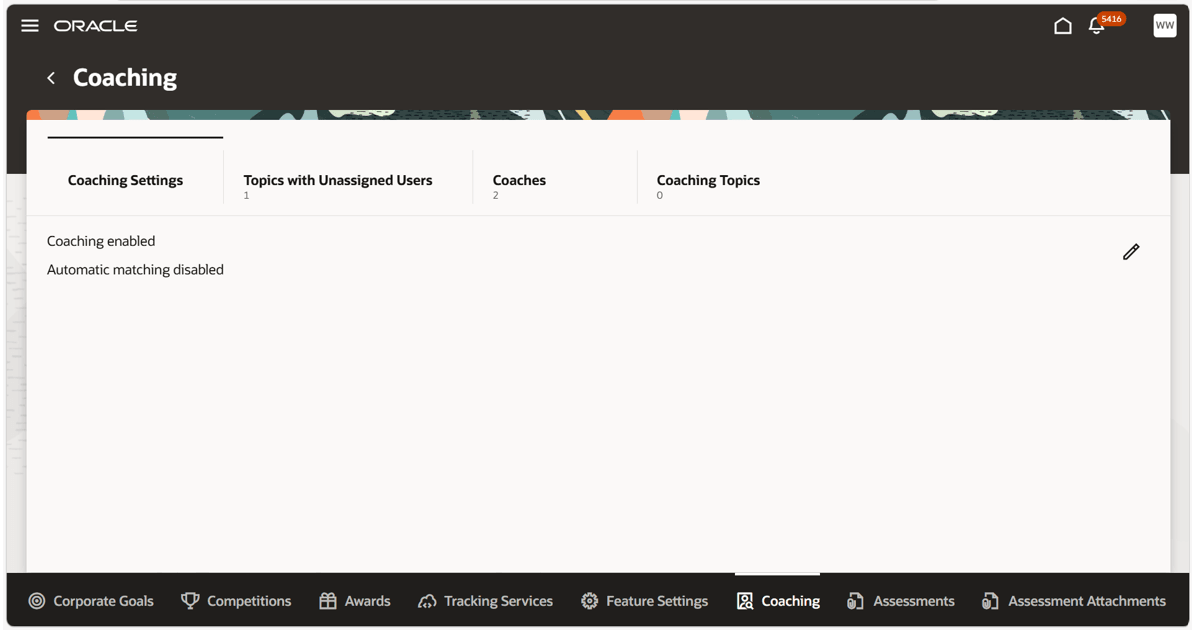
Coaching section overview
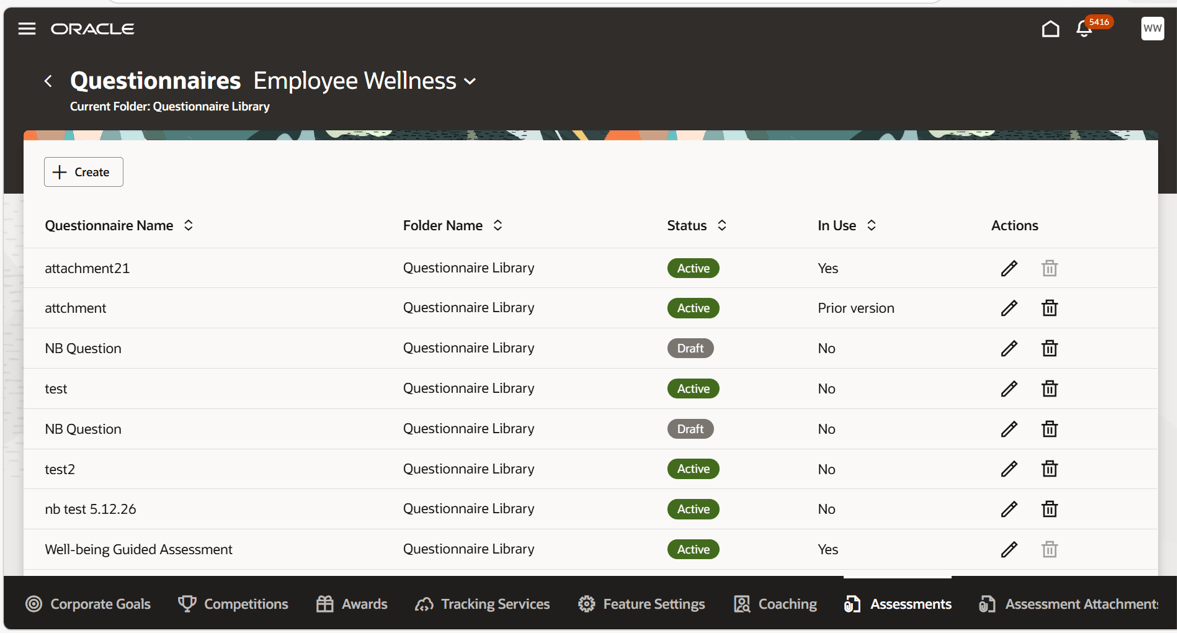
Assessments section overview
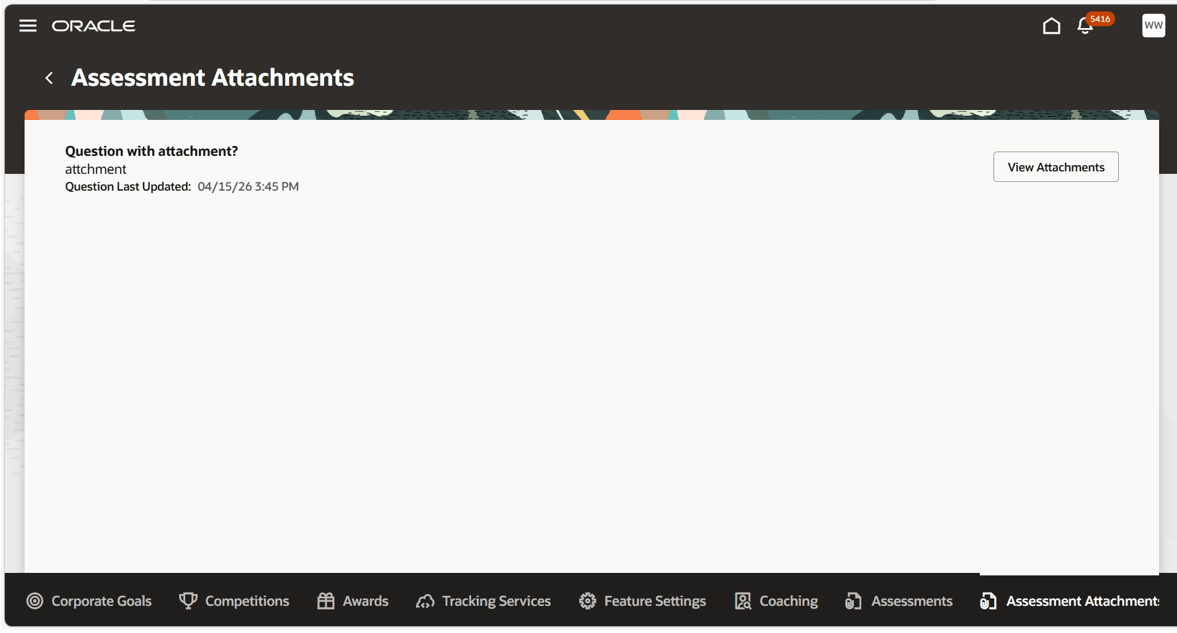
Assessment Attachments section overview
Wellness Administration functionality has not changed, but has now been brought into the Redwood experience.
Steps to enable and configure
You need to ensure that:
- You have access to Oracle Corporate Citizenship.
- Your administrator has enabled Wellness Administration features for your role.
Some functionality, such as rewards or social media integrations, may vary based on organizational configuration.
To provide access to all Wellness and Corporate Citizenship administration features under My Client Groups::
- Enable permission groups to make job role SAS enabled.
- Assign ORA_HHR_CORPORATE_SOCIAL_RESPONSIBILITY_MANAGER_JOB role.