Learning Catalog Calendar for Managers
Use Learning Calendar to review instructor-led and virtual instructor-led training in one place. Switch between month, week, day, list, and Today views to find events, review details, and take action directly from the calendar. You can also search and filter events and enroll or assign training from the calendar.
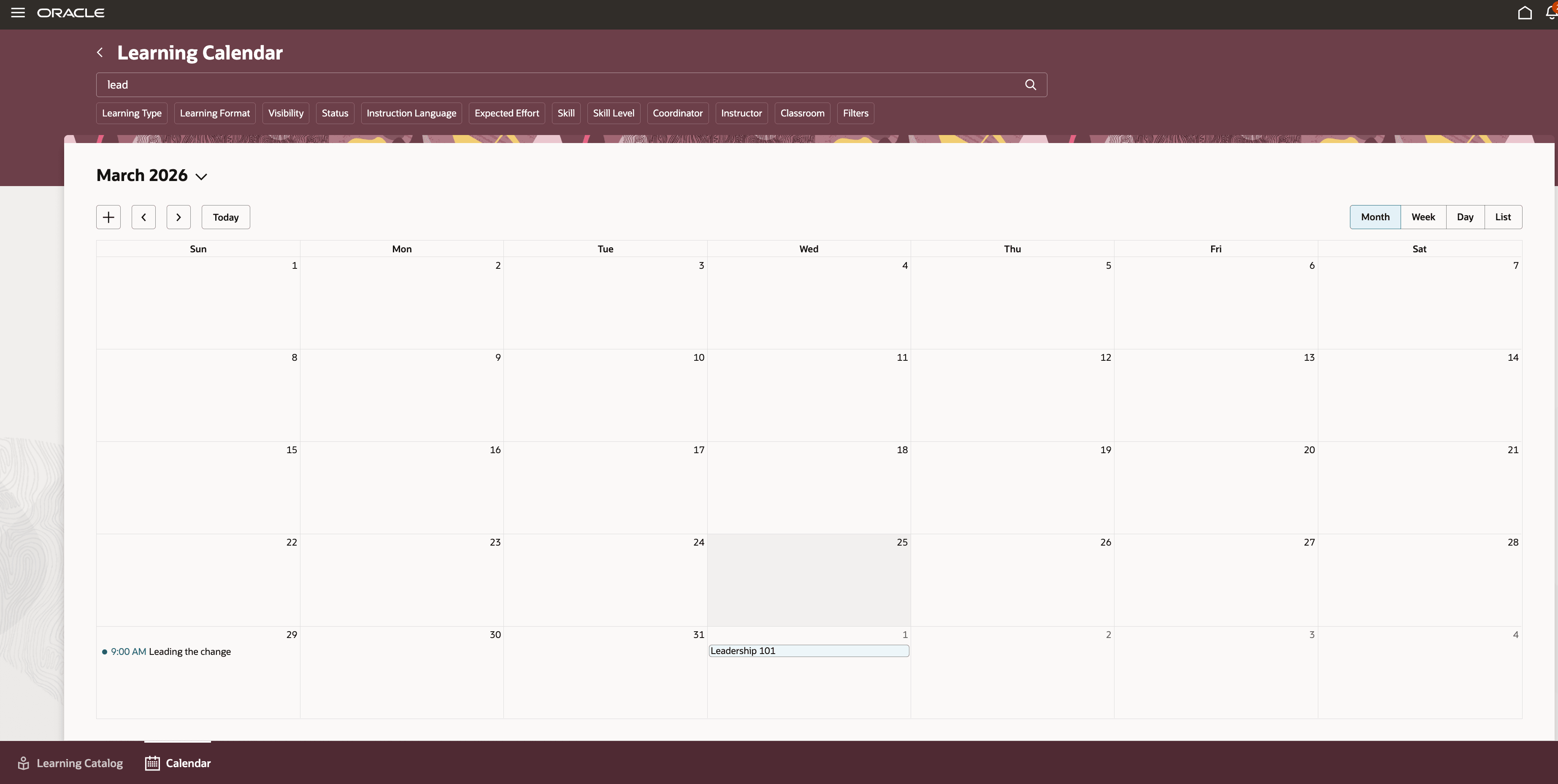
Learning Catalog Calendar
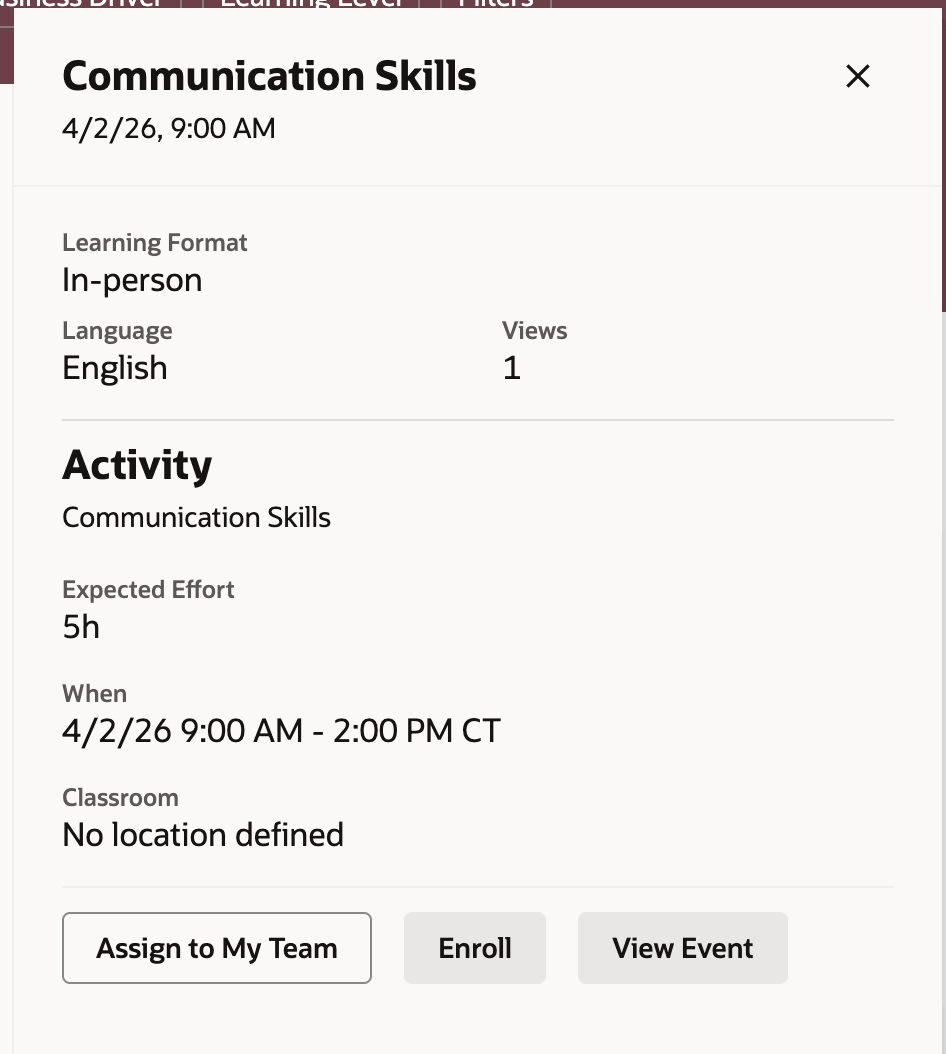
Learning Catalog Panel View
Improve schedule visibility and help managers plan learning and assign training more efficiently across their teams.
Steps to enable and configure
-
Submit the ESS job to create the index definition and perform the initial ingest to OSCS process using this input parameter: fa-hcm-learningrecordtask
Go to Tools > Scheduled Processes.
-
Set the site-level profile value to Y for the ORA_WLF_ENABLE_SELF_SERVICE_LEARNING_CALENDAR profile option.
Go to Setup and Maintenance > Tasks panel > Search > Manage Administrator Profile Values
Tips and considerations
-
The calendar remembers the last view you used in each browser.
-
Managers don't see a separate My Learning calendar view.
-
Change the starting day of the week in Visual Builder Studio using the SetCalendarDayofWeek page property.
- Change the colors for the teaching, my learning and learning catalog using the SetTeachingCalendarColor, SetMyLearningCalendarColor and SetLearningCatalogCalendarColor page properties.