Course Enrollment Primary Action
Learning specialists can make Enroll the primary action on course details pages.
When multiple offerings are available, selecting Enroll opens the Find Offerings page so learners can select an offering, event, or self-paced learning.
When only a single self-paced offering is available, selecting Enroll enrolls learners directly if approval isn't required. If approval is required, selecting Enroll starts the enrollment approval workflow.
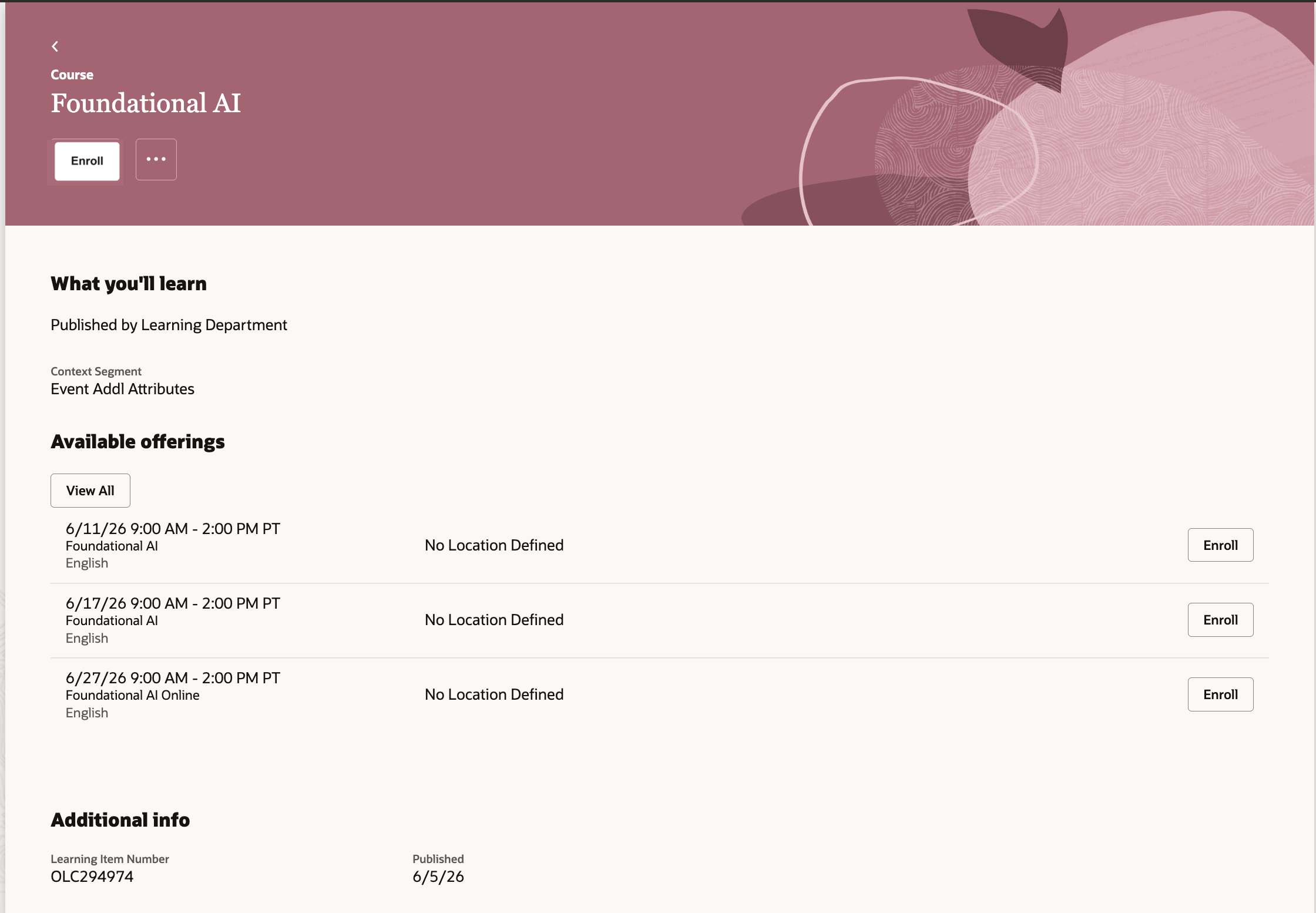
Enroll as primary action on course catalog details
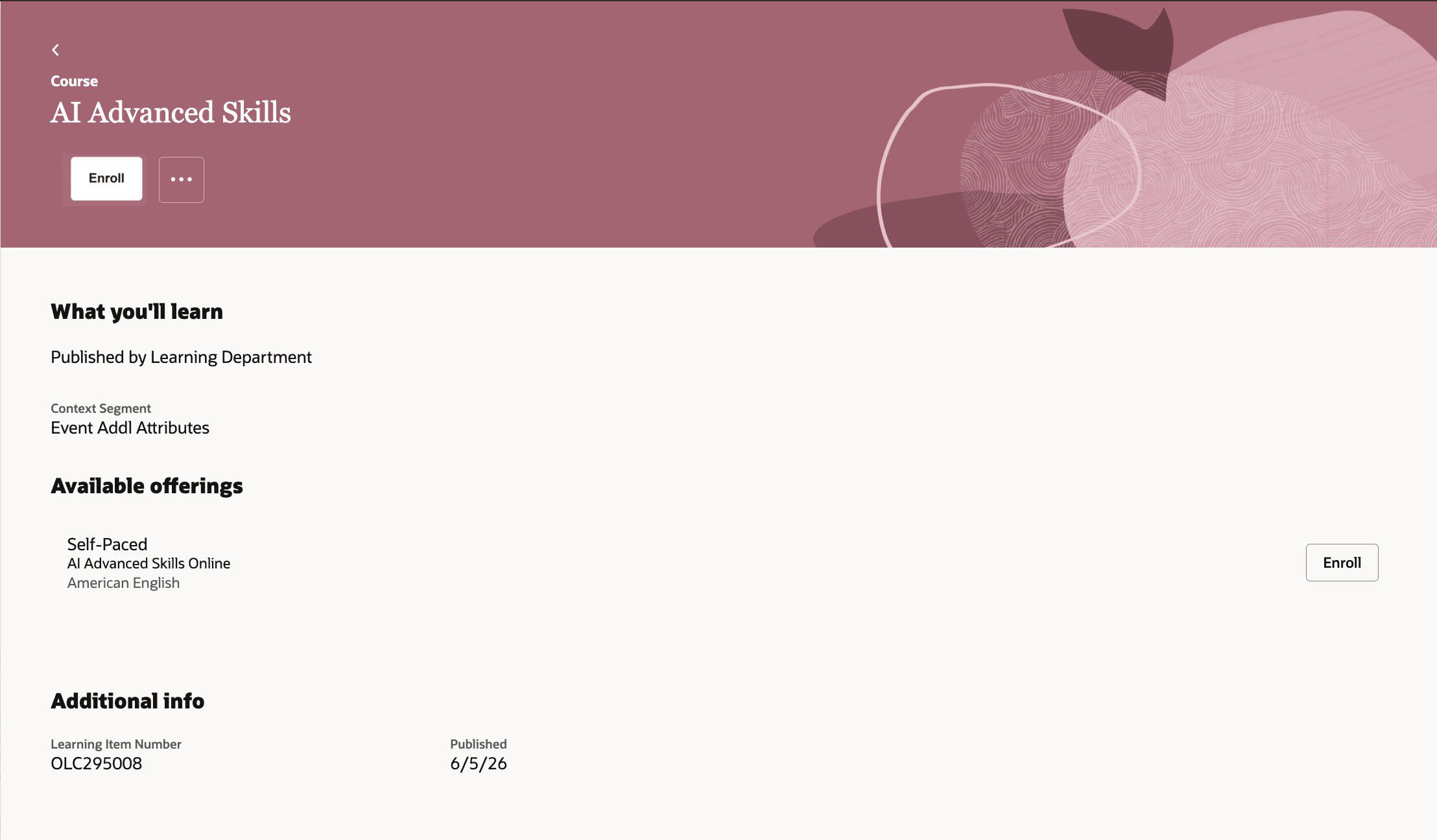
Enroll with a single course offering
Provide a more consistent enrollment experience by making Enroll the primary action on course details pages while preserving existing offering-selection and approval workflows.
Steps to enable and configure
This feature is disabled by default.
- In Visual Builder Studio, set the Show Enroll on Primary Actions Menu for Course Details Pages page property to True.
Tips and considerations
- This change applies only to course details pages. Details pages for other learning types aren't changed.
- The existing course-level request workflow isn't affected by this page property setting.