Redwood: Create Employee Communities for Employees with Common Interests
Employee communities are groups for people with shared interests. They provide a space for employees to share information, to collaborate with like-minded people, and participate in events. This feature gives employees the ability to create, discover, and join communities with search and filter options. After an employee community is published, and they have the permissions, the owner or a co-owner can add posts, add details of slack and Microsoft Teams channels, and create events.
As an owner or co-owner of an employee community, you can create posts with descriptions, set visibility options, and upload attachments. You can also create community events for just the community members or for everyone in the organization. All employee community events will display on the Events tab of the Employee Communities, Events and Communications Hub. If the visibility is set to community members only, then only they will be able to see the community event on the Events tab. If the visibility is set to everyone, then anyone can search for the employee community event on the Events tab.
As an employee, you'll see upcoming events from communities you belong to and upcoming events from other communities which are open and relevant to you (based on your location).
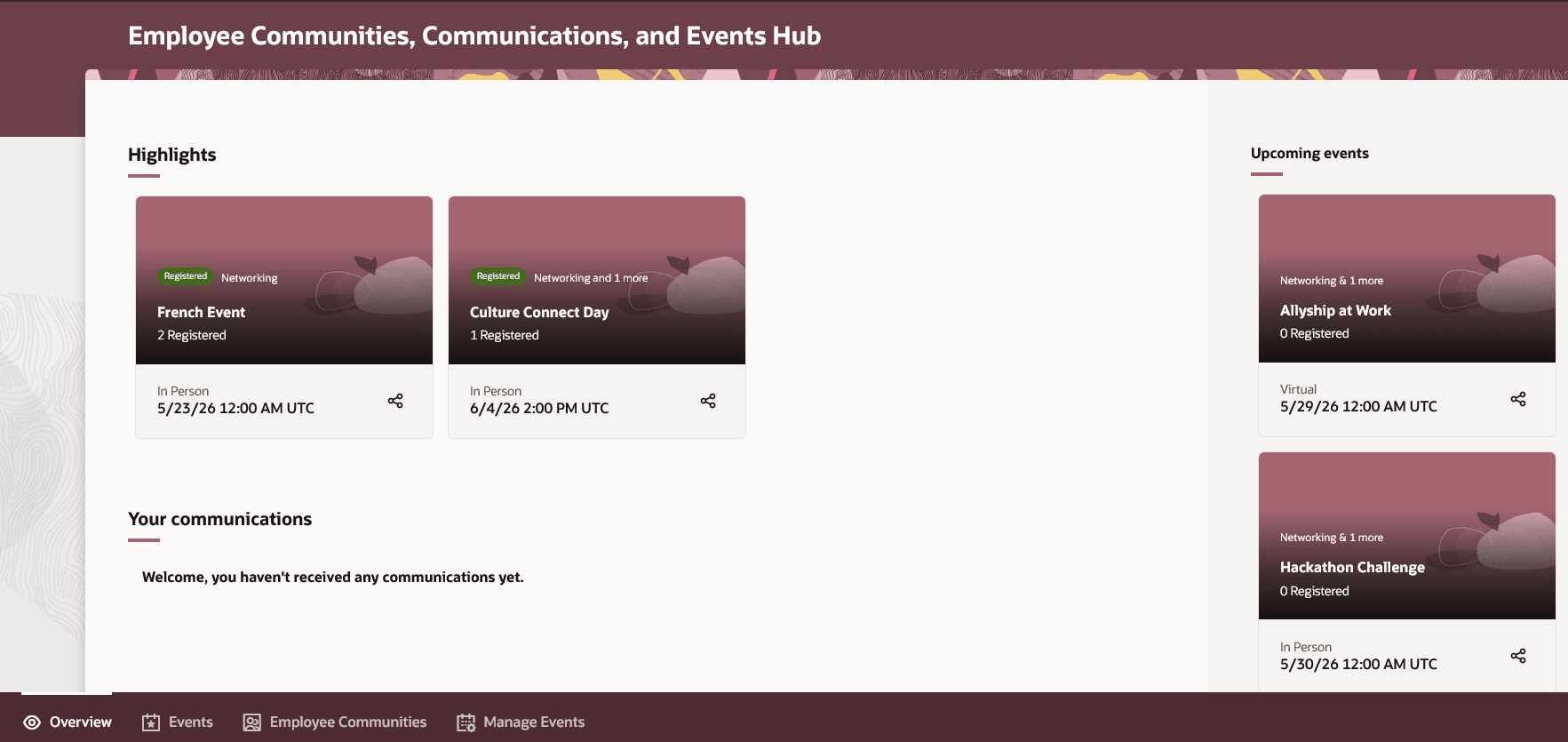
Screen capture of the Employee Communities, Communications, and Events Hub
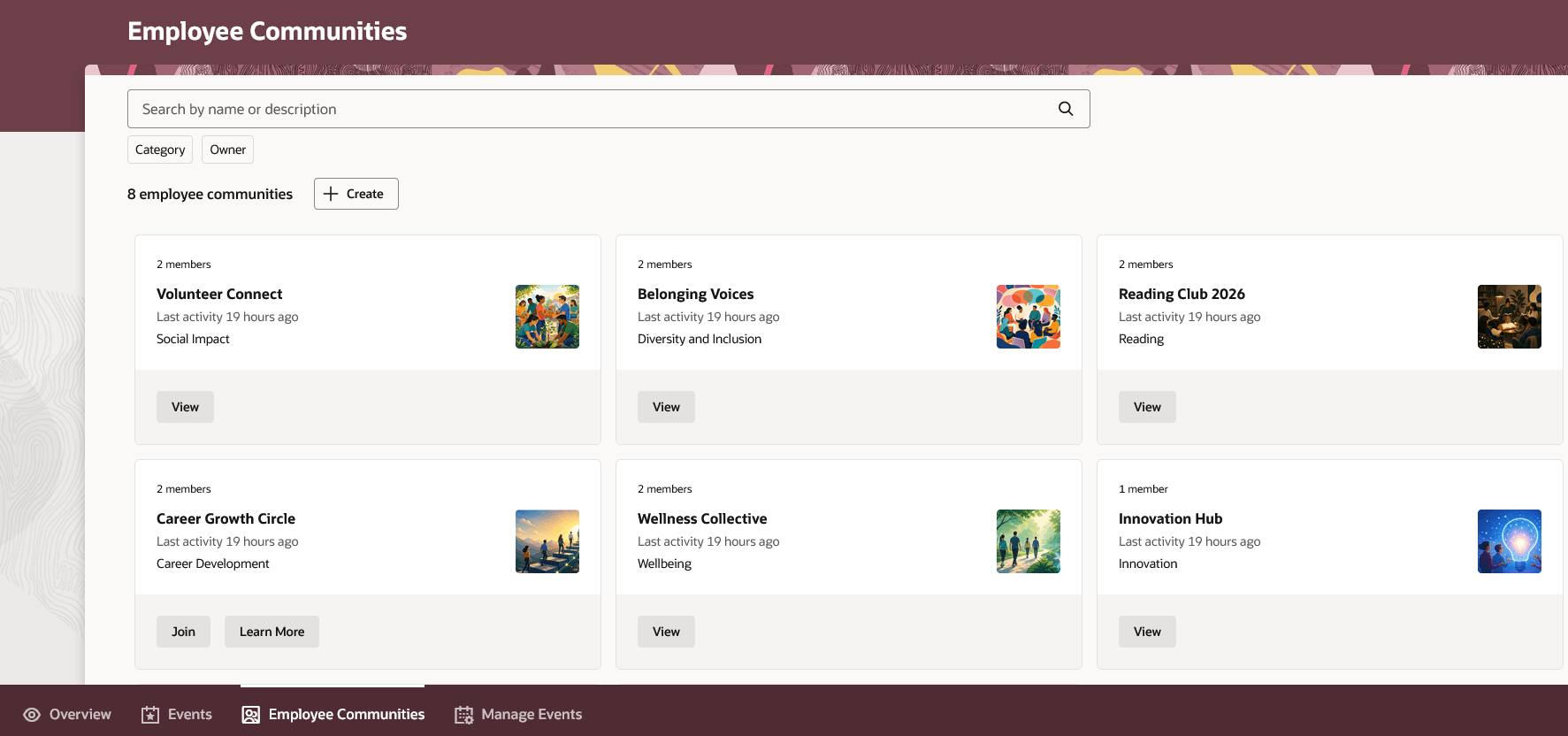
Screen capture of the Employee Communities page
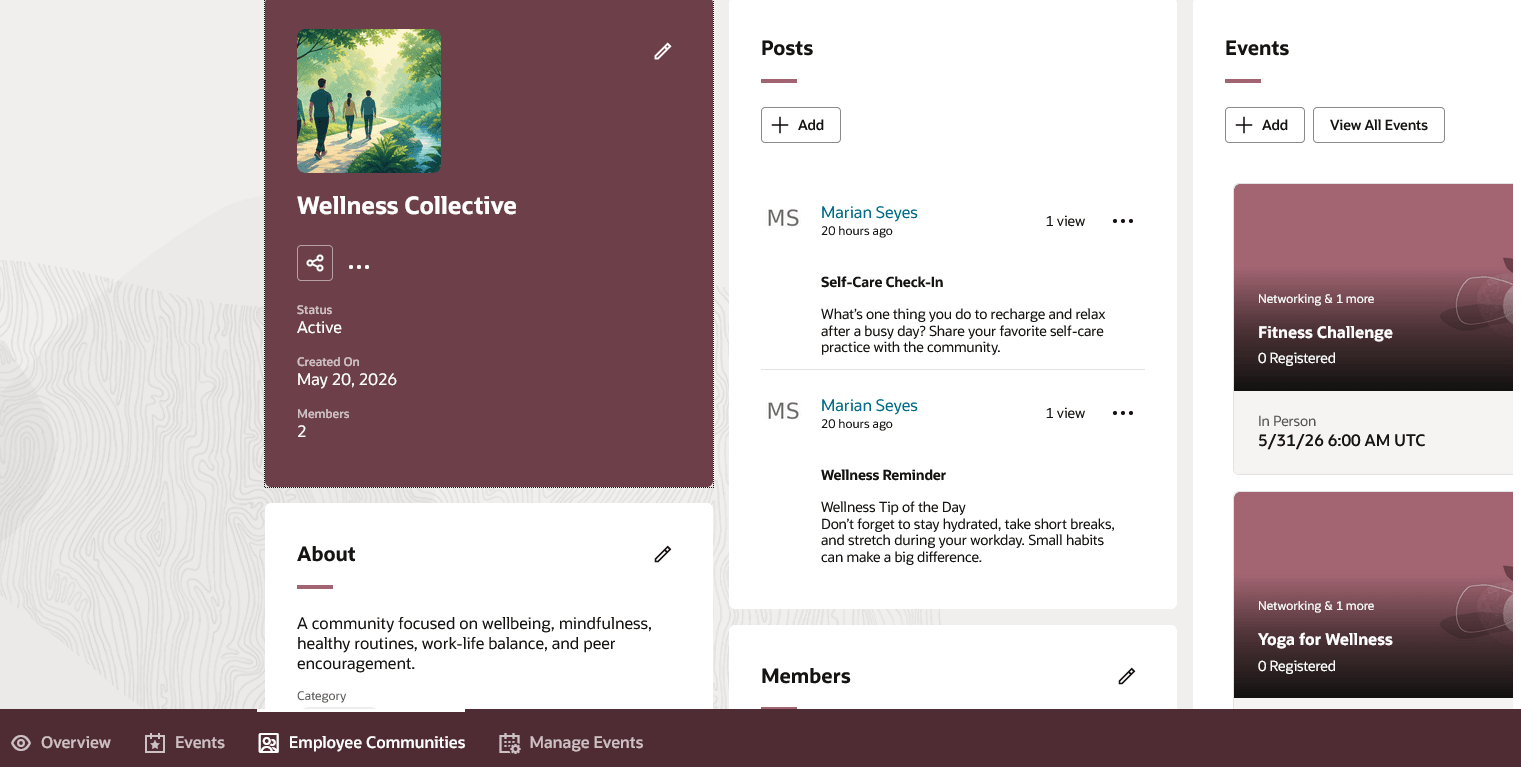
Screen capture of an employee community
Business benefit: Increase employee collaboration by enabling them to create and manage communities that support shared interests and engagement at scale. Increase employee participation by allowing them to find co-workers who share similar pursuits. Induce ownership in members through roles which will allow them to take a more active part in the community.
Steps to enable and configure
You need to tag a category with Communities to make it available for employees when they create communities. For details, see: Configure Categories for Oracle Communicate
Tips and considerations
Can't add posts or events to draft communities.
Post creators:
- Can create posts and not events
- Can edit their own posts, but not other's posts
Owners and co-owners:
- Can create posts and events
- Can add, edit, and remove members, as well as assign different roles such as post creator
- Can edit their own posts and other's posts
- Can pin important posts to the community
Access requirements
If you have either of these privileges, you'll see the Manage Events tab on the Employee Communities, Communications, and Events Hub:
- Employee event creator - this role lets you create employee community events, publish events to any community, and you don't have to tag events with a community.
- Employee community creator (ORA_IRC_CREATE_EMPLOYEE_COMMUNITY_PRIV) - this role lets you create employee communities, and create employee community events only, therefore you won't be able to create an employee event.
You'll also be able to see the Manage Events tab if you're an owner or co-owner of an employee community.