Attestations display in Time Entries
The Time Entries page now includes an Attestations filter.
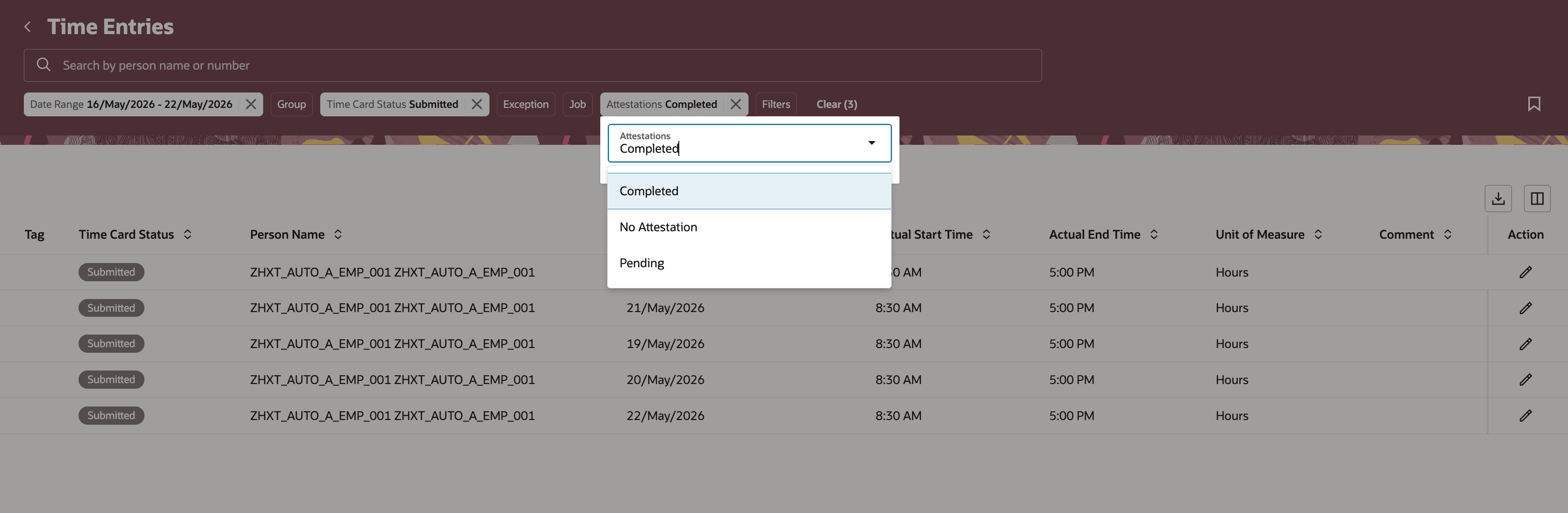
Time entries page displaying attestations filter.
Time managers can use this filter to find time entries based on attestation status. From the time entry details drawer, they can review attestation information such as the creation date, submitted date, questionnaire title, questions, and responses.
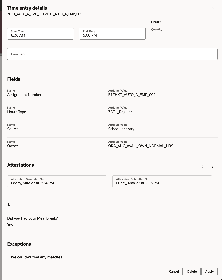
Time entry displaying attestation details
This enhancement helps time managers quickly identify time entries by attestation status and review attestation responses directly from the time entry details drawer.
Steps to enable and configure
None
Tips and considerations
'Completed' status means all required attestations are completed. If one or more required attestations are pending, the time entry is classified as Pending.