Configure Social Network Types in Connections Edit Profile for Waterfall View
Control the social network types available in the Connections Edit Profile panel drawer for the waterfall view and define the social network types that apply to your organization.
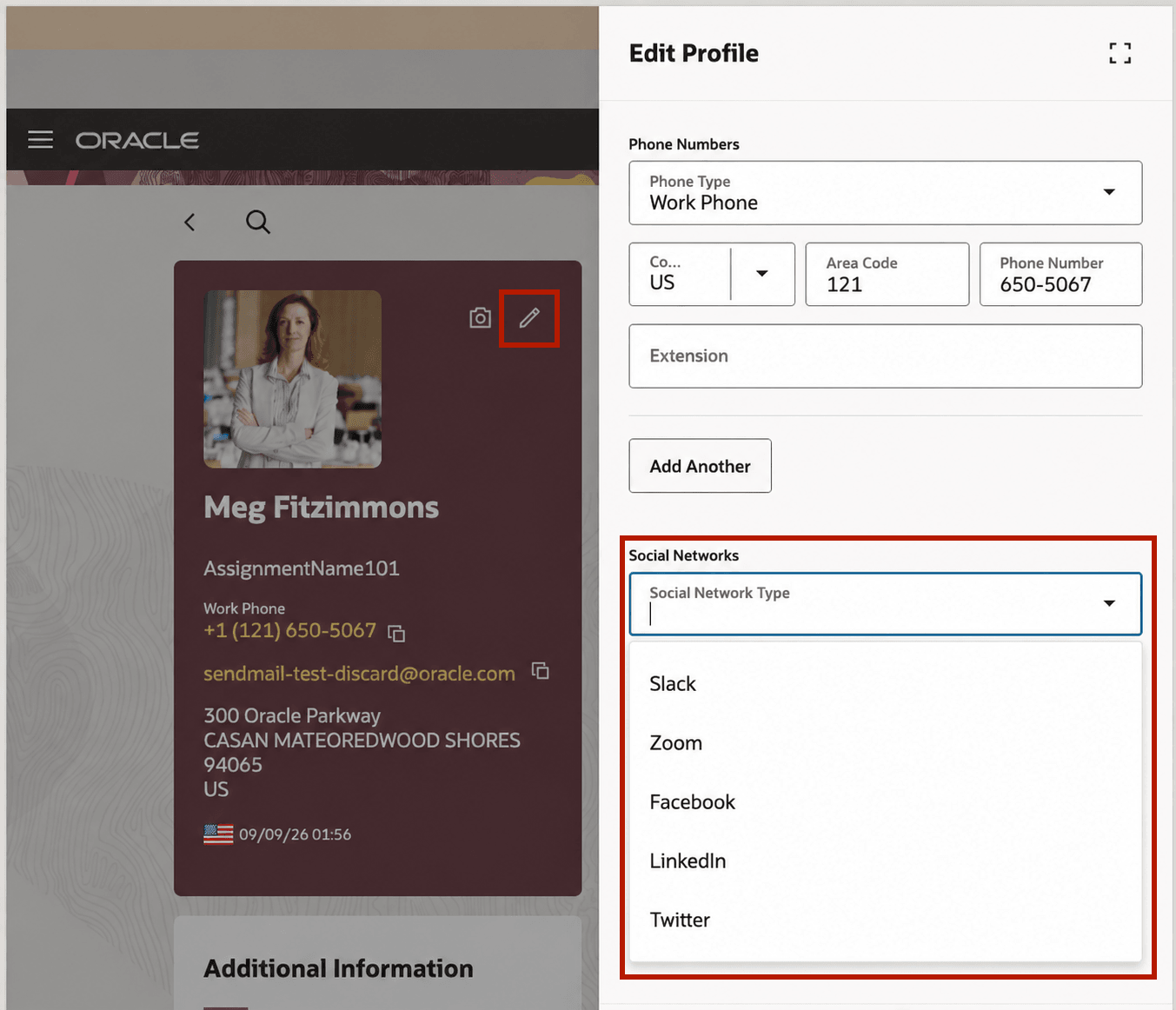
Social Networks Type - Edit Profile
This feature helps organizations present social network options that align with their communication policies and supported applications.
Steps to enable and configure
- In VB Studio, open the Connections page for the waterfall view.
- Configure the Show Social Network Types page property.
- Add the social network types that apply to your organization.
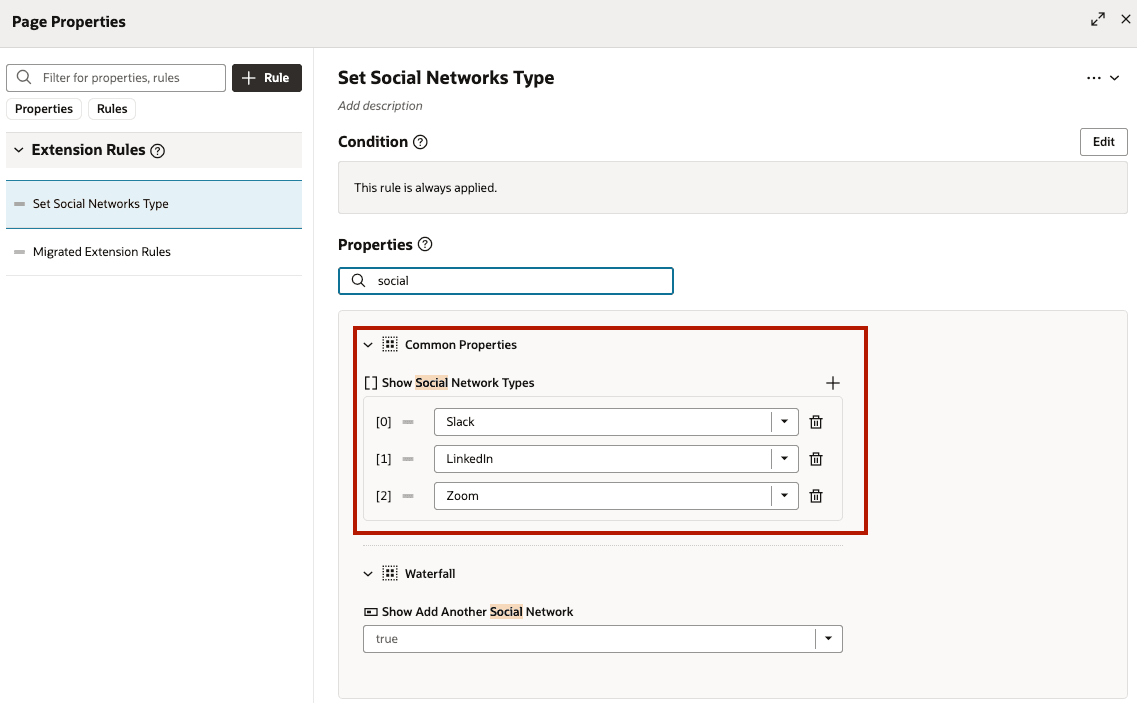
Social Networks Type - New Page Property
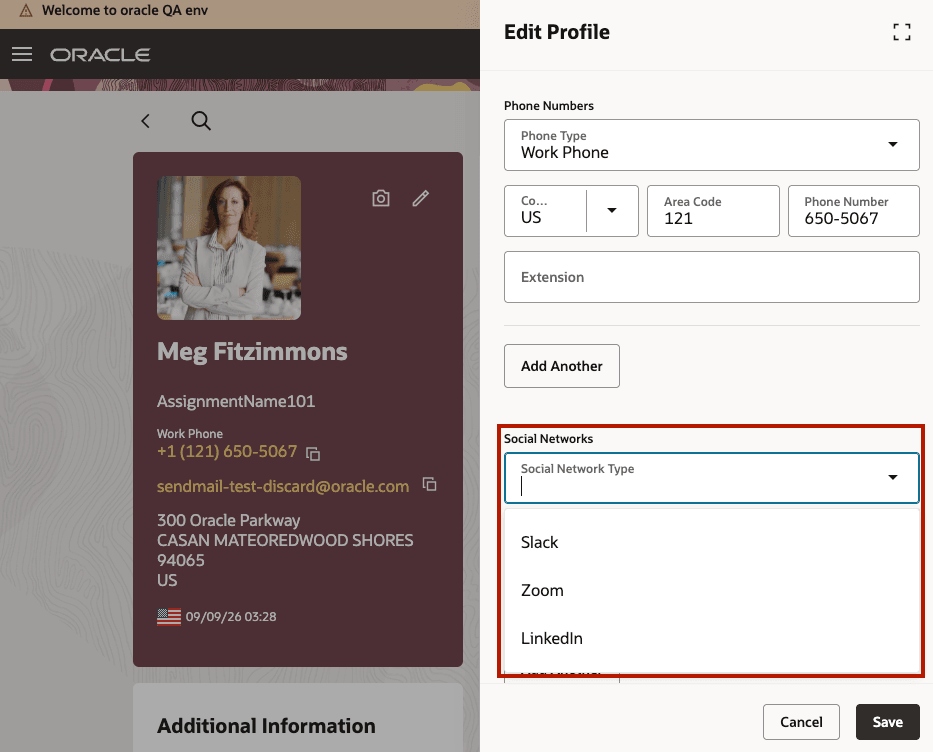
Social Networks Type - Edit Profile
Tips and considerations
- The display order of social network types is defined in the PER_CM_MTHD Communication Method lookup.
- The page property controls which social network types appear in Edit Profile.