Review Participant Selection Filtered Lists
When creating or updating a user group, filtered lists in participant selection rules appear as links. Select a link to open its rule definition in a new window without leaving the user group flow.

Participant Selection Rules with Selectable Filtered List Links
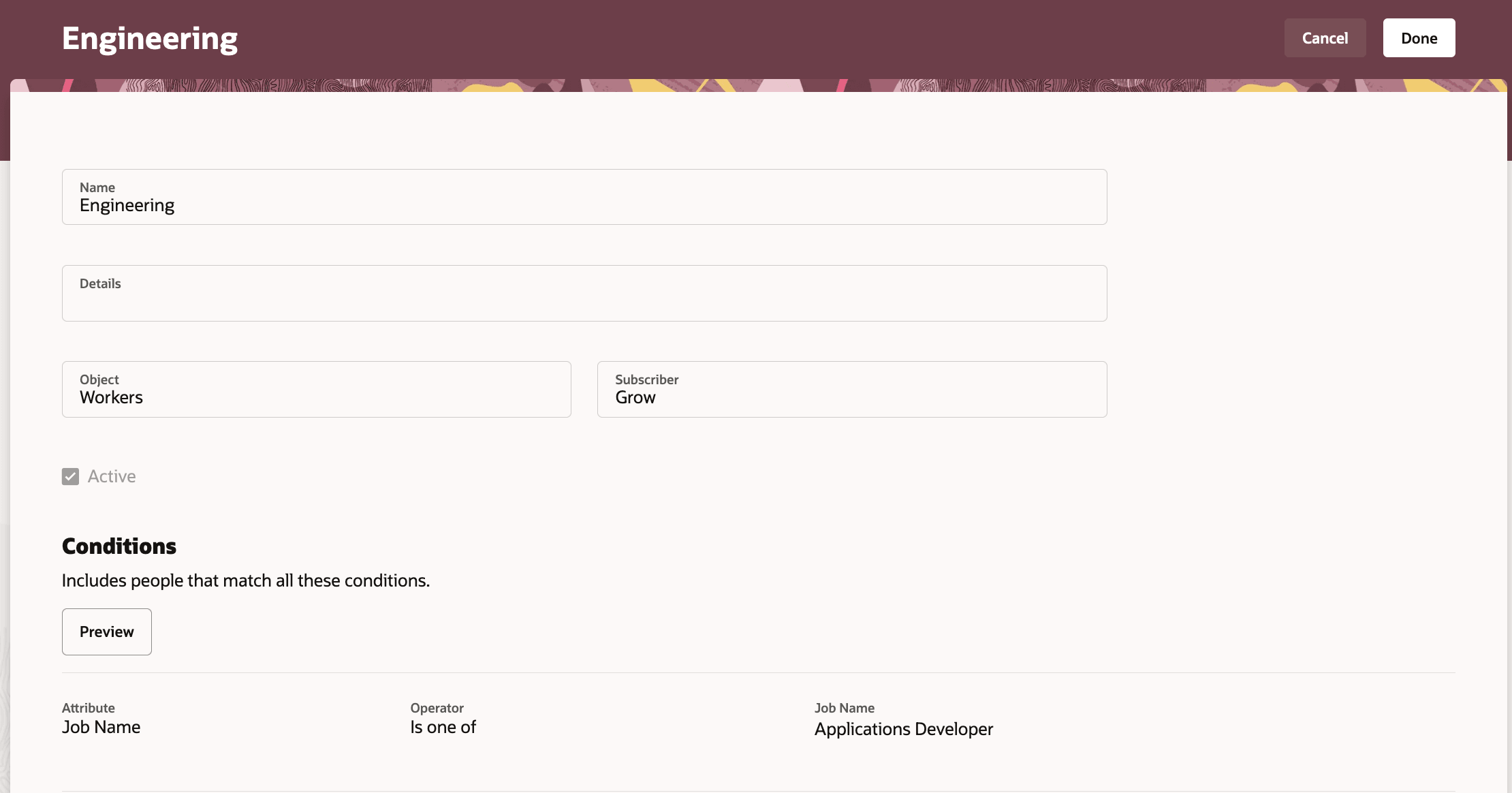
Filtered List Details Shown on a New Page
Business benefit: Improve the accuracy of participant selection by letting administrators review filtered list definitions without interrupting the user group configuration process
Steps to enable and configure
You don't need to do anything to enable this feature.
Tips and considerations
If a user doesn't have permission to access the filtered list page, selecting the link opens a new window and redirects the user to the home page