Learning Catalog Management Assistant (formerly Learning Creation Assistant)
Create questionnaire-based self-paced learning by giving Learning Catalog Management Assistant a questionnaire code or questionnaire title. The assistant validates the questionnaire, determines whether to create an assessment or observation checklist based on the questionnaire type, and creates the learning in draft status. Review and update the draft learning before activating it. Questionnaire details remain associated with the learning and can be managed the same way as learning created manually.
Example instructions
| Goal | Example prompt |
|---|---|
| Create questionnaire-based learning using a questionnaire code. | Create self-paced learning called Workplace Safety Assessment using questionnaire code QST-10045. |
| Create questionnaire-based learning using a questionnaire title. | Create a learning assessment called Data Privacy Knowledge Check using the Data Privacy Assessment questionnaire. |
| Create an observation checklist. | Create an observation checklist learning called Forklift Readiness Check using the Forklift Skills Observation questionnaire. |
|
Create an assessment with additional settings. |
Create an assessment called Compliance Knowledge Check using questionnaire code CMP-2026 with mastery score 50, only learners can view, and 3 attempts. |
| Create learning with additional attributes. | Create self-paced learning with this data: Name | Data Privacy and Compliance Fundamentals; Learning Item Number | NP-CAP-2; Summary | Self-paced course for understanding regulatory data privacy requirements and Oracle compliance solutions.; Description | Covers GDPR, CCPA, and other global regulations, with interactive Oracle Cloud compliance scenarios and data protection best practices.; Locale | Japanese; Questionnaire Code: 300100549586357 |
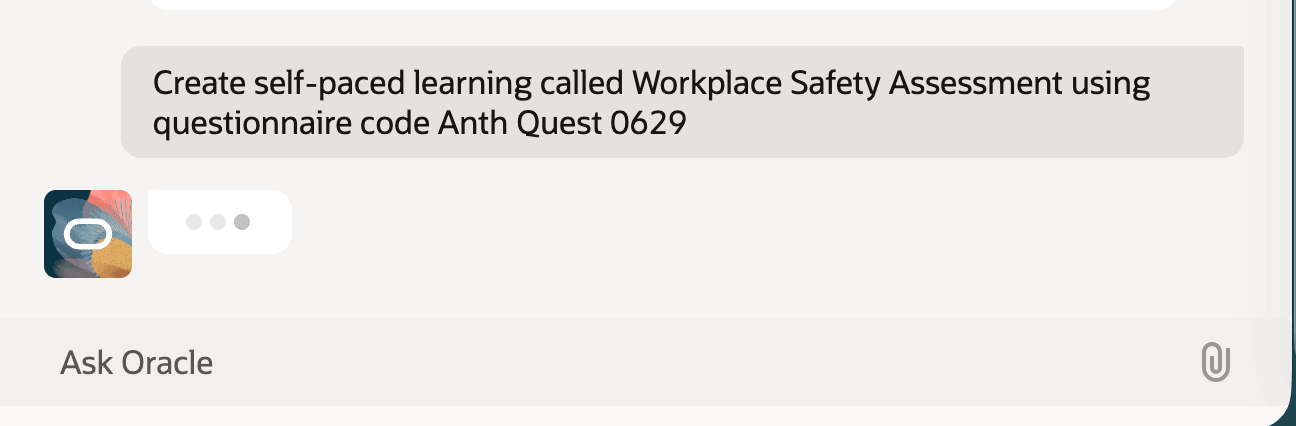
Learning Catalog Management Assistant with Instructions to Create a Self-Paced Learning using a Questionnaire Code
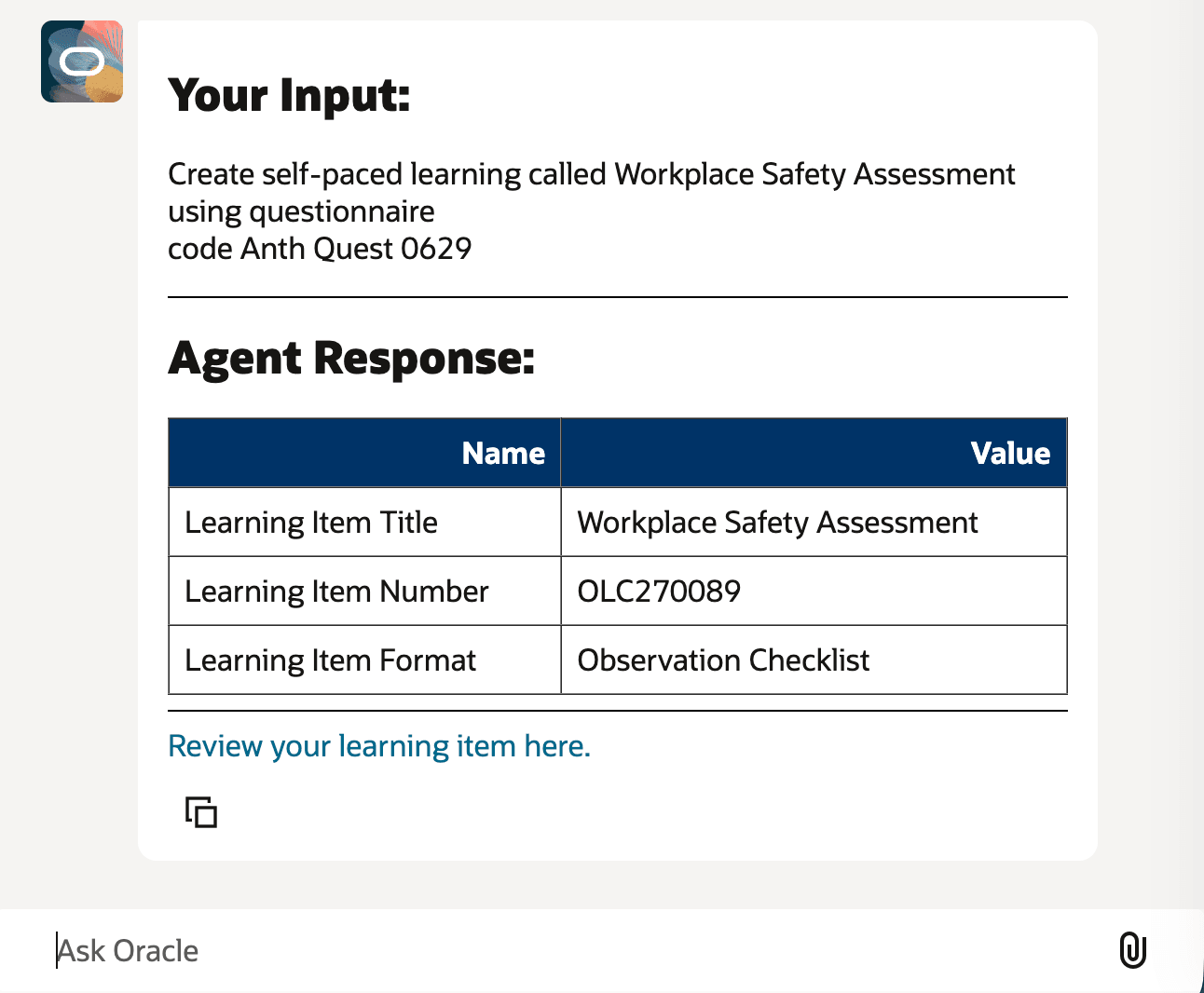
Learning Catalog Management Assistant Response
Business benefit: Reduce the effort required to create questionnaire-based self-paced learning by using natural language prompts. Learning specialists can create draft assessments and observation checklists more efficiently while maintaining their existing review and activation process.
Steps to enable and configure
- In Visual Builder Studio, go to the My Client Groups > Learning and Development > Learning Catalog page.
- Set Learning Catalog Management Assistance Agent Team Code to ORA_HCM_LEARNING_CATALOG_MANAGEMENT_ASSISTANT.
If you're already using Learning Catalog Management Assistant: Update the page property to use the delivered runnable agent. Any changes you made to a copied template aren't migrated to the delivered agent. Apply those changes to the delivered agent after updating the page property
Tips and considerations
- The Visual Builder page property was renamed from AskOracleAgentWorkFlowCode to Learning Catalog Management Assistant Team Code.
- The assistant creates questionnaire-based learning in draft status. If the questionnaire can't be found, the assistant shows a message so you can correct the questionnaire code or title and try again.
- The assistant works with Ask Oracle and email initiators.
Key resources
- For more details about this AI agent, see these previously released What's New announcements: Learning Creation Assistant AI Agent and Enhanced Learning Creation Assistant.
- Learning Catalog Administration
- For more details about AI Agent Studio, see How do I use AI Agent Studio?
- For more details about Visual Builder Studio, see Extending Redwood Applications for HCM and SCM Using Visual Builder Studio
- How do I setup the Learning Catalog Management Assistant for Oracle Learning.
Access requirements
Learning specialists need access to the supported learning catalog page where the assistant is enabled. They also need one of these existing duty roles to run Learning Catalog Management Assistant:
| Duty role | Code |
|---|---|
| Learning Catalog Management Duty |
ORA_WLF_LEARNING_CATALOG_MANAGEMENT_DUTY |
| Learning Catalog All Items Management Duty |
ORA_WLF_LEARNING_CATALOG_ALL_ITEMS_MANAGEMENT_DUTY |