Communication Profile Configuration
Control sender, reply, and display addresses for communications using configurable profiles. Assign these profiles when setting up your communication templates.
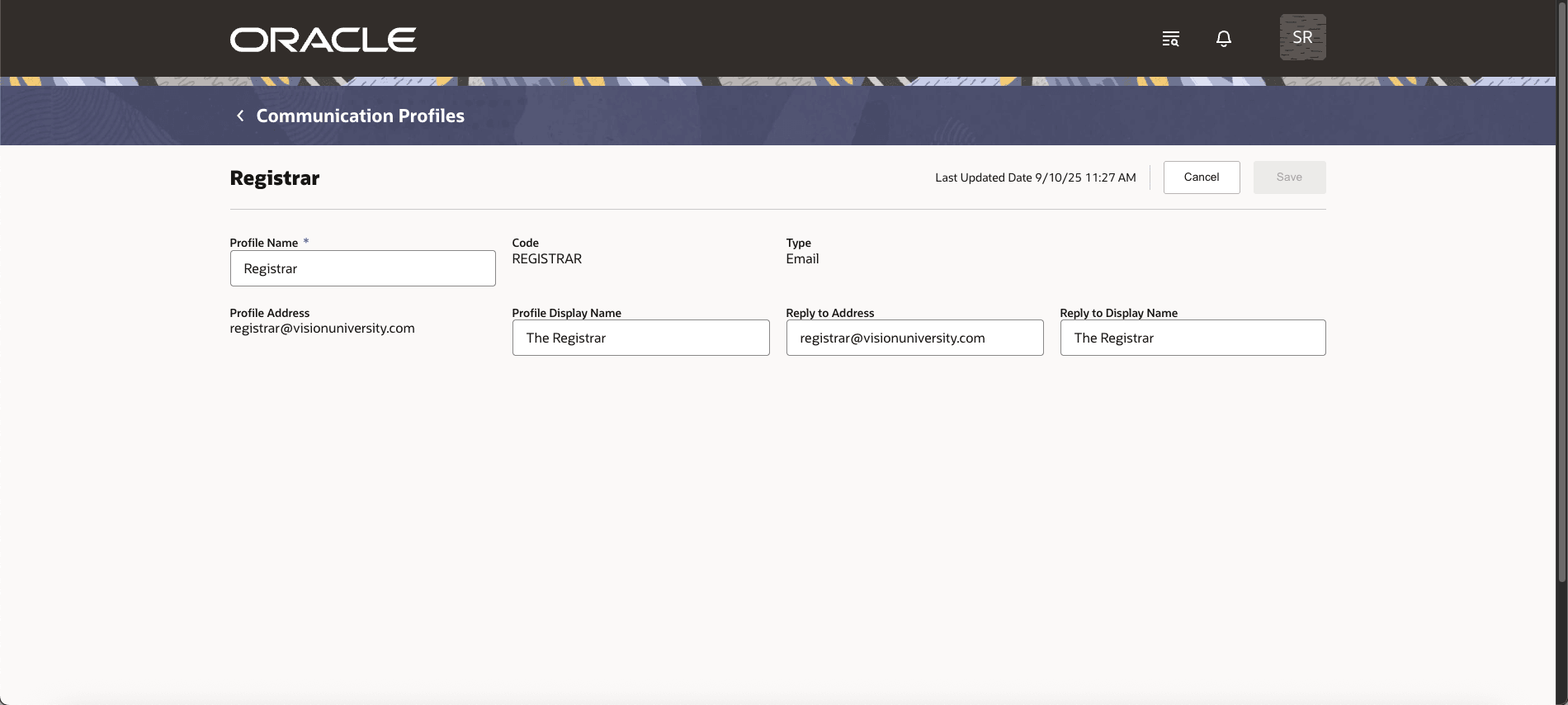
Communication Profile Details
This feature lets you manage sender addresses through communication profiles instead of simple lookups. It improves consistency, prevents errors, and ensures active communications remain reliable by restricting edits or deletions to profiles in use.
Steps to Enable and Configure
You don't need to do anything to enable this feature.
Tips And Considerations
You'll assign communication profiles when you set up communication templates. Once a profile is used in a published communication configuration, you can't edit nor delete the profile to ensure that everything works smoothly.