24-Hour Time Format - Enhanced Workbench Gantt
This feature adds support for 24-hour User Preference Time Formats in Enhanced Workbench Gantts. When your user preference is set to a 24-hour format (such as HH:mm or HH:mm z), all time entries, views and actions, will now appear in the 24-hour format.
For the Gantt examples, the User Preference Time Format has been set to the 24-hour Time Format - HH:mm z, as shown below.
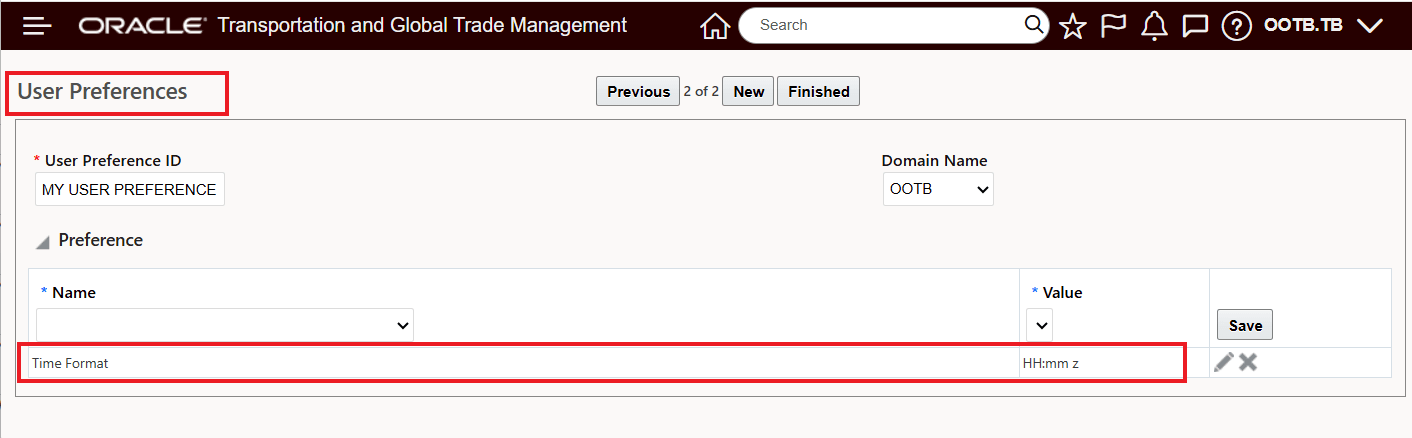
User Preference 24-hour Time Format
In the example below, all of the supported Gantts - Appointment, Driver, Shipment and Work Assignment are shown with the 24-hour timeline.
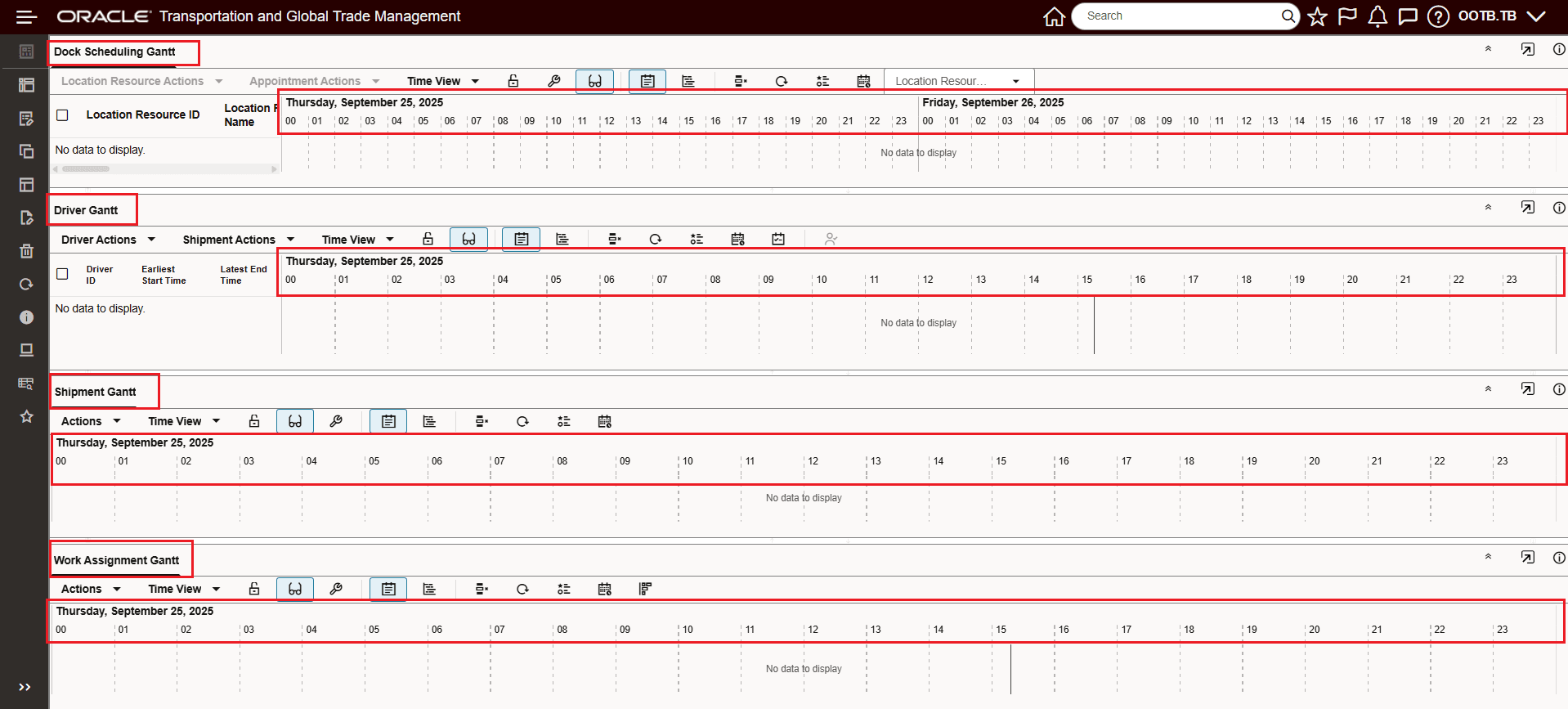
Enhanced Workbench Gantts - 24-hour Time Format
Business Benefit: This features provides support for the 24-hour User Preference Time Formats within your Enhanced Workbench Tables. Now, when your User Preference Time Format is set to one of the 24-hour User Preference Time Format options (HH:mm or HH:mm z) the time format provided will be in the desired 24-hour clock format. The 24-hour time format will apply for edits, inline edits as well as mass updates and export.
Steps to enable and configure
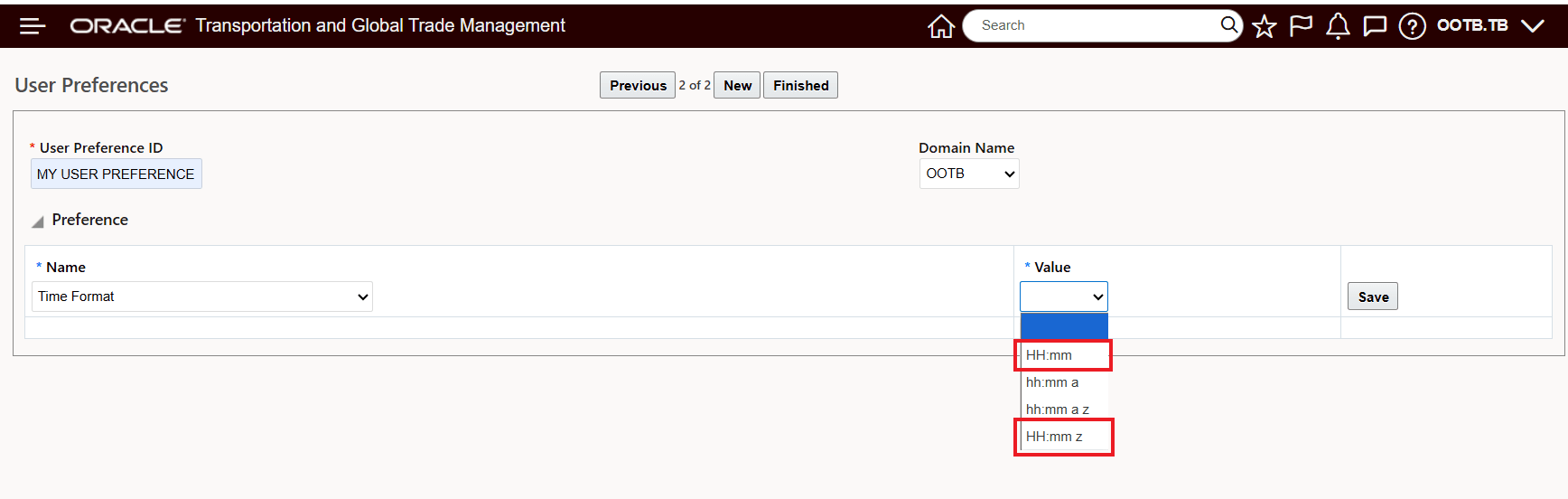
User Preference 24-Hour Time Format Options
If your User Preference Time Format is not already using one of the 24-hour time formats, you will need to change your User Preference Time Format to one of the 24-hour options - HH:mm or HH:mm z.