 REST API Custom Action to Add/Link a Document to Multiple Objects
This feature provides you with a REST Utility Action "addDocuments" which enables the adding/linking of a document to multiple objects. Previously, managing a single document across multiple objects like shipments, service providers, items, and trade transactions required attaching the same file multiple times to different records. The previous approach created duplication, increased manual effort, and could lead to inconsistencies when the document was updated.
The "addDocuments" feature allows you to add/link a single document to multiple business objects in one action. Instead of uploading or associating the same file repeatedly, you can now attach it once and apply it across multiple records streamlining document management.
This feature is especially useful in scenarios such as attaching compliance documents to multiple shipments, sharing contracts across service providers, or applying standard documentation across items or campaigns.
Complete documentation is provided on docs.oracle.com.
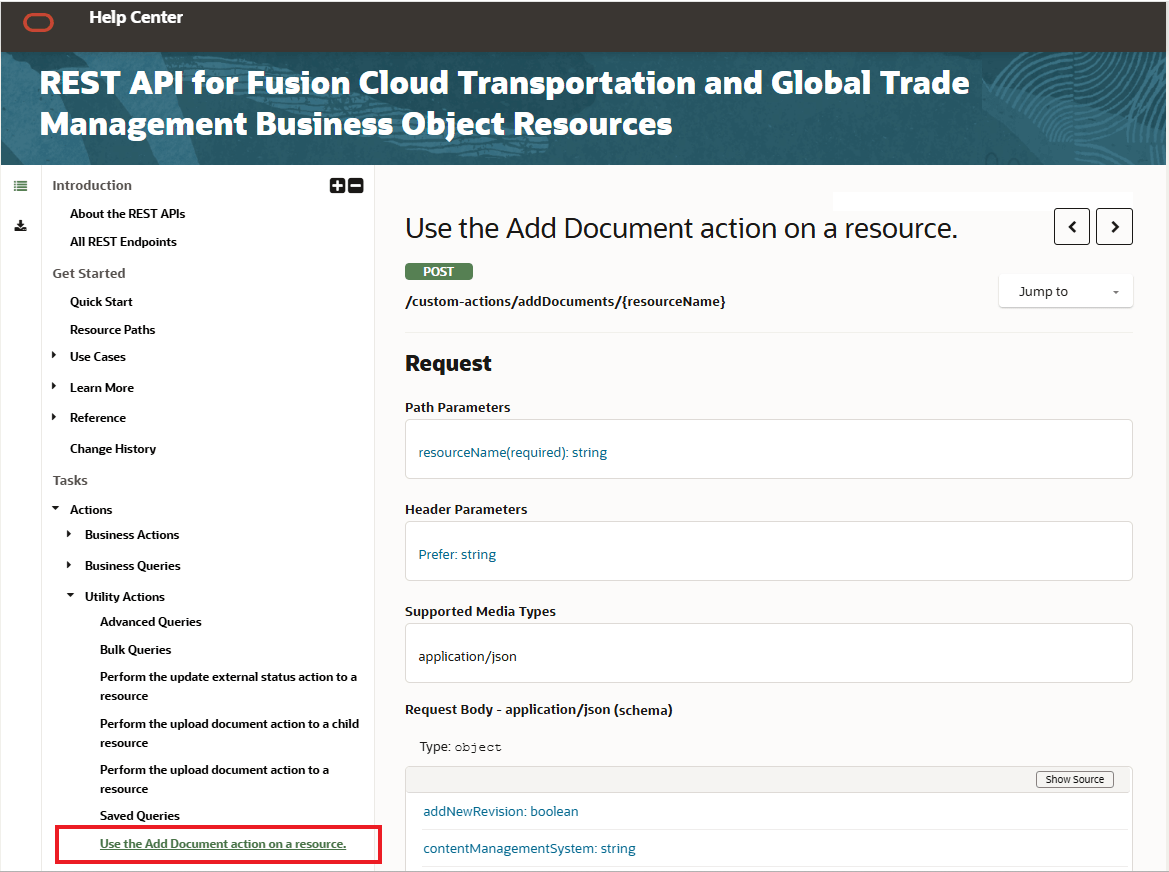
Documentation
Business Benefit: This feature simplifies the effort required to link a single document to multiple objects, while ensuring the same document is used across related objects and records. You will find this useful in automated document distribution processes where the same file must be consistently attached across multiple operational objects. By centralizing document association into a single transaction, you can improve consistency and simplify integration workflows.
Steps to enable and configure
- Identify the business object type you want to update, such as:
- Shipments
- Sell Shipments
- Locations
- Service Providers
- Items
- Campaigns
- Trade Transactions
- Customs Declarations
-
Call the appropriate
addDocuments
custom action endpoint for the target resource.Example:
POST /logisticsRestApi/resources-int/v2/custom-actions/addDocuments/shipments
- Provide the list of target object identifiers in the
pks
array. - Include the document information in the request payload, such as:
- File name
- Document content (Base64 encoded)
- Optional document type
- Optional document number
- Optional revision handling behavior
- Submit the request using an integration user or API user with permission to update the target business objects.
- Review the response payload to confirm successful document association for each object.
No additional user interface configuration is required. The feature is available through supported REST services.
Tips and considerations
Supported Data Query Types for the “Add Document” both the UI action and the corresponding "addDocuments" custom action REST endpoints include the following:
-
OTM:
- SELL_SHIPMENT { POST /logisticsRestApi/resources-int/v2/custom-actions/addDocuments/sellShipments }
- BUY_SHIPMENT { POST /logisticsRestApi/resources-int/v2/custom-actions/addDocuments/shipments }
- LOCATION { POST /logisticsRestApi/resources-int/v2/custom-actions/addDocuments/locations }
- SERVICE_PROVIDER { POST /logisticsRestApi/resources-int/v2/custom-actions/addDocuments/serviceProviders}
- ITEM { POST /logisticsRestApi/resources-int/v2/custom-actions/addDocuments/items }
-
GTM:
- GTM_CAMPAIGN { POST /logisticsRestApi/resources-int/v2/custom-actions/addDocuments/campaigns }
- GTM_TRANSACTION { POST /logisticsRestApi/resources-int/v2/custom-actions/addDocuments/tradeTransactions }
- GTM_SHIPMENT { POST /logisticsRestApi/resources-int/v2/custom-actions/addDocuments/customsDeclarations }
Additional tips:
- Each object receives its own document association, even though the same document is used across all selected records
- If you use document types that support revisions, you can optionally create a new revision when attaching the document
- Some document attributes (such as document number) apply only to specific document types
- Ensure that the document format and content are valid before submission, as invalid content may prevent successful attachment
- This feature supports multiple object types, but you must call or execute the action separately for each object category (for example, shipments vs. service providers)
- Consider using this feature for bulk operations where the same document applies to many records to maximize benefit
Key resources
See the REST API for Fusion Cloud Transportation and Global Trade Management Business Object Resources documentation on docs.oracle.com for more information. https://docs.oracle.com/en/cloud/saas/transportation/26c/apis.html