Redwood Experience for Time Recording and Unassessed Time Fees
The enhanced user experience is now available for the Time Recording and Unassessed Time Fees Pages. The new enhanced user experience streamlines the look and feel of the time recording pages in Planning Applications, Code Enforcement and Inspection.
This example illustrates the Time Recording homepage for agency staff displayed using the Redwood Experience with an enhanced user interface.

Time Recording Homepage
This example illustrates the Planning Application - Time Recording page for agency staff displayed using the Redwood Experience with an enhanced user interface.
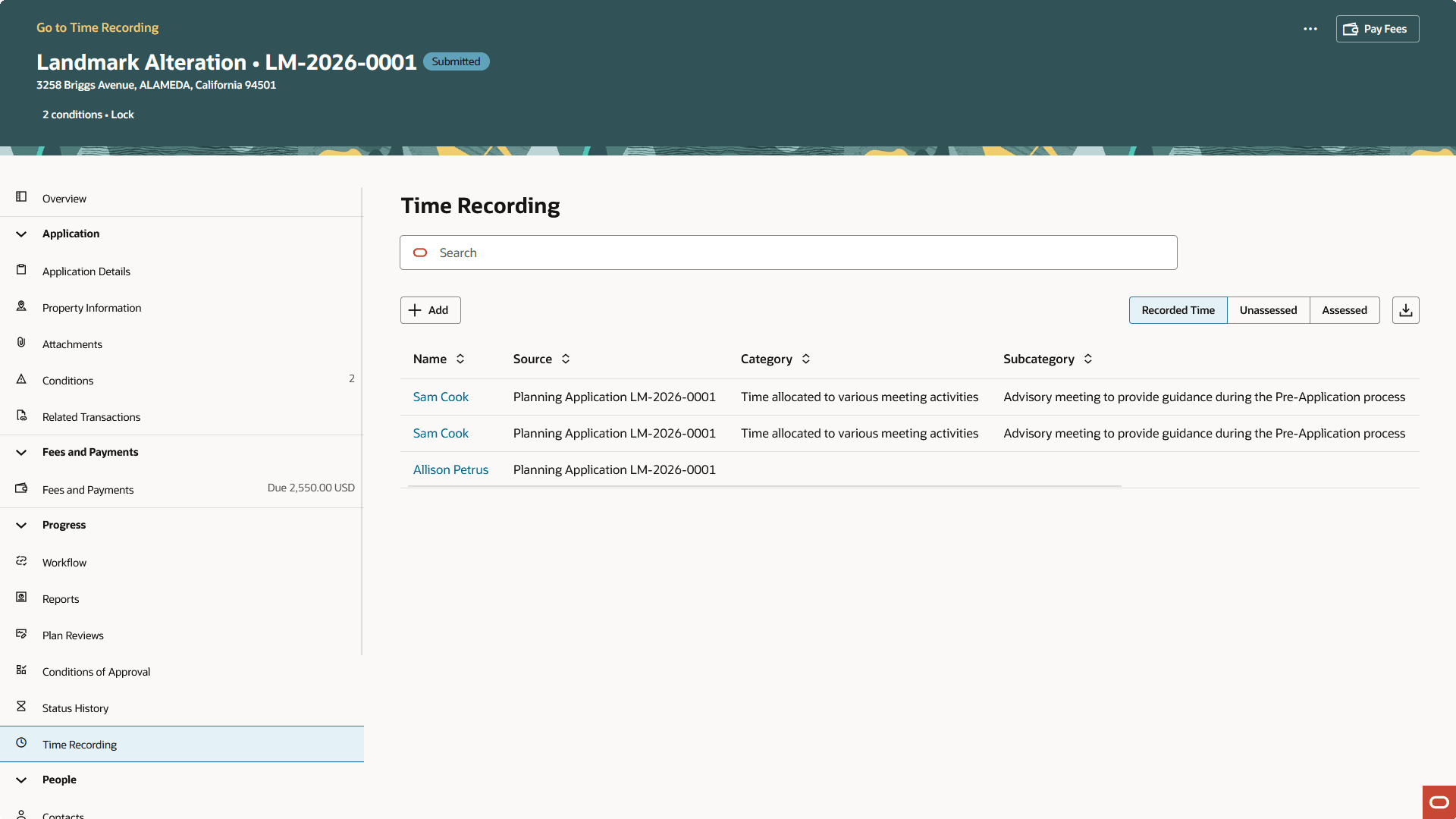
Planning Application - Time Recording Page
This example illustrates the Code Enforcement Case - Time Recording page for agency staff displayed using the Redwood Experience with an enhanced user interface.
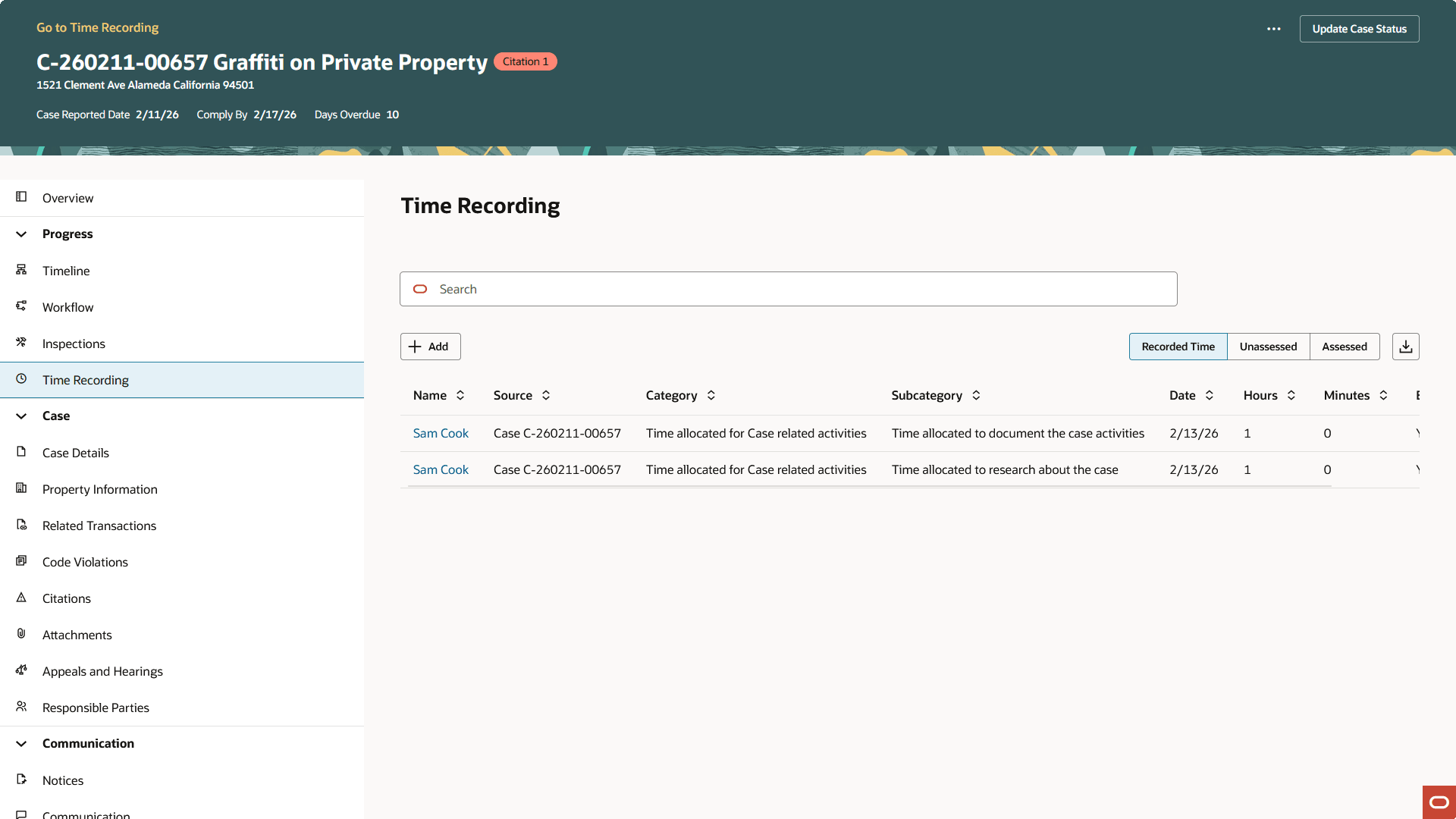
Code Enforcement Case - Time Recording Page
This example illustrates the Permit Inspection - Time Recording foldout for agency staff displayed using the Redwood Experience with an enhanced user interface.
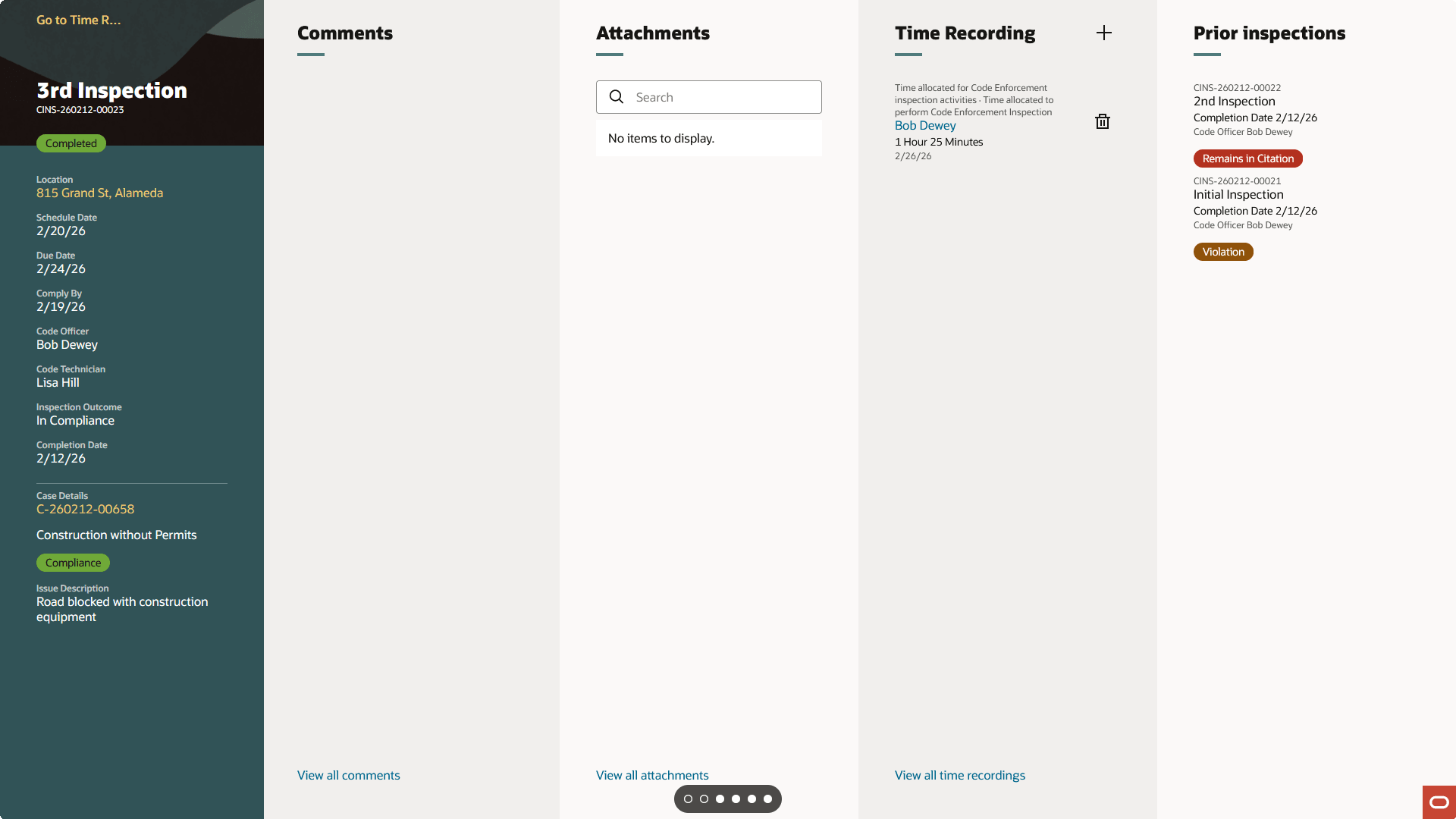
Permit Inspection - Time Recording Foldout
This example illustrates the Inspection - Time Recording page for agency staff displayed using the Redwood Experience with an enhanced user interface.
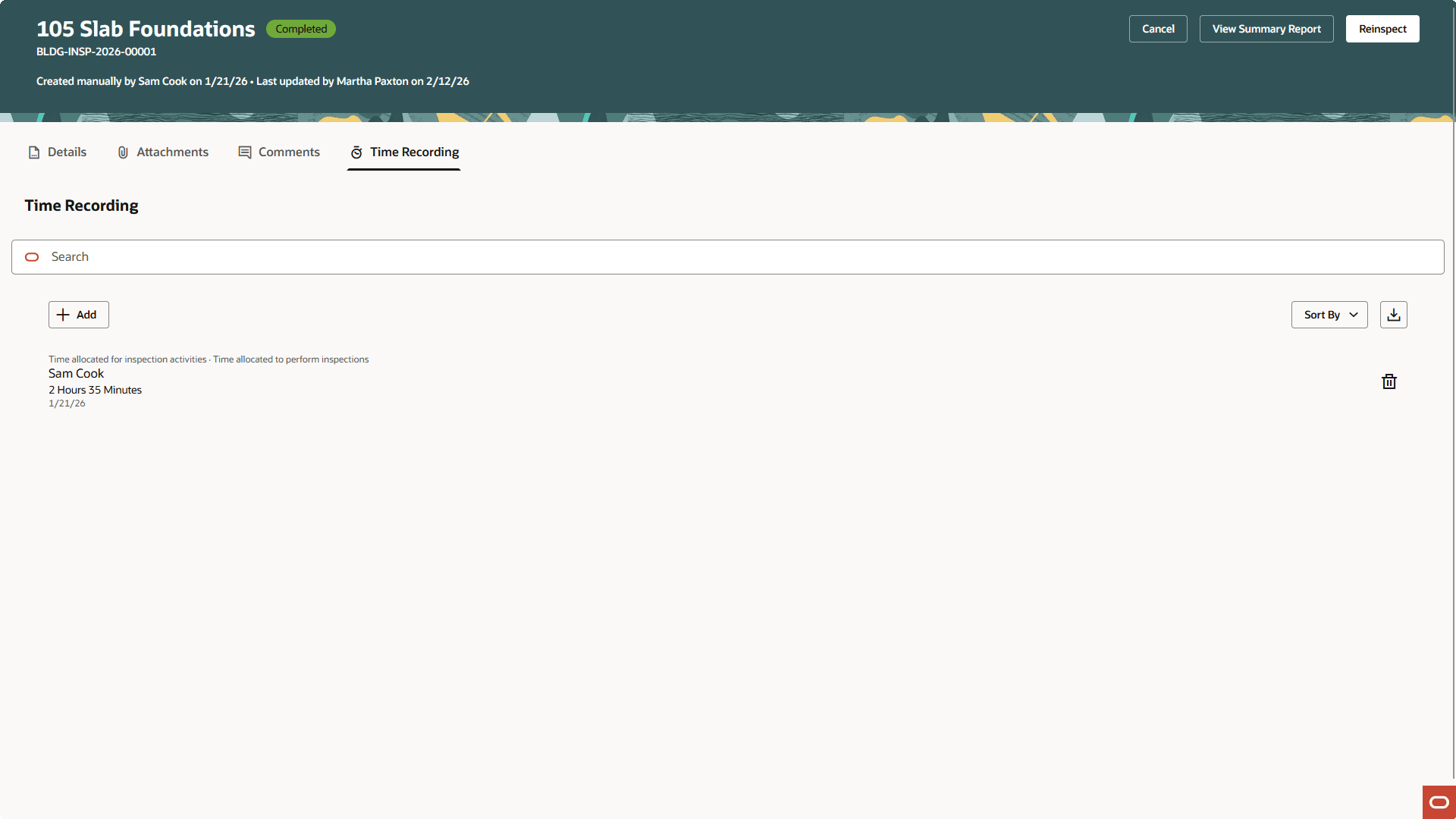
Inspection - Time Recording Page
This example illustrates the Unassessed Time Fees page for agency staff displayed using the Redwood Experience with an enhanced user interface.
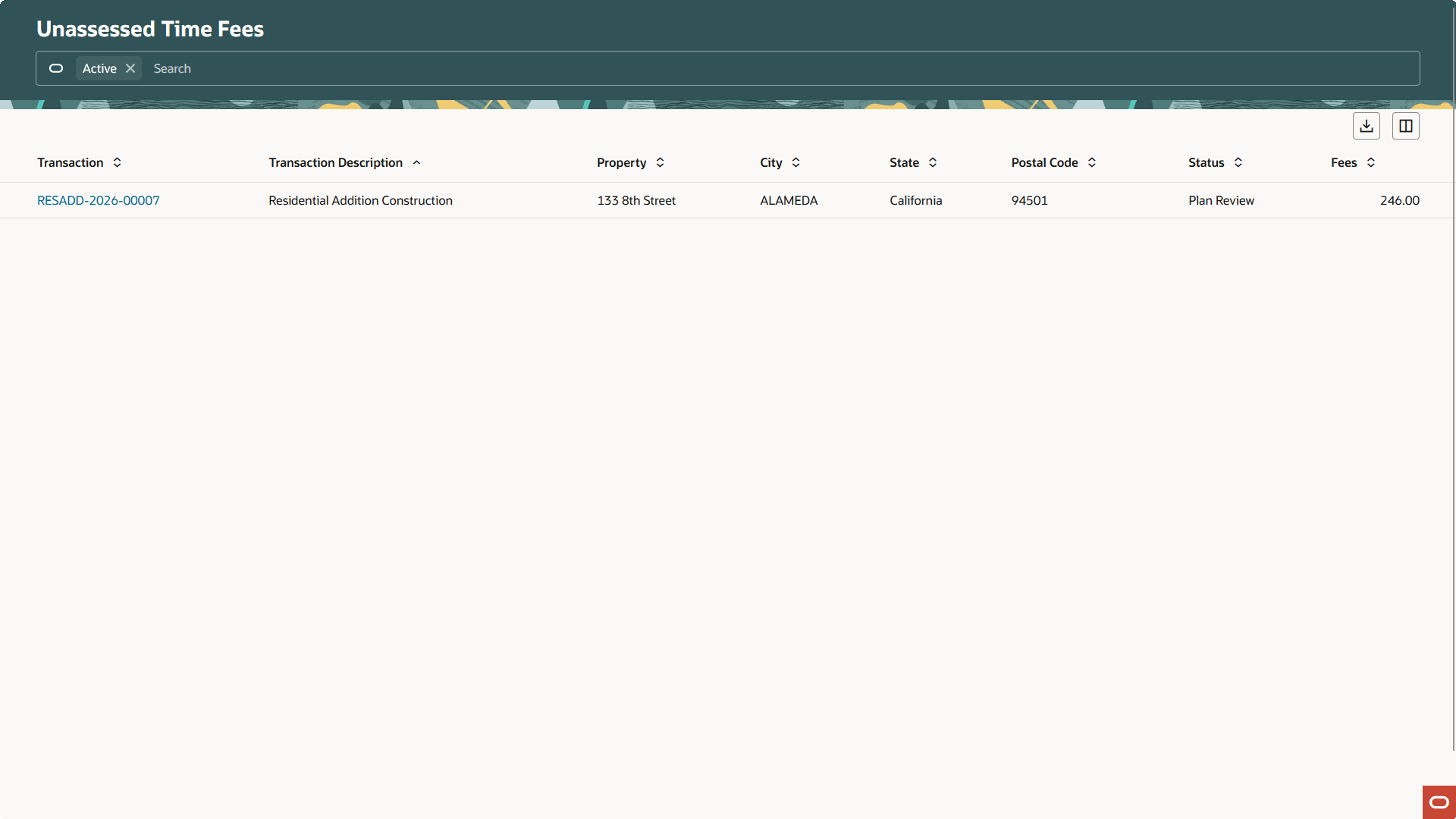
Unassessed Time Fees Homepage
This example illustrates the Planning Application - Time Recording page - Unassessed tab for agency staff displayed using the Redwood Experience with an enhanced user interface.
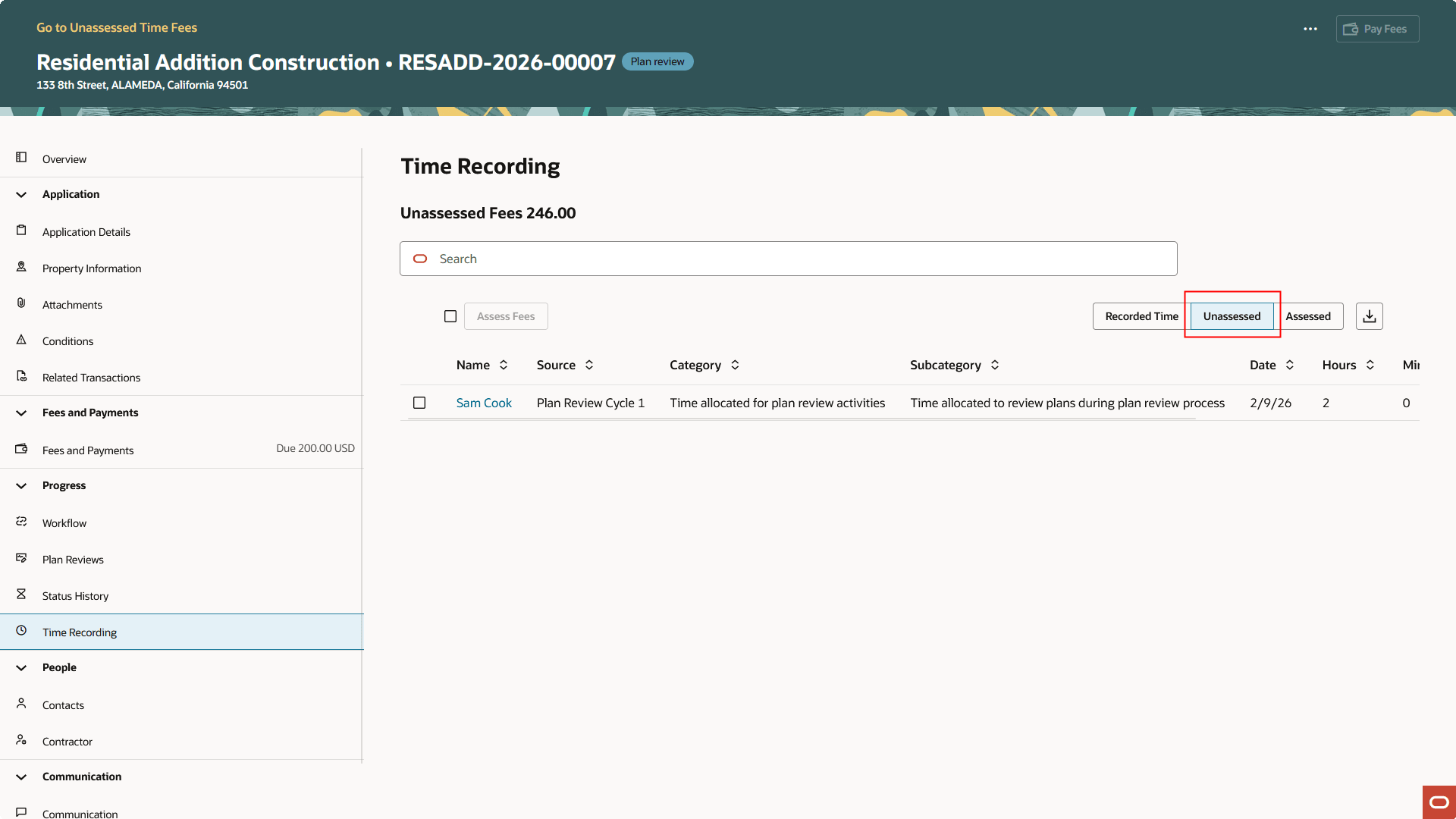
Planning Application - Time Recording Page - Unassessed Tab
The new enhanced user experience built with Visual Builder Studio streamlines the look and feel of the Time Recording pages.
Steps to enable and configure
You don't need to do anything to enable this feature.
Key resources
- See Using Community Development Permits, "Recording and Billing Time", Adding Time Entries on the Oracle Help Center.
- See Using Community Development Permits, "Managing the Permit Application", Viewing Recorded Time on the Oracle Help Center.