Standard ABO: Asset Charge Visibility in ABO Workbench
Oracle CPQ 26C introduces an ABO Workbench enhancement that displays asset charge details, including original sale price and pricing components, directly on each asset. Sales users can review prior pricing information without having to search historical records. Providing historical charge information allows teams to make faster and more informed decisions during renewals, upgrades, downgrades, and customer inquiries.
Feature Highlights:
- Displays original sale price and pricing components directly on the asset.
- Provides visibility into historical information and indicates whether charges are recurring, one-time, or usage-based to support informed decisions.
- Reduces the need to switch to prior records to understand historical pricing context.
- Supports consistent handling of customer questions related to asset pricing.
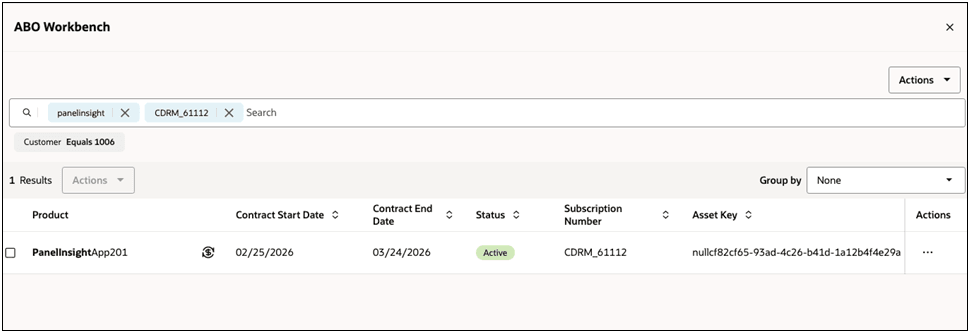
This enhancement improves pricing transparency in ABO workflows and helps teams respond more accurately to customer requests by making historical charge context immediately available during quote and asset-change activities.
Steps to enable and configure
You don't need to do anything to enable this feature.
Tips and considerations
- Use the in-context charge display as the primary reference before processing upgrades, downgrades, and cancellations.
- Validate recurring versus one-time charge interpretation when reviewing complex customer pricing histories.
- Oracle CPQ Standard ABO must be implemented on the site to access the ABO Workbench. Refer to Setting up Standard Asset-Based Ordering for information.