Redwood: Manage Measures Using the Expression Builder and Measure Context
With Oracle Fusion Cloud Supply Chain Planning, you can configure your own measures to analyze aggregated and disaggregated data for your environment.
In this update, the Redwood user experience to manage measures has been enhanced so that you can quickly configure measure expressions and edit-lock expressions using an enhanced expression builder. Additionally, you can set the context for measures required in attribute-based planning.
While creating a measure, in the Dimensionality step in the guided process, you can now select a commonly used granularity or specify one according to your requirement.
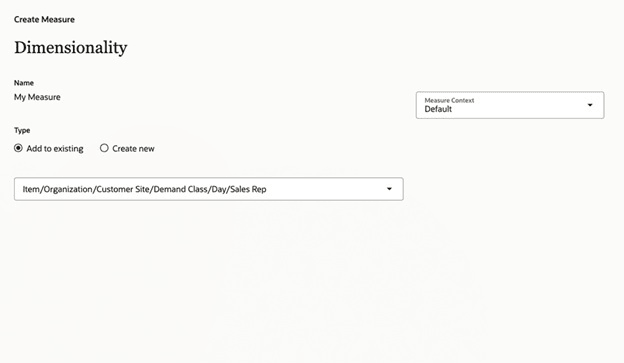
Dimensionality Step in Guided Process
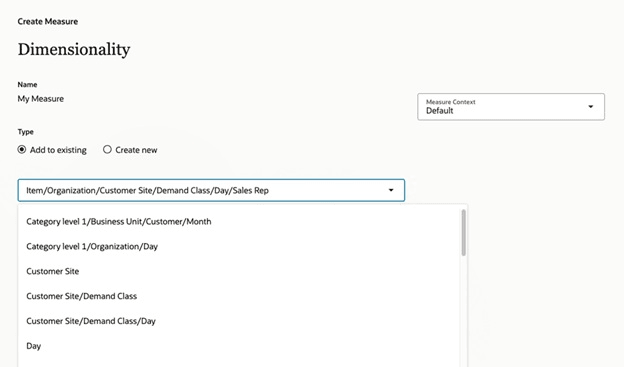
List of Commonly Used Granularities in Dimensionality Step in Guided Process
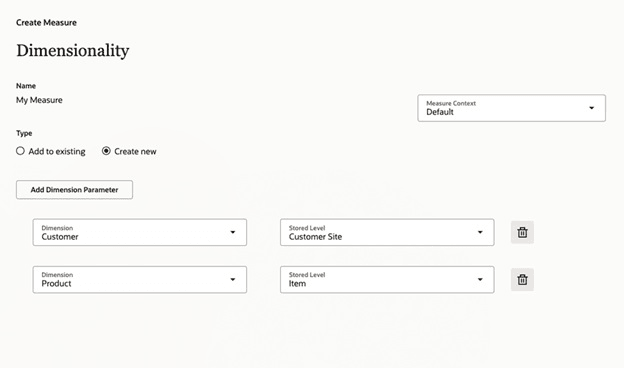
Fields for Specifying Granularity in Dimensionality Step in Guided Process
In the Dimensionality step, you can also specify the context for the measure.
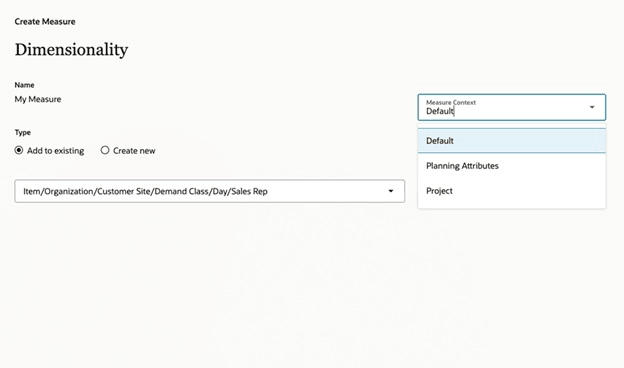
Measure Context Field in Dimensionality Step in Guided Process
In the Expression step, you can now use the expression builder to build and validate your measure expression.
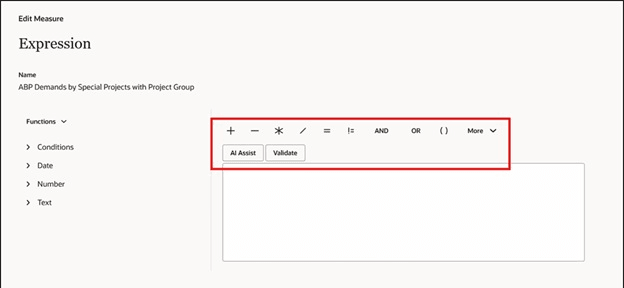
Expression Step in Guided Process
The new Edit Lock step is available when you select the Advanced settings checkbox in the Properties step.
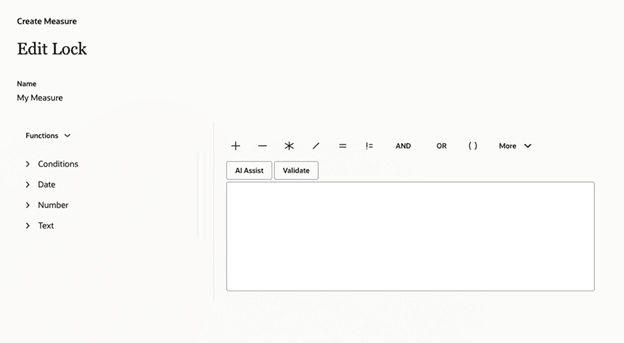
Edit Lock Step in Guided Process
Steps to enable and configure
You don't need to do anything to enable this feature.
Key resources
- Refer to the Cloud Applications Readiness content for the following: Redwood: Manage Measures Using a New User Experience (25D)
- Visit https://redwood.oracle.com/ for more information about the Redwood experience.
Access requirements
Users who are assigned a configured job role that contains these privileges can access this feature:
- Delete Measure Definition (MSC_DELETE_MEASURE_DEFINITION_PRIV)
- Edit Planning Analytics Configuration (MSC_EDIT_PLANNING_ANALYTICS_CONFIGURATION_PRIV)
- Maintain Measure Definition (MSC_MAINTAIN_MEASURE_DEFINITION_PRIV)
- View Measure Definition (MSC_VIEW_MEASURE_DEFINITION_PRIV)
These privileges were available prior to this update.