Redwood: Manage Manual Accrual Adjustments for Customer Annual Volume and Volume Programs
Use a Redwood page to manually create, update, view, or delete adjustments to earned accrual balances for customer annual volume and volume programs. Volume attainment balances aren't adjusted.
Realize these benefits:
- Improves the robustness of the solution to accommodate missed, invalid accruals, or removal of excess balances.
- Reduces time and effort to create starting balances in implementations.
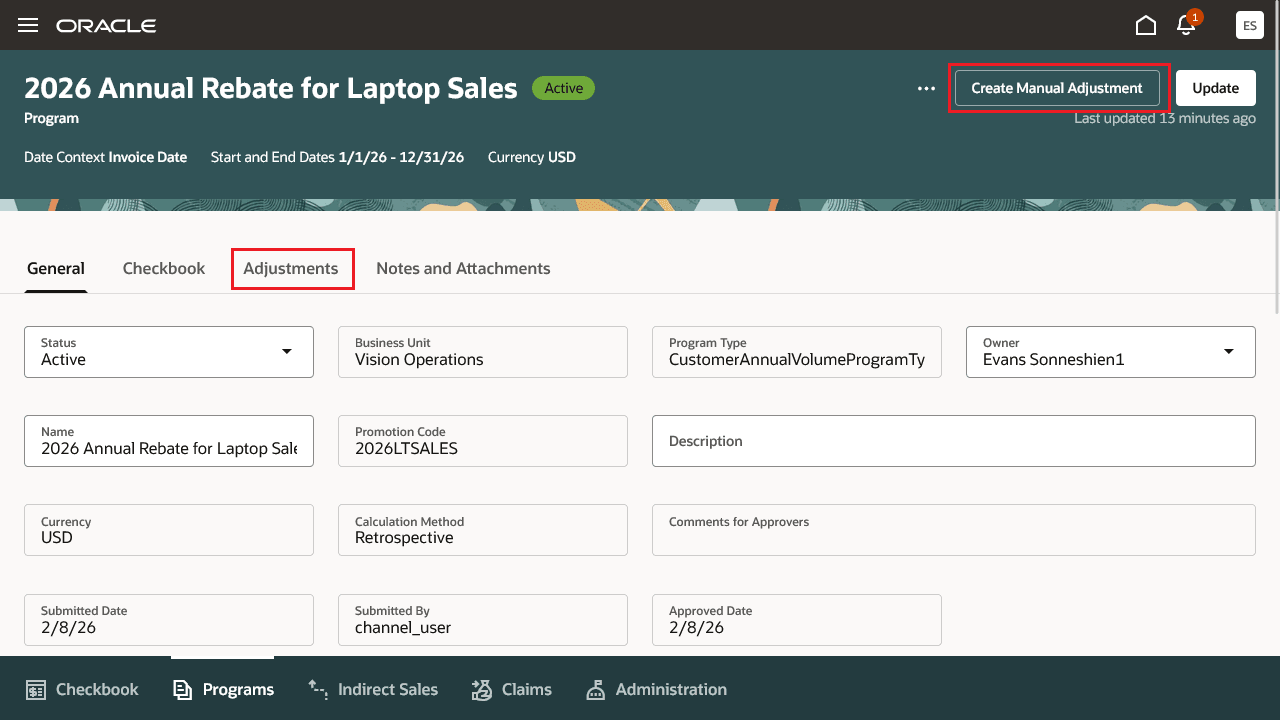
Active Customer Annual Program
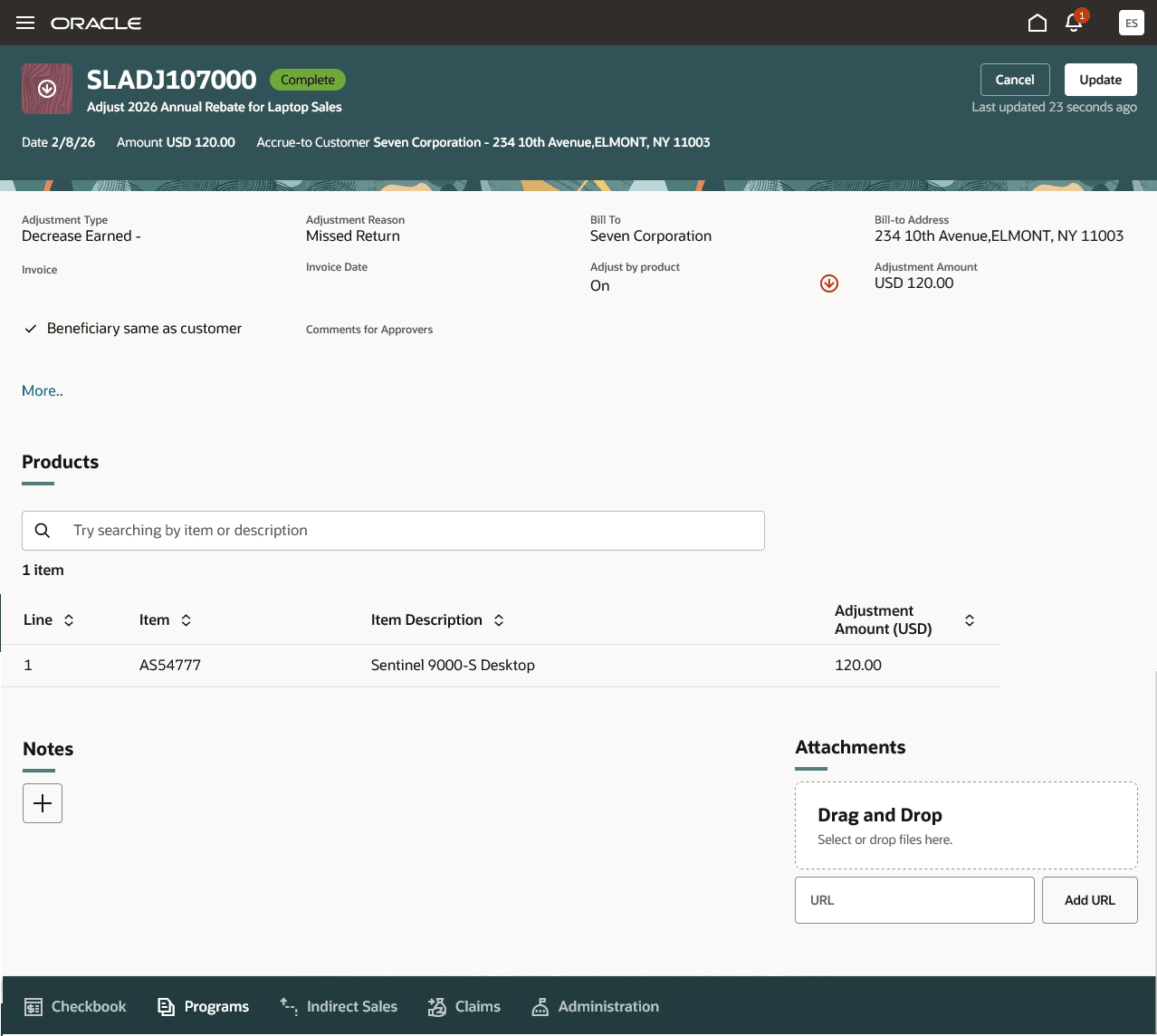
Manual Accrual Adjustment
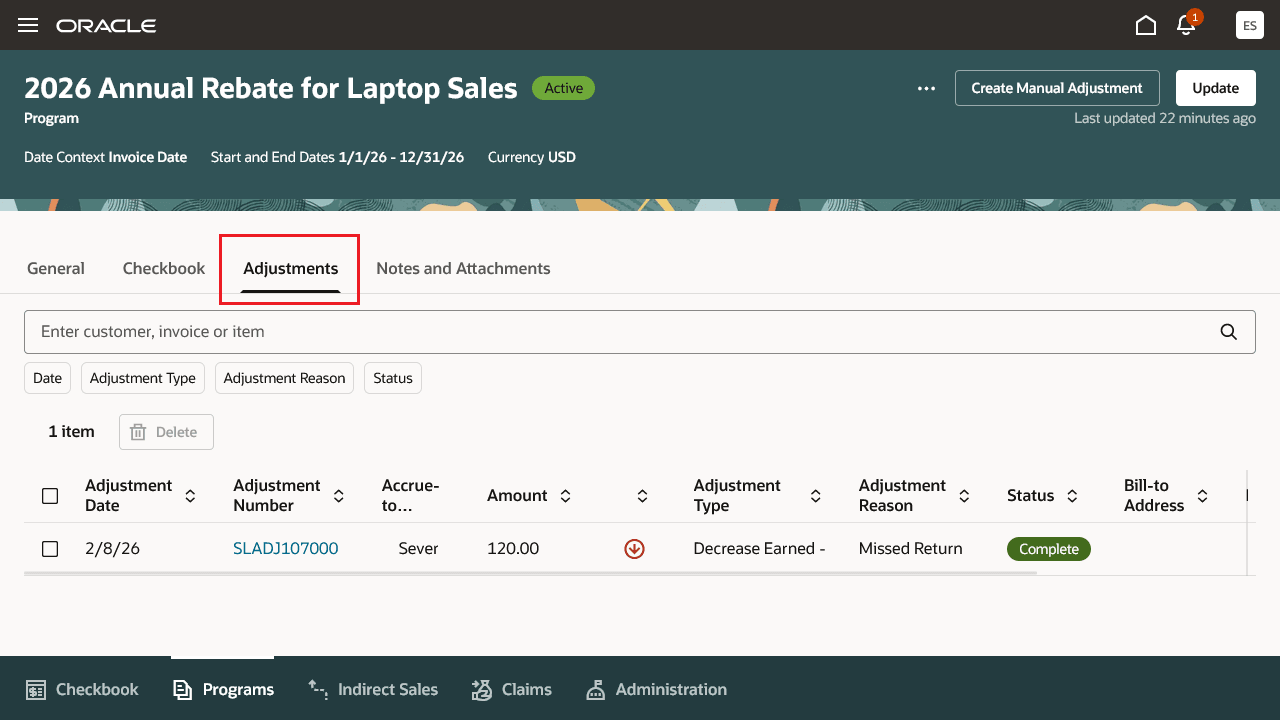
Manual Accrual Adjustments for Customer Annual Program
Steps to enable and configure
Use the Opt In UI to enable this feature. For instructions, refer to the Optional Uptake of New Features section of this document.
Offering: Order Management
If you haven’t implemented Customer Channel Programs, then refer to the Roadmap for Setting up Customer Channel Programs chapter in the Implementing Channel Revenue Management guide.
Tips and considerations
- Use separate adjustment types and reasons if you require different accounting rules for an increase earned, or for a decrease earned.
Key resources
- Watch the Manage Manual Adjustments for Customer Rebate Programs demo.
- Watch Introduction to Customer Channel Management.
- For more information on Channel Revenue Management, refer to the Oracle Cloud Readiness content for Order Management.
- For more information on the Channel Revenue Management Integration with Receivables, refer to the Oracle Cloud Readiness content for Financials.
- Oracle SCM Cloud: Using Oracle Channel Revenue Management Cloud, available on the Oracle Help Center.
- Oracle SCM Cloud: Implementing Oracle Channel Revenue Management Cloud, available on the Oracle Help Center.
- Oracle SCM Cloud: REST API for Oracle SCM Cloud, available on the Oracle Help Center.
Access requirements
Users who are assigned a configured job role that contains this privilege can create, submit, and view customer manual adjustments:
- Manage Customer Manual Adjustments (CJM_MANAGE_CUSTOMER_MANUAL_ADJUSTMENTS_PRIV)
Users who are assigned a configured job role that contains this privilege can view and approve customer manual adjustments:
- Approve Customer Manual Adjustments (CJM_APPROVE_CUSTOMER_MANUAL_ADJUSTMENTS_PRIV)
Users who are assigned a configured job role that contains this privilege can view customer manual adjustments:
- View Customer Manual Adjustments (CJM_VIEW_CUSTOMER_MANUAL_ADJUSTMENTS_PRIV)
These privileges were available prior to this update.