Event Delivery Service: UI Enhancements
The Event Delivery Service configuration UI is now separated into four different screens.
- Introduction - A guide that walks through setting up the destination for Event Delivery Service.
- Configurator - A screen to provide the destination credentials and activate the integration.
- Event Selection - A screen to choose the event type, and the required objects.
- Summary - A screen providing summary of the integration and event selection.
1) The introduction screen provides an overview and the steps to follow for configuring an destination for the events.
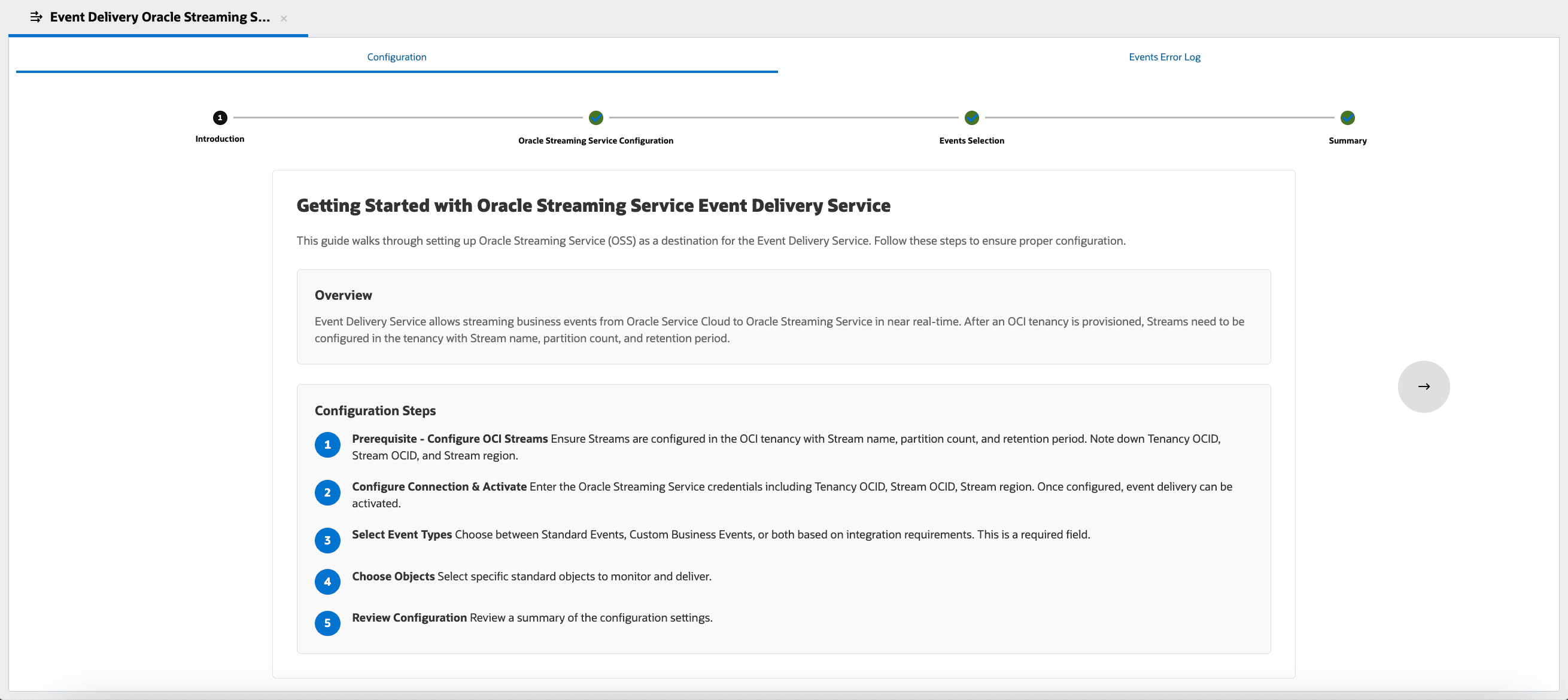
Introduction screen
2) The Configuration screen list the credentials needed for establishing the integration with the destination chosen. The credentials will vary based on the destination chosen.
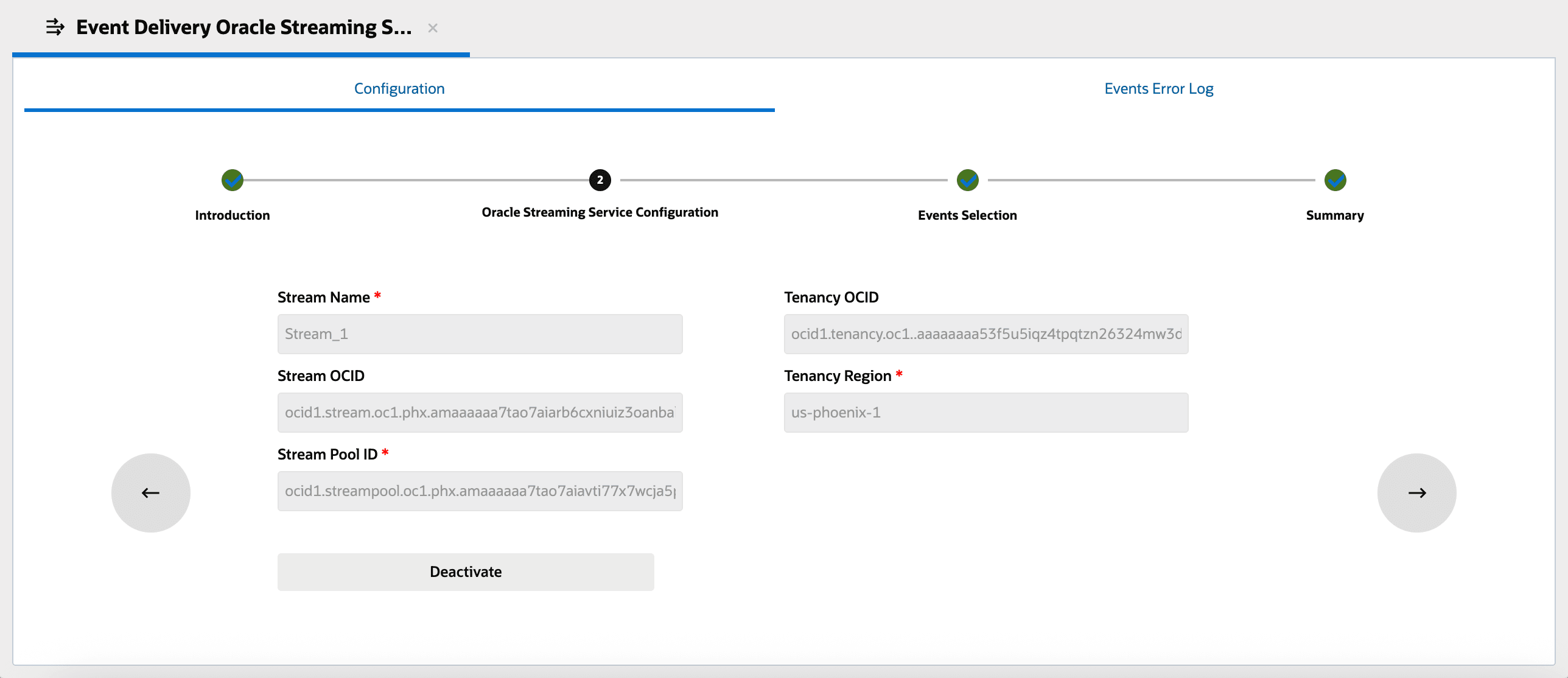
Configuration screen
3) The Event Selection screen allows admins to choose the event type and the required objects.
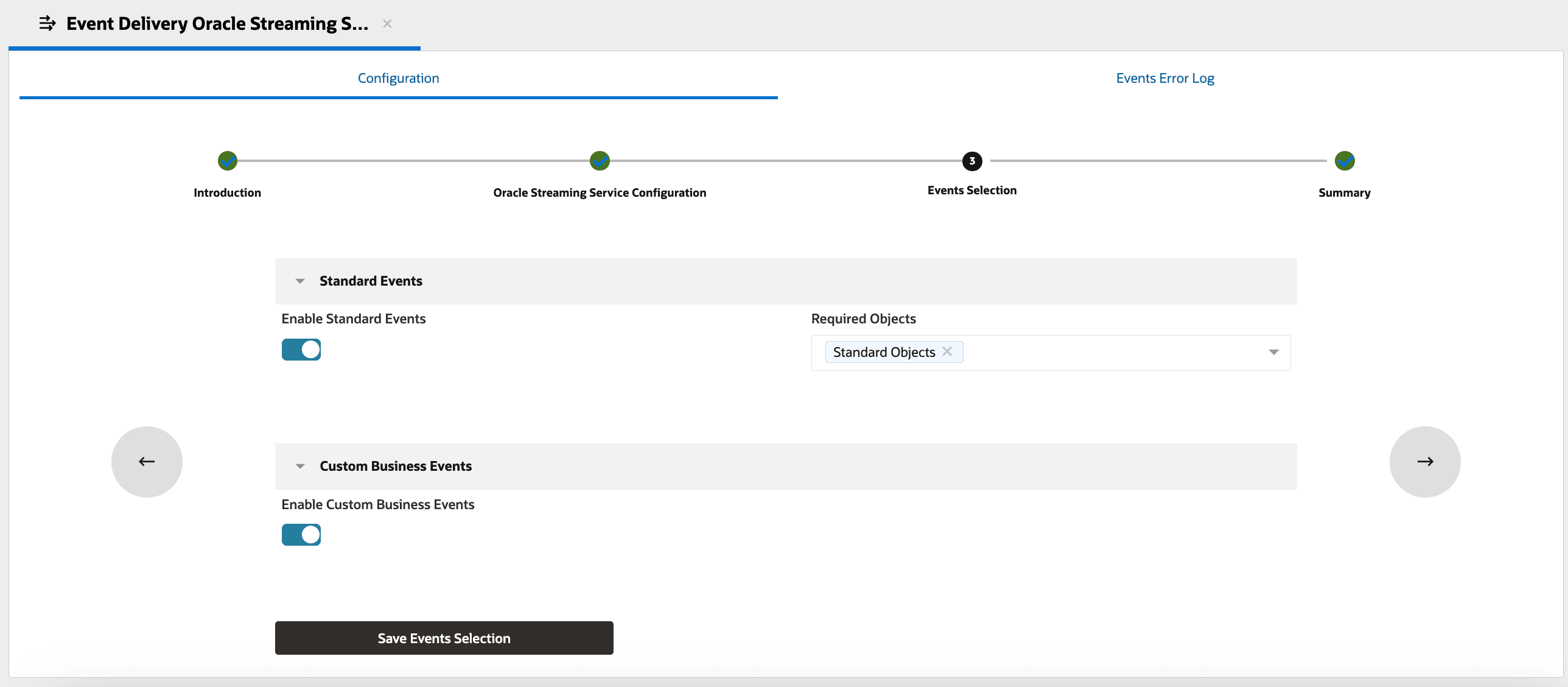
Event Selection screen
4) The Summary screen will provide the summary of the integration with details such as the credentials of the destination, event types selected.
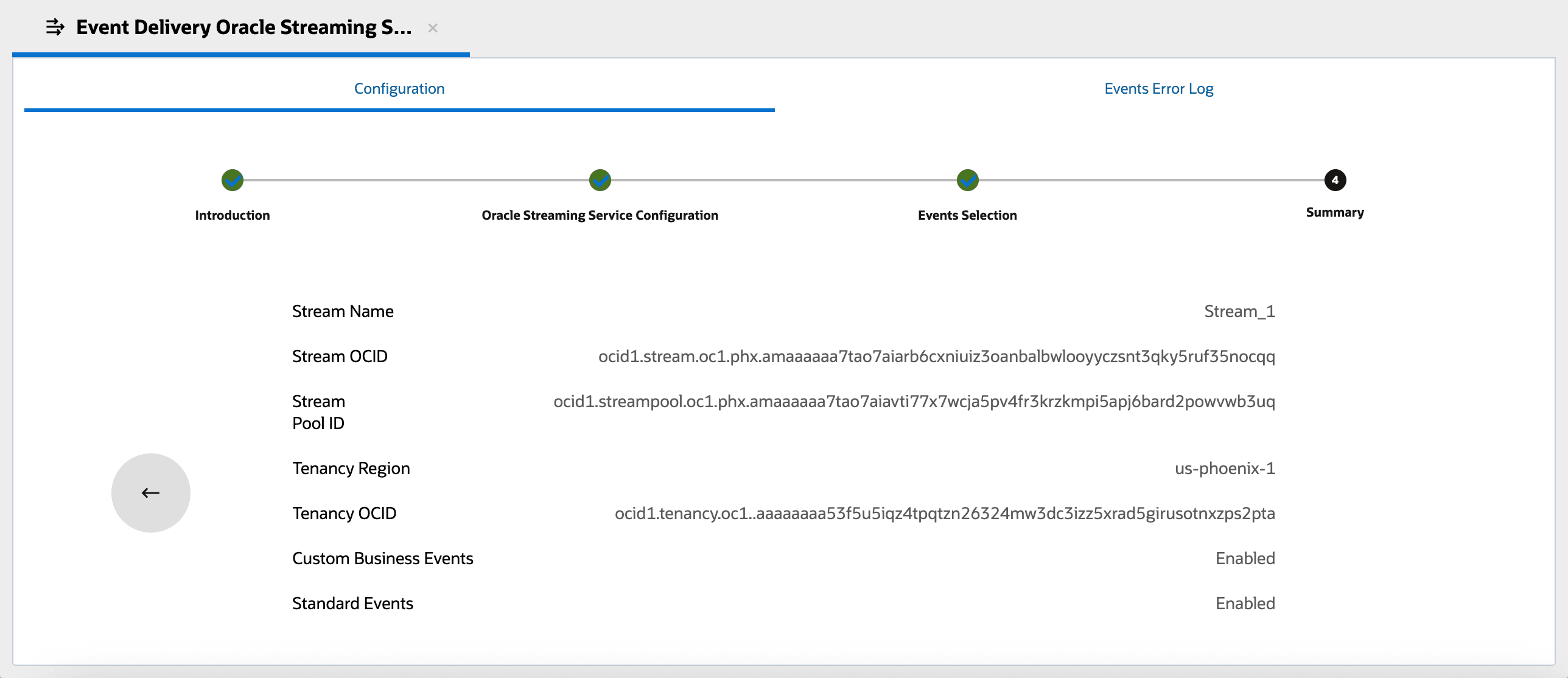
Summary screen
Oracle Integration Cloud Schema Generator
- The enhancement provides a Schema generator for Custom Business Events to help map the event data structure in Oracle Integration Cloud flows.
- The schema generator provides the option to choose the event type (Standard or Custom Business Event) , and the specific or all custom business events.
1) A new tile for Schema Generator is available in Oracle Integration Cloud folder.
Schema generator tile
2) The Schema Generator will allow admins to choose the events types, specific custom business event or all custom business events to get the schema.
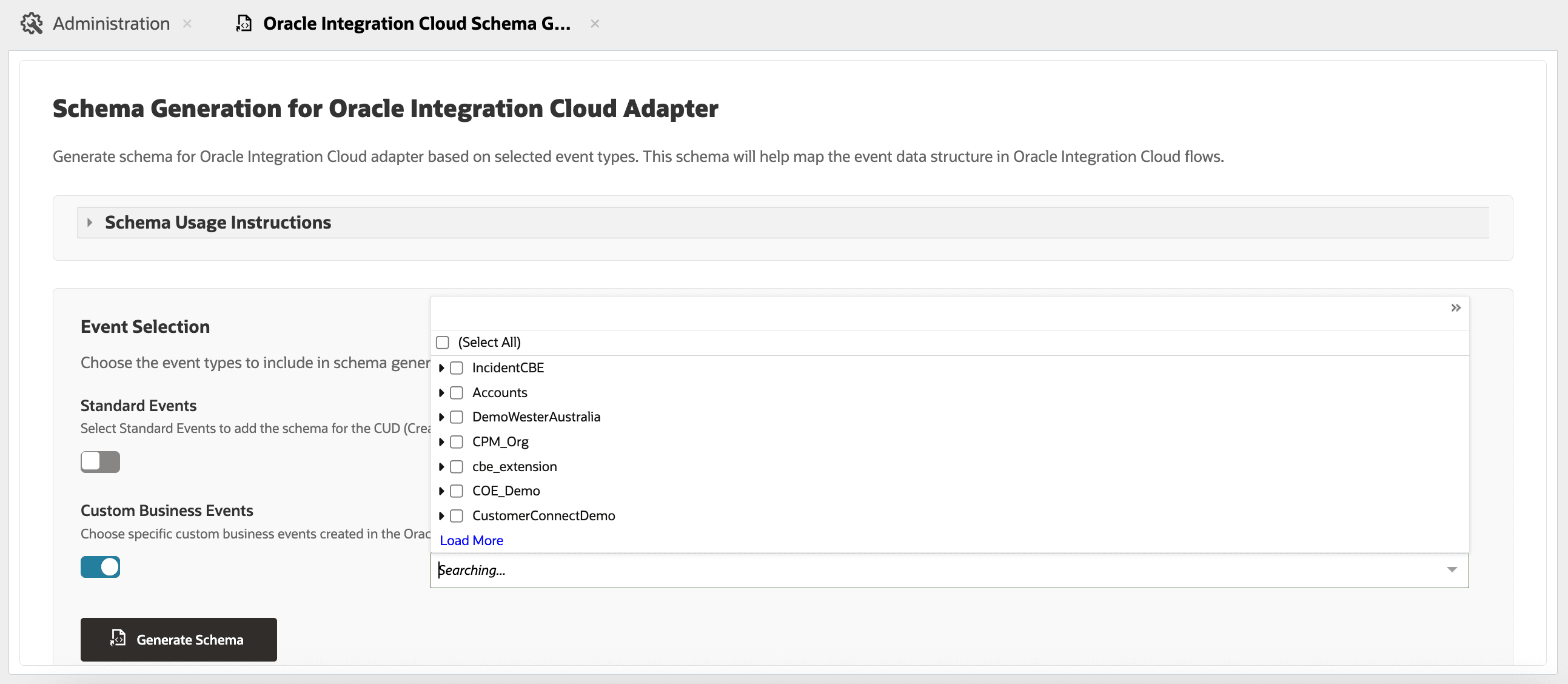
Schema Generator
Business Values:
- Uninterrupted flow of events: Admins can add or remove objects or event types without deactivating the integration.
- Intuitive UI: Separate screens for introduction, configuration, event selection, and summary brings clarity and ease of use for admins enabling Event Delivery Service.
- Copying Schemas: The schema generator enables the admins & developers to copy the schema of Custom Business Events and use it for mapping in the Oracle Integration Cloud flows.
Steps to Enable and Configure
You don't need to do anything to enable this feature.
Tips And Considerations
The feature is available on sites that are in the 25B and above version. The BUI changes are available in non production sites from Oct 3rd, 2025 and in production site from Oct 17th, 2025.