Change the Activity Stream Sort Order on the Service Request Details Page
You can now change the sort order of the activity stream on the Service Request’s details page in Redwood Service Center. Choose to view the newest or oldest activities first, making it easier to follow service request updates in your preferred sequence.
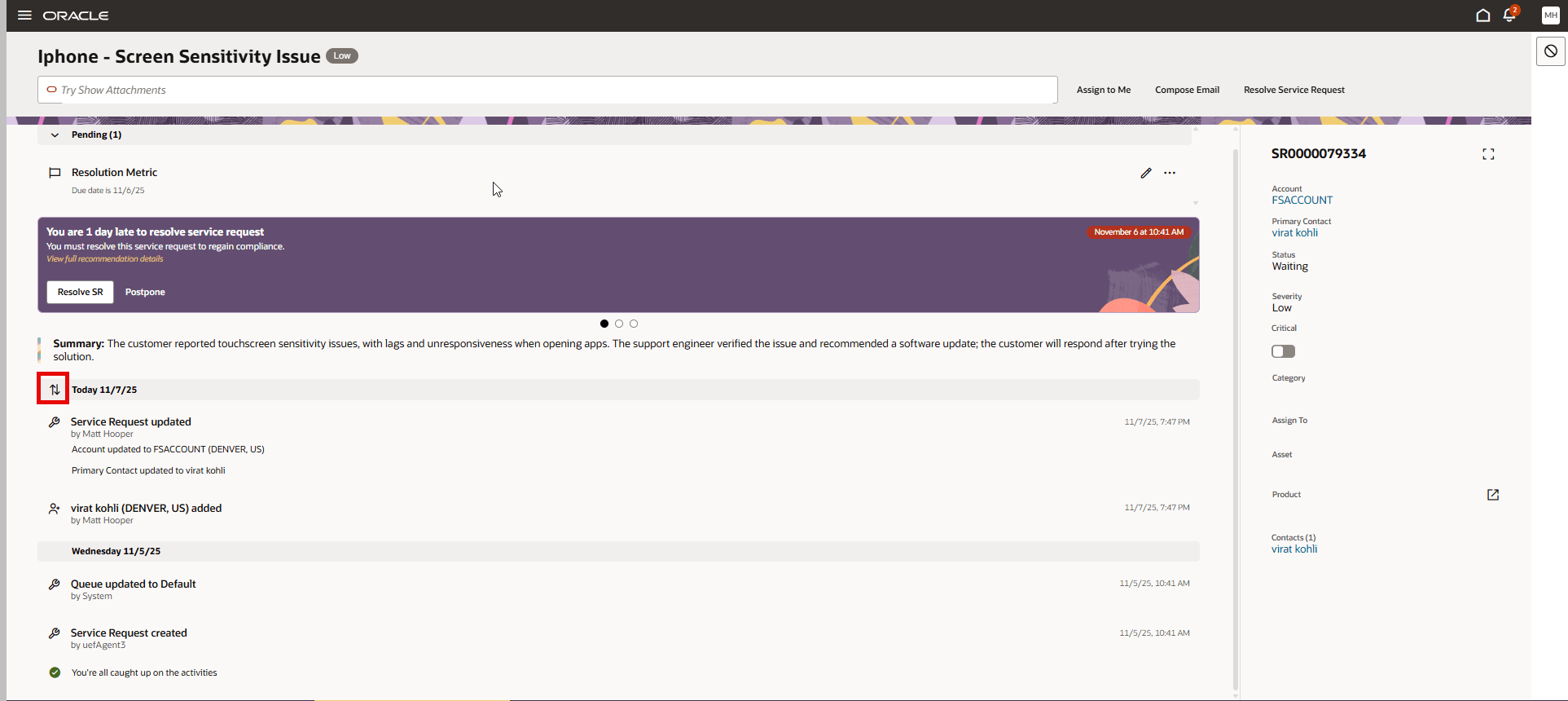
Change Sort Order of Activity Stream Entries
- Allows users to tailor the activity feed to their workflow.
- Improves efficiency by placing the most relevant updates at the top or bottom.
- Reduces time spent searching for specific updates.
Steps to enable and configure
You don't need to do anything to enable this feature.
Tips and considerations
By default the sort order of Activity Stream items in the Service Request Details page puts the most recent item first (descending). With the addition of an up/down toggle icon button, upon click the user can reverse the chronological order to the oldest item first (ascending).
Activities are sorted ascending or descending at "parent level". The sort order for replies inside individual messages/conversations threads will not re-order with this toggle button.
Access requirements
Customer Service Representatives