Agent Browser UI: File Manager
File Manager is now available in the Browser User Interface. Administrators can open File Manager from Navigation > Configuration > Administration > File Manager and select File Manager Tile to work with hosted site files from the File Manager workspace.
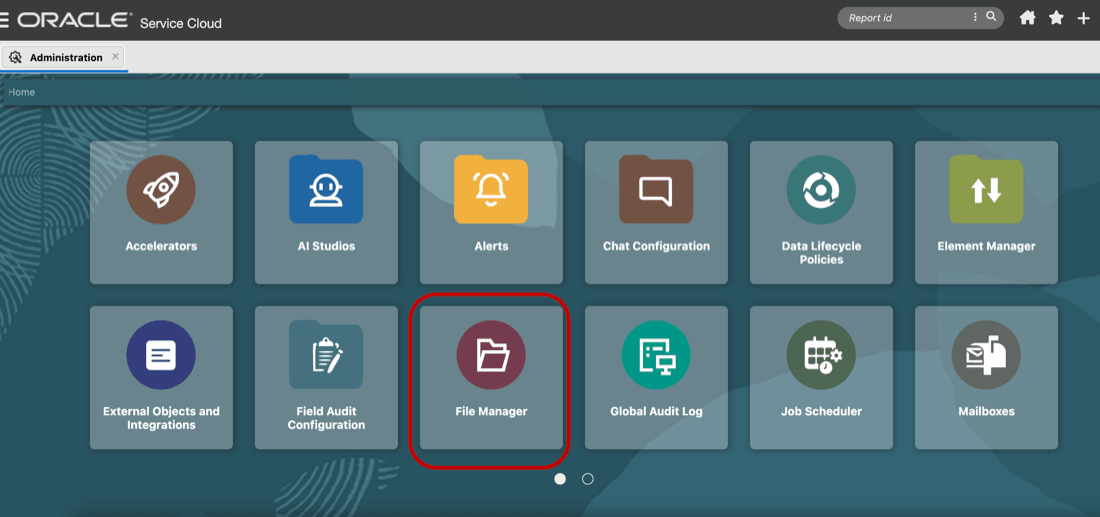
File Manager Tile in Administration
The BUI File Manager provides the existing File Manager capabilities in a modern workspace experience.
- Files open in the ORTL editor, which provides a larger editing area, line numbers, syntax highlighting, file path display.
- Administrators can also open multiple files in nested tabs.
- Administrators can review File Manager activity in an improved Log File view.
- Helps administrators maintain hosted site files more efficiently from BUI.
- Improves file editing and review with the ORTL editor.
- Provides line numbers and syntax highlighting for easier code review.
- Supports multi-tab editing so administrators can compare or update multiple files without leaving File Manager.
- Improves log review by showing File Manager change history, including comments entered for logging purposes.
Steps to enable and configure
The Oracle B2C Service Instance has to be upgraded to 26B version for File Manager to be available in Browser User Interface.